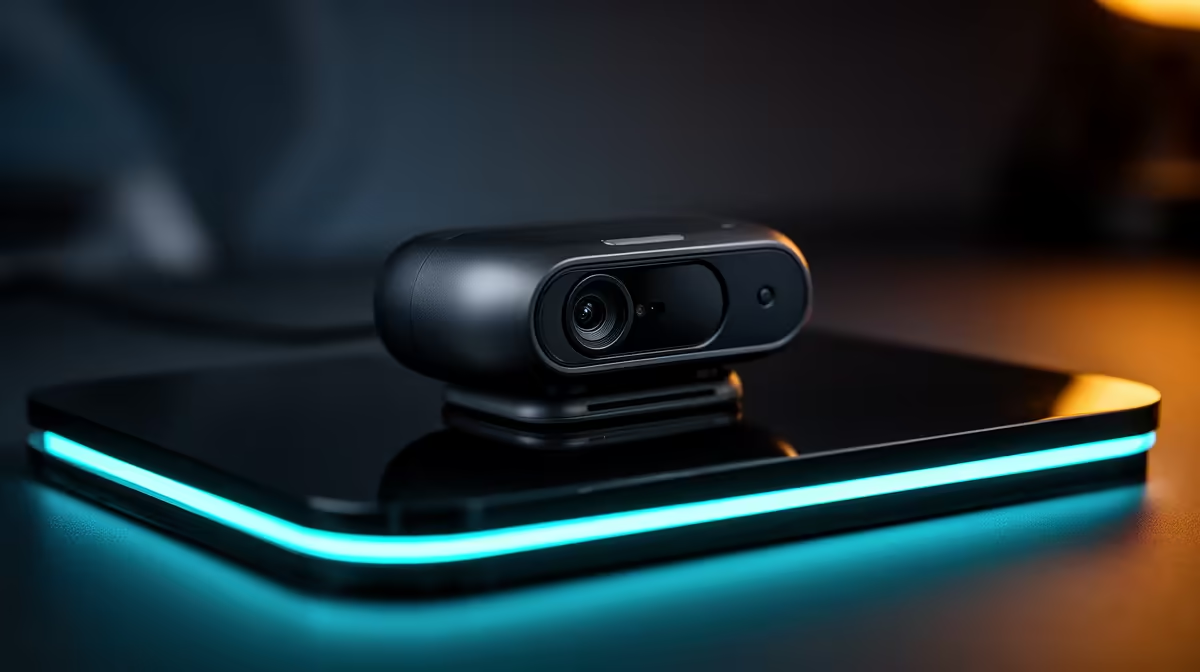
A gimbal webcam earns its keep when you move between a chair, whiteboard and demonstration table without a camera operator. The Insta360 Link 2 targets that job with motorised framing and software tools. The Insta360 Link 2 price in South Africa belongs beside the room, applications and support behind the moving camera.
Quick Answer
Insta360 Link 2 stock and Rand pricing can move across South African specialist listings and overseas routes, so no permanent figure should be assumed. A cross-border camera may add international delivery, customs duty and long-distance gimbal support. Evetech's current webcam category gives you locally listed fixed and tracking cameras to compare.
🎥 Know what the gimbal adds
The Link 2 uses a motorised gimbal to pan and tilt the webcam as tracking follows a presenter. Confirm the exact Link 2 model because similarly named variants can use different mounting or movement systems.
Tracking can keep you centred during a lesson or presentation. It can also move when you would prefer a locked composition.
Check subject-selection and framing controls. A close head shot, upper-body view and room-wide demonstration need different limits.
Look at gesture support and how commands are confirmed. Disable gestures that overlap with normal presentation movements.
4K-class capture can provide fine detail and cropping room. Check frame-rate options, USB bandwidth and computer load at the chosen resolution.
Autofocus and exposure still shape the image. A sharp high-resolution sensor will show poor lighting and clutter clearly.
Decide whether you need movement. A fixed webcam can give a calmer shot and fewer mechanical parts when you remain at the desk.
💻 Check software, mounting and privacy
Confirm the operating systems and meeting applications supported by the current Link software. Corporate computers may restrict driver or companion-app installation.
Check whether core video works without the app and which tracking features depend on it.
Mount the camera near eye level on a stable monitor or stand. A gimbal on a flexible laptop lid can shake as it turns.
Leave clearance around the camera for full motion. A wall, monitor light or cable can block the gimbal.
Learn the physical privacy state and indicator. Do not rely on a remembered software setting in a sensitive room.
Route the USB cable with enough slack for movement but no loop that can catch the motor.
Check how presets are stored. A saved desk view and standing view can be more useful than continuous tracking.
📦 Calculate the delivered creator setup
Use a current quote naming the Link 2 variant, mount, cable, accessories, seller, currency and date. Do not mix a fixed and gimbal model in one comparison.
International freight and customs duty may affect the final Rand amount. Insurance should cover the camera and motorised mount.
Ask who handles dead pixels, gimbal noise, tracking faults, autofocus problems or USB disconnects.
Check whether the mount and cable can be replaced on their own. Small proprietary pieces can stop a working camera from being usable.
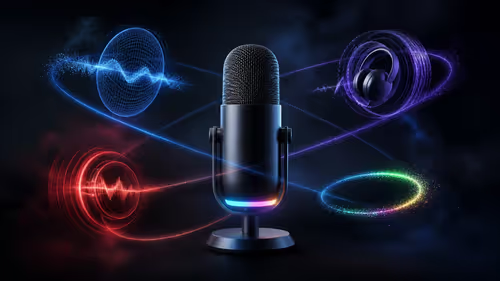
Browse Evetech's streaming essentials for microphones, lights and controls that complete the camera setup.
Compare local webcams by low-light quality, autofocus, field of view, movement, software and warranty. Use live category listings rather than assuming the title model is in stock.
Keep the gimbal support packaging, serial details and proof of purchase. A moving camera needs protection if transported.
Include a microphone and light in the budget. Viewers forgive lower resolution sooner than poor audio or a dark face.
Check whether the supplied mount fits a curved, thin or unusually thick monitor. A separate tripod may give the gimbal a firmer base and a better eye line.
Ask how replacement USB cables and mounts are identified. A working camera can become unusable when one shaped bracket or high-bandwidth lead goes missing.
If the camera travels between home and office, include a protective case. Do not let the unlocked gimbal head carry pressure inside a laptop bag.
Review the seller's first-fault steps for a motor that arrives misaligned. Record a startup video before applying firmware or calibration changes.
🧪 Test framing across a real session
Connect the Link 2 directly and record its factory firmware or software version. Set a supported resolution and frame rate.
Check a static desk shot first. Adjust eye line, exposure and white balance before enabling tracking.
Walk through the full presentation area and watch gimbal limits. Keep important action inside the reliable zone.
Test how tracking behaves when another person enters. Confirm subject switching is deliberate.
Move behind a foreground object and return. Check reacquisition speed and framing.
Try gestures in presentation clothing and room lighting. Keep a mouse or keyboard backup for every command.
Record autofocus on your face and on an item held towards the camera. Choose a mode that supports the real content.
Listen for motor noise through the microphone. Move the mic or camera if gimbal sound reaches the recording.
Test privacy and mute after restarting the computer. Every household or office user should know the visible state.
Save a fixed wide preset for failure recovery. Tracking should never be the only way to finish a meeting.
Test the Link 2 with a virtual background only after physical tracking works. Background segmentation and gimbal movement can compete for computer resources.
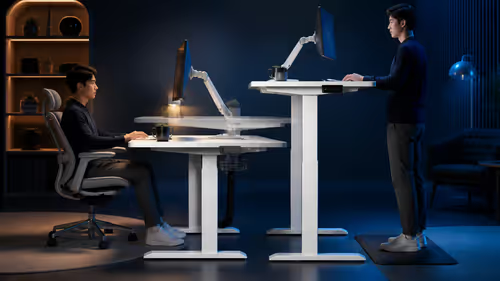
Record a standing presentation with slides, gestures and a product demonstration. That full rehearsal shows whether the camera anticipates your workflow or keeps reacting a beat late.
Check the gimbal's resting or privacy position after the app closes. All users should understand whether the lens can still see the room.
Keep a static webcam or laptop camera configured as a fallback. A meeting should continue even when the companion app requests an update.
Frequently Asked Questions
Is there a fixed South African Insta360 Link 2 price?
No evergreen figure covers changing listings and routes. Use a dated offer for the exact camera variant.
Does Evetech stock the Insta360 Link 2?
Do not infer title-model stock. The linked Evetech pages show the webcams and streaming gear listed now.
What does the gimbal do?
It pans and tilts the camera so supported tracking can keep a presenter framed while they move.
What can customs and delivery add?
The total depends on the actual freight quote, customs assessment, carrier cover and any later journey for service.
Can South Africans obtain local warranty support?
That depends on the seller's written route. Confirm where camera and gimbal faults are diagnosed.
Which local webcam should I choose instead?
Compare Evetech's current range by field of view, low-light quality, autofocus, tracking, software and warranty.
Ready to keep yourself framed while you teach or present?
Browse Evetech's current webcams and streaming essentials, then match the camera movement, lighting and audio to your room.