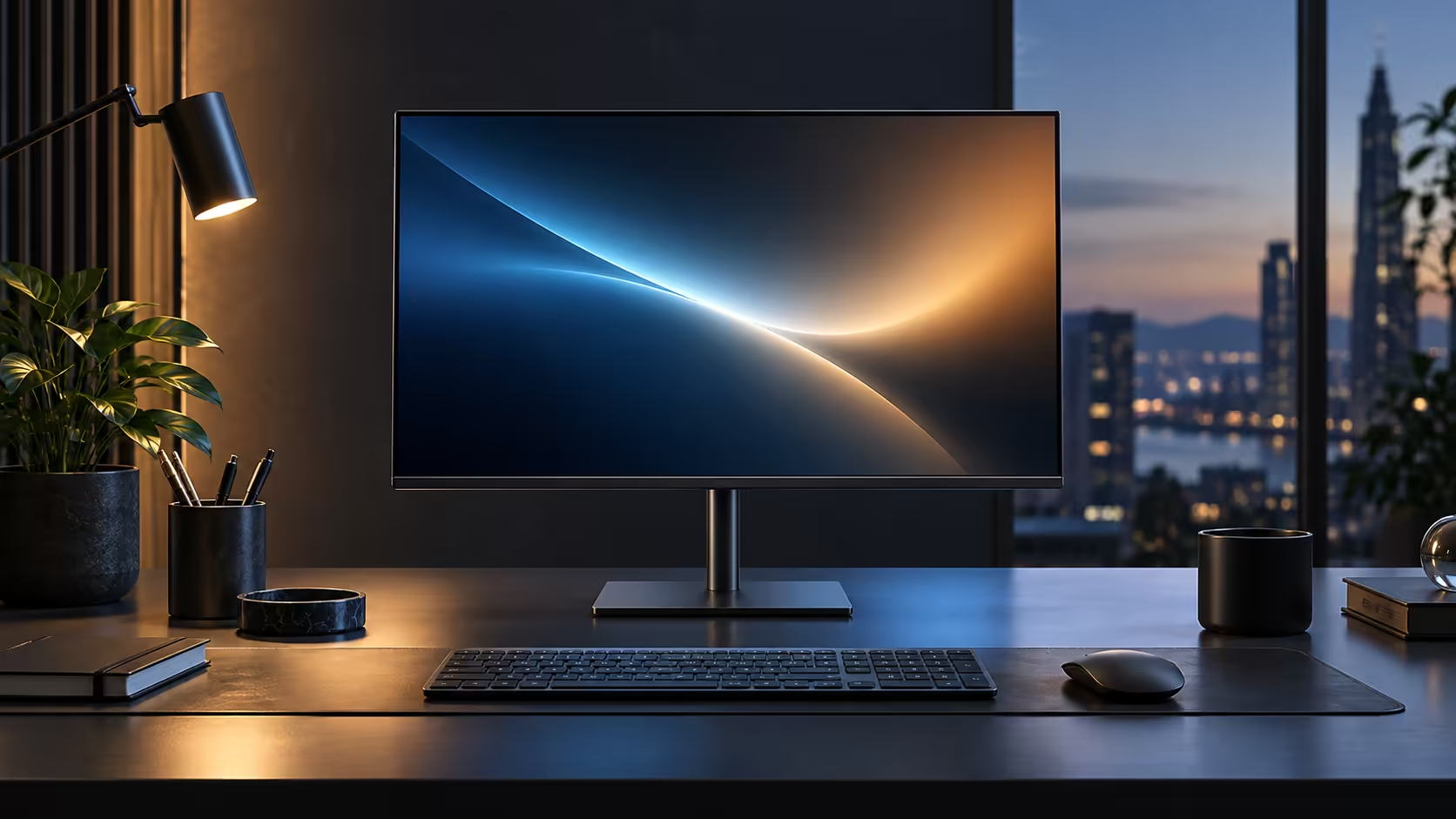
Two people leaning in to read the same screen expose the one real weakness a VA panel has, and it is not colour or contrast. It is what happens to the image the moment you view it from an angle instead of dead centre. The IPS panel in Dell's R6,099 Pro 24 Plus P2425DE is built specifically to avoid that problem.
Quick Answer
IPS holds colour and contrast steady when you look from the side; VA gives deeper blacks viewed straight on but shifts more at an angle. For a desk where two people read the same screen, IPS is the safer pick. The 23.8-inch IPS Dell here runs 2560 x 1440 at R6,099.
👀 What actually changes when you move off-centre
This is the whole argument for IPS in an office setting, so it is worth being specific about what "shifts" actually means.
Look at a VA panel from an angle, roughly 30 to 45 degrees off centre, and colours can noticeably wash out or shift, and dark scenes can lose detail into a grey haze. An IPS panel like the one in the Dell Pro 24 Plus P2425DE holds its colour and contrast far more consistently across that same range of angles, which is why IPS panels are the standard choice for shared or collaborative screens rather than a single person sitting dead centre.
Straight on, the comparison flips: a good VA panel typically shows deeper, richer blacks than IPS, because its liquid crystal layer blocks backlight more completely when viewed head-on.
🖥️ Where each panel type actually wins
Neither type is universally better, and the honest answer depends on how the screen gets used.
IPS wins for any desk regularly viewed from more than 30 degrees off centre, for design and photo work where colour consistency across the whole panel matters, and for a desk positioned where the viewer is often slightly off to one side rather than dead centre. VA wins for a single dedicated viewer sitting centred, especially for dark content like video or contrast-heavy dashboards, where the deeper native black level shows up clearly.
🎨 Colour consistency across the whole screen, not just the centre
There is a second, less obvious IPS advantage that matters for anyone doing detailed visual work.
Even viewed head-on, a large panel's edges and corners sit at a slight angle relative to your eyes compared with the centre of the screen. On a VA panel this can produce a faint but real difference in brightness or colour between the middle and the corners, sometimes called clouding or vignetting at the edges. IPS panels are far more resistant to this effect, which matters more as screen size increases and matters little on a document you read one paragraph at a time. Browse the wider monitor range to compare panel types directly, and check curved monitors if a wraparound field of view is also on your list, alongside the office monitor range.
🧪 A simple way to test a panel's angle behaviour yourself
You do not need a colourimeter to notice the difference; a quick visual test does the job.
Open a plain white or light grey background, like a blank document, and view it dead centre first, then lean slowly to one side while watching the corners of the screen. On a VA panel you will typically see a faint darkening or colour shift creep in from the edges as you move off-centre. On an IPS panel like the one in the Dell Pro 24 Plus P2425DE, that same white background stays close to uniform across a much wider range of viewing angles. This test takes under 1 minute in a shop or at home and is a more honest comparison than reading a spec sheet's viewing-angle number alone, since manufacturers measure that figure differently across brands.
💡 Brightness uniformity matters alongside angle behaviour
A panel can pass the angle test and still show uneven brightness, which is a related but separate check worth doing at the same time.
With the same plain white background filling the screen, look for any patches that appear noticeably brighter or dimmer than the rest, particularly near the corners. Some uniformity variation is normal on almost any LCD panel, but a large, obvious hotspot or dark patch is worth flagging within the first 7 days of ownership rather than living with for years, especially on a screen used for any kind of visual or design work.
🌓 How each panel type handles a mixed-lighting office
Most South African offices and home desks are not evenly lit, and panel type interacts with that reality more than spec sheets usually mention.
A desk near a window during the day, then lit by overhead fluorescent or LED panels in the evening, throws changing amounts of ambient light across the screen at different angles through the day. IPS panels hold their colour and contrast more consistently as that ambient lighting shifts, since the angle-dependent washout that affects VA panels compounds with whatever glare is already hitting the glass. This is a smaller factor than direct viewing angle, but it adds up over an 8-hour day for anyone whose desk is not in a fixed, controlled-lighting room.
🖥️ Matching panel type to the actual job on the screen
The honest recommendation depends on what fills the screen most often, not a blanket rule either way.
A desk running spreadsheets, documents, browsers and video calls all day gets more consistent day-to-day results from IPS, simply because that mix of content is judged on colour accuracy and text clarity rather than deep blacks. A desk dedicated mostly to watching video content in a dim, controlled room, with one person sitting centred, is exactly the scenario where VA's contrast advantage shows to best effect. The 23.8-inch Dell Pro 24 Plus P2425DE is built for the first case.
Frequently Asked Questions
Is IPS always better than VA for office work?
Not always, but it is the safer default for any desk viewed from more than one angle, which describes most shared or collaborative setups.
Why does VA look better in some demo videos?
Demo footage is often shot dead centre with dark, high-contrast content, which is exactly where VA's deeper native black level shows to its best advantage.
Does IPS have any real weakness compared with VA?
Native contrast ratio is typically lower than VA, so blacks look slightly greyer on IPS in a dark room, even though colour consistency across viewing angles is stronger.
Does panel type affect how sharp the text looks?
No. Sharpness comes from resolution and pixel density, not panel technology. IPS and VA panels at the same resolution show equally sharp text.
Ready to pick the right panel type for how your desk actually gets used?
Think about how often more than one person views the screen before choosing between IPS and VA.