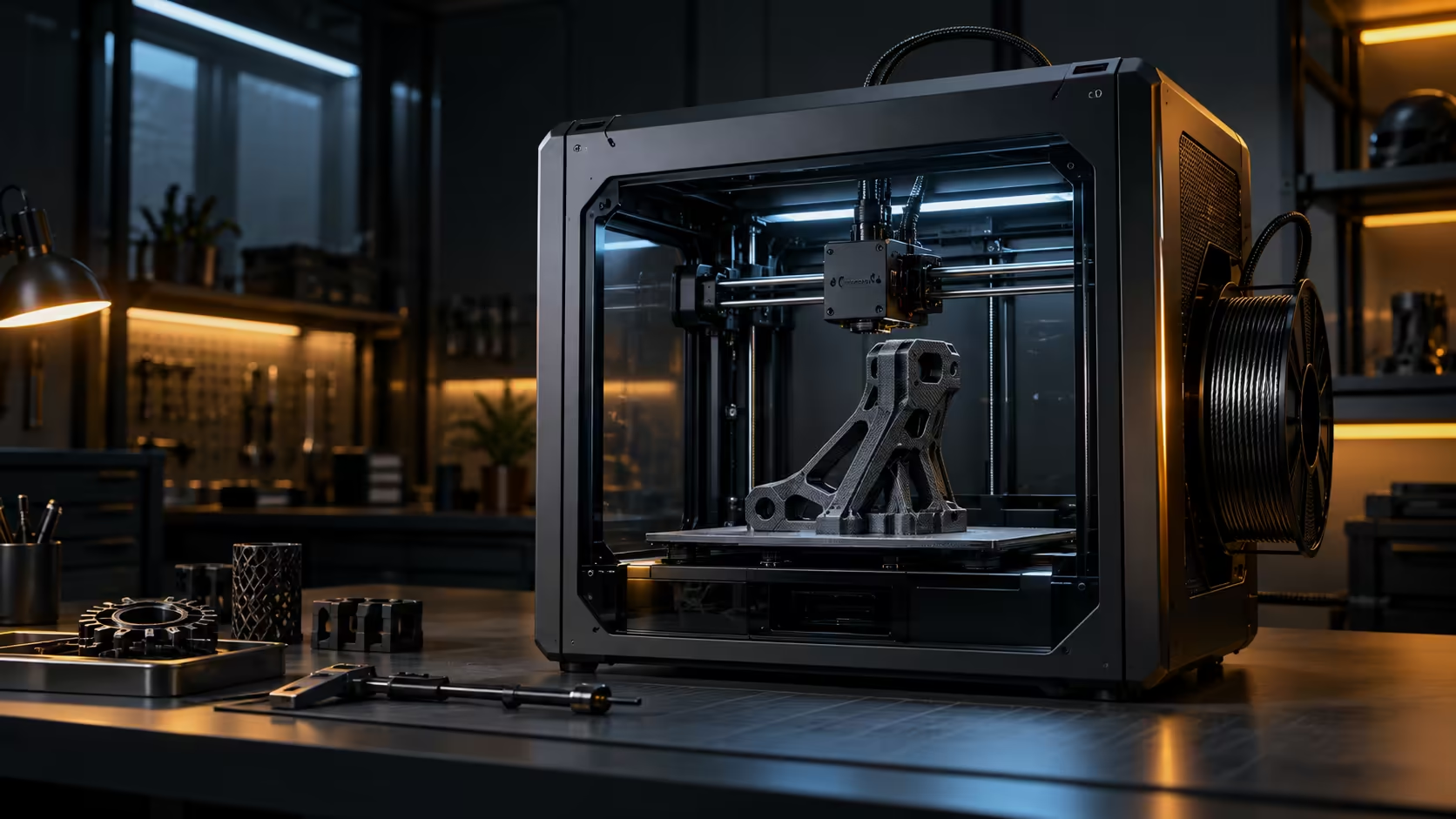
Value on a 3D printer rarely shows up in a single print, it shows up across a whole month of revisions, retries and small jobs that either pile up unfinished or get cleared out quickly and cleanly. Is a 600mm/s CoreXY 3D printer worth it for home and small-business use is really a question about how many of those small jobs you actually run in a typical week.
Quick Answer
It is worth it once you are spending more time waiting on prints than designing them, since that is exactly the bottleneck 600mm/s and 20000mm/s2 of acceleration are built to shrink. A nine-hour job landing in something closer to four changes how many design revisions fit into a working week, which is the real return on the R12,599 Creality K1C rather than any single headline speed figure.
⏳ Where the waiting actually happens
Most home and small-business printing is not one big flagship print, it is a string of smaller jobs: a revised bracket, a replacement part, a batch of the same small item. Each one carries its own wait time, and a slow printer turns a 7-day week of 5 small revisions into a week where only 3 get finished before something else needs attention.
Speed pays off cumulatively here rather than dramatically on any single job, which is why it is easy to underestimate until you actually track how many separate prints run through a machine in a typical month.
🏠 Home use: fitting printing around everything else
At home, a printer competes with the rest of a household's schedule, evenings, weekends, whatever time is actually available. A job that finishes in 4 hours instead of 9 fits into an evening rather than needing to run overnight or across 2 days, which for many home users is the difference between printing regularly and printing rarely because it never quite fits the available time.
💼 Small business: speed as a scheduling tool
For a small business, faster turnaround is not just convenience, it directly affects how many jobs the machine can take on in a given week. A workshop that can promise a client a part in two days rather than four is more competitive purely on scheduling, independent of price or quality, which is a real advantage a slower machine cannot offer regardless of how good its output looks.
Weigh this against your actual print volume rather than assuming speed helps everyone equally; an occasional hobbyist gets less compounding value from it than someone printing daily. Check the 3D printer range against your realistic workload, browse filament for whatever materials your projects need, and consider a proper workstation if design work alongside printing is part of the same small-business setup.
📊 Counting your own actual print volume
Before deciding whether speed is worth paying for, spend a week tracking how many separate print jobs actually run through your printer, not just the total hours it spends printing. A single 10-hour print counts very differently to this decision than 5 separate 2-hour jobs, since the latter is exactly the pattern that benefits most from faster turnaround between jobs.
Most home users underestimate this number until they actually count it properly, since small jobs, replacement parts, minor design revisions, and one-off brackets all tend to blur together in memory while the single big flagship print is the one that actually gets remembered and talked about. Once you have a real weekly count, multiply it by the time saved per job at higher speed, and that figure, not the machine's rated top speed, is the honest answer to whether the extra cost is worth it for your specific situation.
🔧 What speed does not solve
Speed alone does not fix a poorly designed part, a bad slicer profile, or a workflow where the bottleneck is actually design time rather than print time. If most of a project's delay comes from deciding what to print rather than waiting for it to finish, a faster machine addresses the wrong end of the problem, and the money might be better spent on design software or simply more practice with the slicer instead.
Be honest about which part of your process is actually slow before assuming a faster printer is the fix, since buying speed to solve a design bottleneck that eats up 2 or 3 hours per project is a common and avoidable way to overspend on the wrong upgrade entirely.
🏠 Home versus small-business economics side by side
The maths behind this decision looks different depending on which side of the printer you sit on. At home, the value of speed is measured mostly in evenings freed up and projects that no longer spill uninvited into the following weekend, a real but genuinely hard-to-put-a-number-on benefit that still matters enormously to anyone squeezing a hobby into limited spare time after work.
For a small business, that same speed advantage translates directly into billable capacity: a machine finishing jobs in 4 hours instead of 9 can, in principle, take on more than double the client work across the same 5-day working week, assuming design time and post-processing do not quietly become the new bottleneck in their place. That difference alone can justify the price gap between a faster and a slower machine within the first few months of steady client work, which is a return calculation a home hobbyist simply does not have available to them in quite the same practical, bottom-line way.
Frequently Asked Questions
Does print speed matter for occasional hobbyist use?
It helps, but the value compounds most for regular or frequent printing, where the time saved adds up across many jobs rather than one.
How much faster is a real print, not just the top-line speed figure?
Real-world gains vary by model complexity, but a dense functional part can realistically drop from around nine hours to closer to four.
Is speed the main factor for small-business viability?
It is one factor among several, including reliability and material capability, but it directly affects how many jobs a business can turn around in a given time.
Should a beginner prioritise speed over ease of use?
Reliability and ease of use generally matter more early on; speed becomes more valuable once volume and confidence with the machine both increase.
Wondering if a faster printer is worth it for your actual workload?
Count how many small jobs run through your printer in a typical week before deciding.