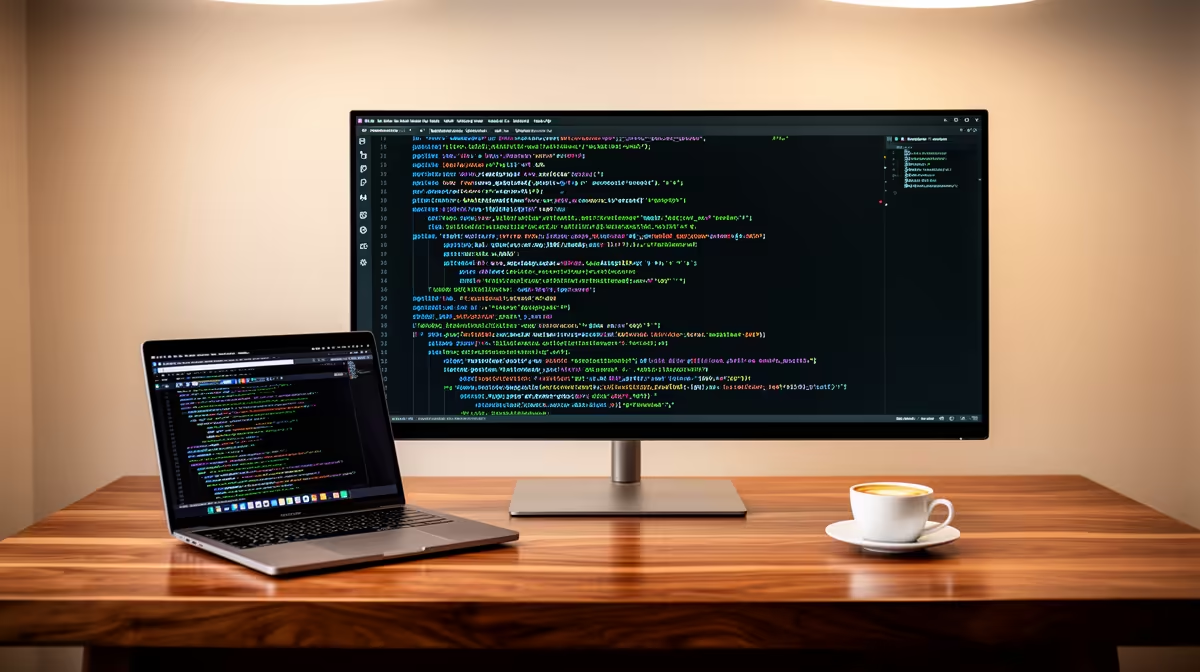
The MSI PRO MP275W at R1,850 suits web developers who want a sensible desk display without paying extra for features they may not need. A USB-C monitor can be convenient, but for most coding work in SA, panel size, readable FHD space, and stable pricing matter more than chasing one-cable docking.
Practical monitor picks for coding desks
The Dell SE2726H 27in FHD 144Hz at R1,797 is the strongest value if you want more visible code, browser preview space, and documentation on the same screen. Its 27in FHD size gives a roomier canvas, while the 144Hz refresh rate makes scrolling through long files and dashboards feel smoother.
The Dell SE2426H 23.8in FHD at R1,532 is better for tighter desks where a large screen would dominate the setup. The 23.8in FHD spec is practical for a laptop-plus-monitor arrangement, especially when you mostly keep an editor open with a browser beside it.
SA home office web development setup
For a developer desk in a spare room, study corner, or small flat, the Dahua LM27 100Hz at R1,500 is a low-cost way to get a 27in screen for local projects, admin portals, and browser testing. The 100Hz spec is a useful middle ground if you want smoother movement than a basic office panel without stretching the budget.
The short answer: USB-C is worth paying for only if your laptop setup genuinely needs one-cable simplicity. Otherwise, the MSI PRO MP275W at R1,850, Dell SE2726H at R1,797, Dell SE2426H at R1,532, and Dahua LM27 at R1,500 give you clearer ways to spend on the screen itself.
Ready to choose the right monitor?
Compare the listed monitor range and pick the screen size, refresh rate, and price that fit your desk.