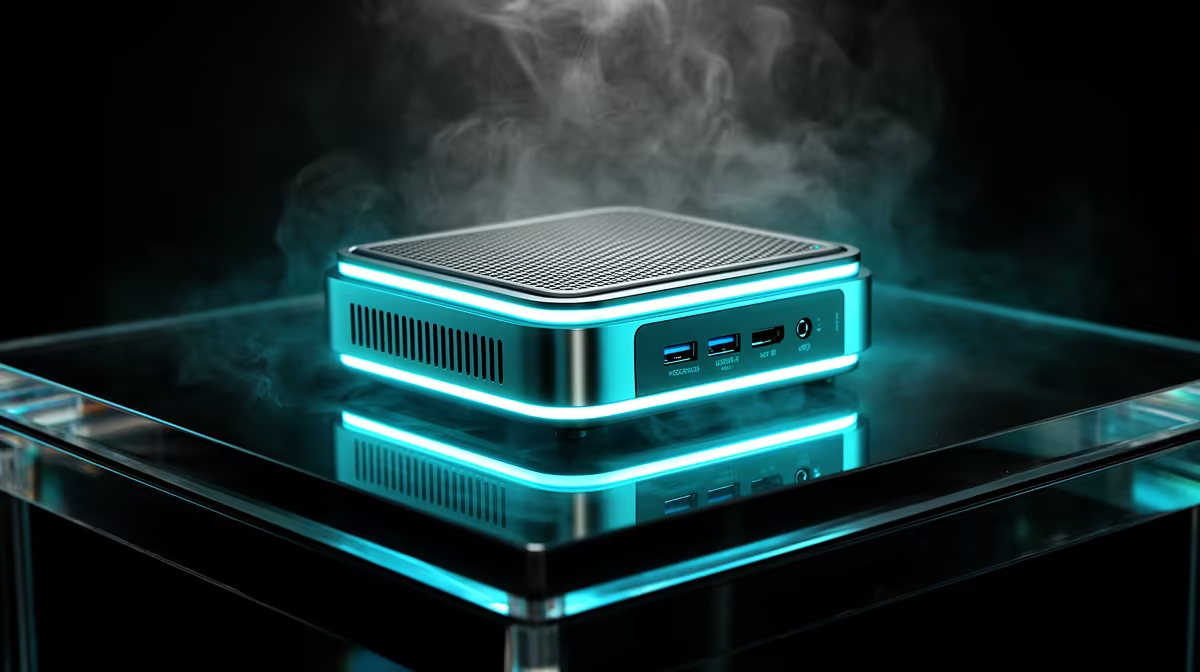
A tower PC humming away 24/7 as a home server quietly eats electricity you never notice until the bill lands. Swap it for a low-power always-on mini PC and the maths shifts hard in your favour: a machine pulling roughly 10W instead of 70W cuts that device's draw by around 85% over continuous operation. For SA households running a home server, NAS, or always-on office box, that is real money saved every month at current tariffs.
Quick Answer
A 10W always-on mini PC uses about 85% less electricity than a 70W tower doing the same 24/7 job. Over a year of continuous running the difference is tens of kilowatt-hours, which translates into meaningful savings on SA electricity rates. For light always-on duties, a mini PC built on an efficient chip like the N100 is the sensible choice over a full tower.
Why always-on power draw matters so much in SA
A device that runs around the clock costs you for every single hour, so its idle power draw matters far more than its peak. A conventional tower idling at 70W and never sleeping pulls roughly 1.7 kWh a day. A mini PC sipping 10W pulls about 0.24 kWh a day for the same uptime. Multiply across a month and the gap is stark.
With SA electricity tariffs where they sit, shaving 60W off a 24/7 machine is one of the easiest efficiency wins in a home setup. You are not changing what the machine does, only how much it costs to keep it doing it. Mini PCs make that swap practical without giving up the always-on convenience.
What a low-power mini PC can actually handle
The worry is always whether something this small does enough. For always-on roles, modern efficient chips are surprisingly capable. An N100-class mini PC comfortably runs a home server, a Pi-hole-style network filter, a media server for local streaming, light file-sharing duty, and several containers at once.
These chips deliver enough performance for background services while sipping power, which is exactly the balance an always-on box needs. You are not gaming or editing 4K on one, but for the quiet, constant jobs that justify leaving a machine on, they are ideal. The full mini PC range at Evetech covers the efficient models suited to this kind of duty.
Mini PC as a home server
A home server's whole appeal is that it never sleeps, which makes power efficiency the deciding spec. A mini PC running a lightweight server OS handles automation, backups, and self-hosted apps while drawing a fraction of a tower's wattage. The small footprint also means it tucks behind a router or onto a shelf, out of sight and silent.
Mini PC as a NAS or file hub
For network storage and file sharing, throughput and uptime matter more than raw compute. A low-power mini PC paired with external or internal SSD storage serves files across the home network reliably while keeping the always-on energy cost minimal. For households consolidating media and backups onto one quiet box, this is the efficient route.
Reliability and protection for an always-on setup
A machine that never sleeps also never forgives a sudden power cut. In SA, brief voltage dips and short outages are common enough to warrant pairing your always-on mini PC with a small UPS (uninterruptible power supply). Because an N100 mini PC draws so little power, even a compact entry-level UPS can keep it running through most brief interruptions and provide enough time for a clean shutdown if the power stays out. Protecting the drives from unexpected shutoffs is particularly important if the box is running a NAS or file server where data integrity matters.
The trade-offs to weigh honestly
A mini PC is not a tower in a smaller shell. You give up easy internal expansion, multiple drive bays, and the headroom to drop in a powerful GPU later. For an always-on server, NAS, or office machine, none of that usually matters, since those roles never needed it. But if you think you will later want heavy virtualisation or local AI workloads, size the chip and RAM accordingly up front, because you cannot expand much afterward.
Thermals are rarely an issue at these power levels, and most mini PCs run passively or with a quiet fan, which suits a living-room or office shelf. For buyers comparing efficient builds, the PC best sellers list shows which compact machines SA shoppers are choosing for always-on duty.
Who should make the switch
If you currently leave a full tower running purely to host a few services, a mini PC pays for its efficiency over time and frees up space. If your always-on needs are light, a server, a NAS, a network filter, or a low-traffic office box, the move is an easy call. If you genuinely need expandability or serious compute, keep the tower for those jobs and let a mini PC handle the constant background work.
Frequently Asked Questions
How much electricity does a mini PC save versus a tower?
A mini PC drawing around 10W uses roughly 85% less power than a 70W tower running the same 24/7 workload. Over a year of continuous operation that adds up to a meaningful saving on SA electricity rates.
Can a mini PC run a home server?
Yes. An efficient N100-class mini PC comfortably handles a home server, media server, network filter, and several lightweight containers while sipping power, which is exactly what an always-on box needs.
What can't a low-power mini PC do well?
It is not built for gaming, heavy 4K editing, or serious local AI workloads, and it offers limited internal expansion. For constant background services it is ideal, but demanding compute tasks belong on a larger machine.
Is a mini PC loud when running 24/7?
No. At these low power levels most mini PCs run passively cooled or with a quiet fan, making them well suited to a living room or office shelf where silence matters.
How much RAM should an always-on mini PC have?
For light server and NAS duty, 8GB to 16GB is usually plenty. If you plan to run many containers or virtual machines, choose a model that lets you fit more memory at purchase, since expansion is limited later.
Want an always-on machine that barely touches your electricity bill? Browse the mini PC range at Evetech to find an efficient model for your home server or NAS, and check the PC best sellers to see what other SA buyers are running 24/7.