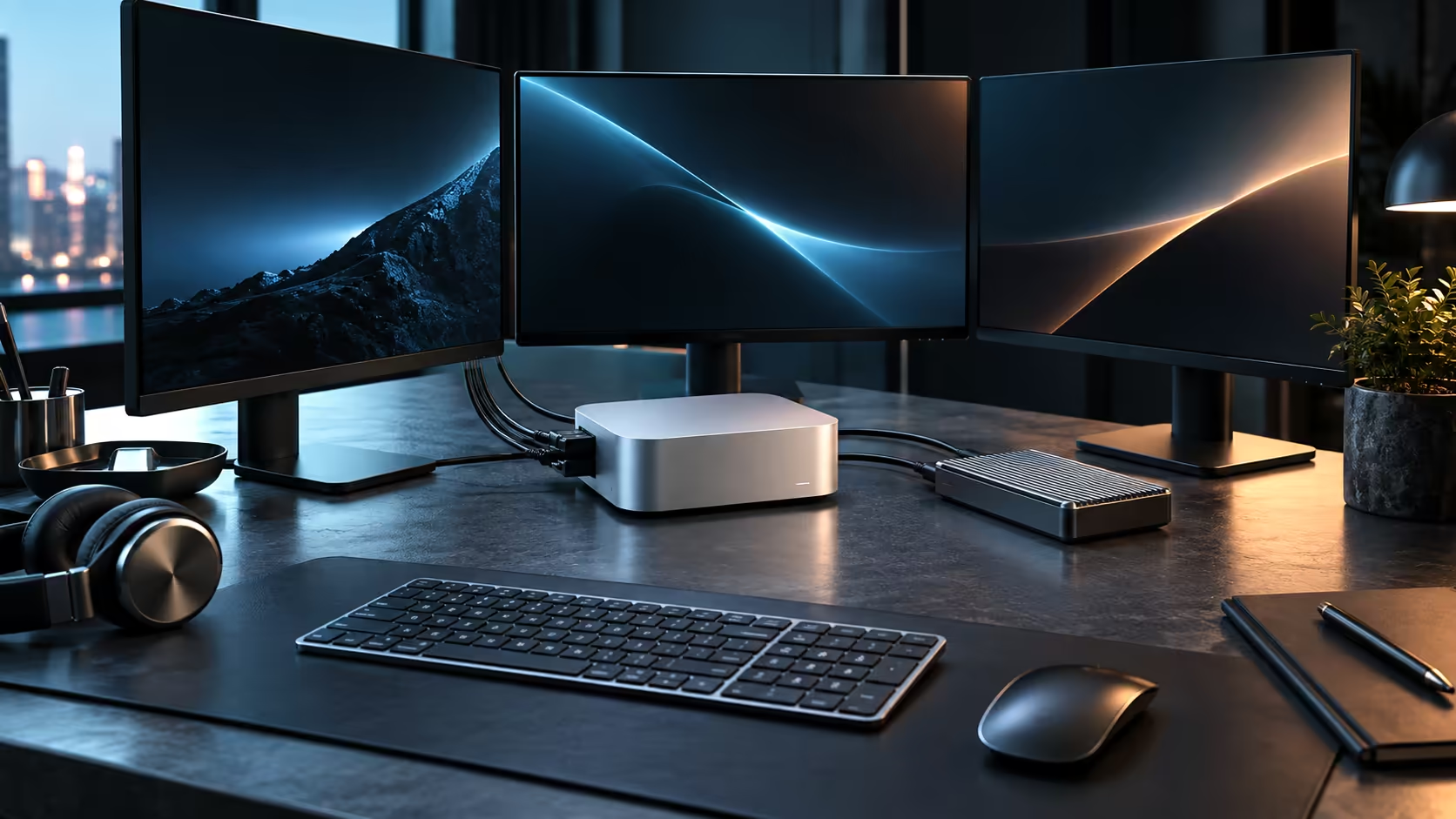
A traditional desktop chip and the Mac Mini M5 Pro solve the same problem, running your applications, in structurally different ways. The gap is not really about clock speed; it is about whether the CPU, the graphics engine and system memory are three separate parts or one shared design.
Quick Answer
A standard desktop pairs a CPU with its own system memory and, usually, a separate graphics card with its own dedicated VRAM, moving data between the two pools as needed. The M5 Pro's 15-core CPU, 16-core GPU and 16-core Neural Engine all read from one 24GB unified pool instead. Neither approach is universally faster; they each suit different workloads well, and this particular configuration costs R33,599.
🧩 Separate pools versus one shared pool
On a conventional desktop, the CPU addresses system memory directly, while the graphics card has its own VRAM that the CPU cannot touch without copying data across. That copy step, called a memory transfer, costs time on every large asset moved between the two, and it adds up quickly on a workflow that repeats it thousands of times over a single session. Unified memory removes the transfer entirely, because the CPU, GPU and Neural Engine on the M5 Pro all read the same physical memory without duplicating anything, which is where its practical gains actually come from rather than any single core running faster than a comparable Intel processor.
⚙️ Where a traditional split still wins
A desktop with a dedicated graphics card and its own large VRAM pool has genuine headroom a shared 24GB pool cannot match, because the GPU is not competing with the CPU and Neural Engine for the same memory. Heavy gaming at maximum settings, GPU-bound rendering farms and workloads built specifically around a discrete card's driver ecosystem are where the traditional split remains the stronger choice.
🧠 Where unified memory wins instead
Tasks that move large assets between processing stages benefit most from unified memory: a video editor previewing a graded timeline, a 3D application texturing a scene, or an AI tool loading a model that the GPU and CPU both touch. None of that data needs copying between pools, so the M5 Pro's 24GB, while smaller in raw number than some dedicated VRAM pools, often behaves more efficiently for exactly these mixed workloads.
🎮 Gaming is the clearest real-world example
A dedicated graphics card with its own 12GB or 16GB of VRAM, feeding a game engine built and optimised for that architecture over many years, still generally outperforms unified memory at maximum settings in demanding titles. This is less about raw capability and more about decades of driver and engine optimisation aimed squarely at that traditional split, which unified memory designs are still catching up to in gaming specifically.
💡 A simple way to think about the trade-off
A traditional split trades efficiency for raw ceiling: more total memory available for graphics work, at the cost of copying data between two separate pools. Unified memory trades ceiling for efficiency: a smaller 24GB total pool, but nothing wasted moving data that both the CPU and GPU need to touch. Neither trade is free, and workload, not any general reputation for one being "better," should decide which one wins for you.
It is not fair to call unified memory simply "better" than a traditional split; each architecture optimises for a different set of workloads, and the right choice depends entirely on what you actually run day to day.
🧭 Choosing based on your actual workload
If your software leans on a dedicated GPU driver ecosystem, needs the largest possible VRAM pool, or is built for maximum gaming performance, a traditional desktop with a separate graphics card is the better fit. If your work moves large files between CPU, GPU and AI tasks constantly, unified memory on the M5 Pro removes a genuine bottleneck rather than just a marketing one.
The Mac Mini lineup lists every unified-memory tier Apple currently offers, while stepping into the mini PC category shows what a traditional architecture costs by comparison, with a local warranty covering either choice through Evetech.
Frequently Asked Questions
Does unified memory mean the M5 Pro has less total memory than a gaming PC?
Not necessarily; 24GB shared can outperform a smaller CPU RAM plus VRAM split on tasks that move data between the two constantly, though a dedicated high-VRAM card still wins on raw graphics headroom.
Can I add a dedicated graphics card to a Mac Mini later?
No, the case has no internal expansion slot, so the GPU configuration is fixed at purchase.
Is unified memory unique to Apple's chips?
Apple's implementation is the most widely used consumer example, though the general concept of shared memory architectures exists elsewhere in computing, particularly in some laptop and mobile chips.
Does a traditional desktop always beat unified memory on price for the same performance?
Not always; a traditional build's total cost climbs quickly once a genuinely fast CPU, a strong GPU and enough system memory are all priced in separately, which can close the gap against a unified-memory machine considerably.
Can software be optimised specifically for unified memory?
Yes, and increasingly is; software written with unified memory in mind avoids unnecessary data copies, which is part of why some creative applications run efficiently on Apple silicon despite smaller raw memory totals than a high-end traditional build.
Will unified memory designs eventually replace traditional architectures entirely?
Unlikely in the near term; gaming and certain professional workloads remain built around dedicated GPU driver ecosystems that a unified design does not directly replace.
Does switching from a traditional PC to unified memory require learning new software?
Often some, since many professional applications have separate Windows and macOS versions with slightly different workflows, though the core creative tools are broadly equivalent across both.
Is file compatibility a concern moving between the two architectures?
Rarely for standard formats such as video files, images and common document types; the main friction is project files tied to a specific application version rather than the underlying hardware.
Does unified memory affect how a machine handles multiple monitors?
Not directly; display output is managed by the GPU's display engine regardless of memory architecture, so monitor support depends on the chip's design rather than on memory being shared or separate.
Ready to decide between unified memory and a traditional CPU-plus-GPU setup?
Match the architecture to your actual workload before comparing prices.