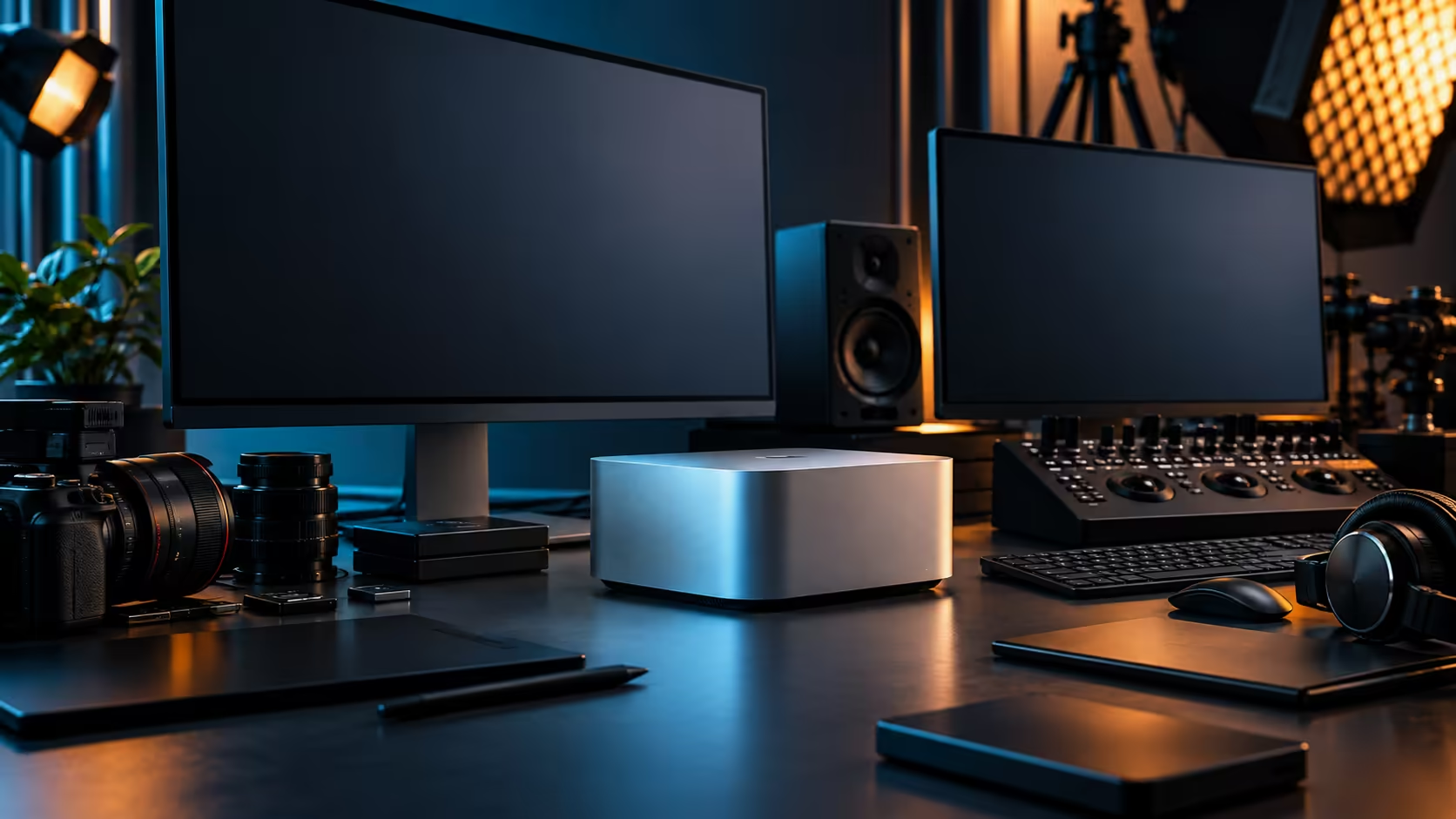
Put a Mac Studio next to a compact Windows desktop PC and the size difference barely registers, since both now fit comfortably on a corner of a desk. The real difference only shows up once you ask what happens a year later, when one of them wants a new drive and the other doesn't have anywhere to put it.
Quick Answer
Choose the Mac Studio M5 Max when your work runs on macOS-native or Apple Silicon-optimised software and you value a fixed, tested configuration with local warranty support. Choose a compact Windows desktop when you expect to swap memory, storage or the graphics card yourself over the machine's life, or when your software is Windows-only. The Mac Studio configuration under discussion is R49,499.
🖥️ What "compact" actually buys you in each case
Both categories fit on a desk, but they get there by very different routes.
A compact Windows PC in a mini-ITX or small-form-factor case typically still has room for a swappable graphics card, extra RAM slots and more than one drive bay, trading some of the smallest possible footprint for continued access inside the case. The Mac Studio takes the opposite approach: its size comes specifically from having no user-serviceable internals at all, no card slots, no RAM sockets to add to, just the M5 Max chip, 36GB of fixed unified memory and a 512GB SSD sealed inside a chassis smaller than most of the compact PCs in the mini PC range it competes with.
Neither approach is a mistake; they're built for different buyers, and it's worth browsing the mini PC range alongside the Mac Studio before assuming either category has already decided the outcome for you. One assumes you'll want to open the case eventually. The other assumes you won't, and optimises everything around that assumption instead.
🔧 The upgrade question, honestly answered
This is where the decision usually gets made, and it deserves a straight answer rather than a hedge.
If a graphics card refresh in 2 or 3 years matters to your plans, or if a specific application only runs well with a particular discrete GPU, a compact tower keeps that door open. If your priority is a configuration decided once, tested as a whole system, and left alone, the Mac Studio removes that decision entirely rather than deferring it. Buyers who have upgraded a PC themselves before tend to know instinctively which camp they're in; buyers who haven't are often better served by the machine that doesn't ask the question.
💻 Software is usually the real decision, not hardware
Before comparing specifications at all, check what you actually run day to day.
Creative and professional tools with deep macOS integration, particularly ones built around Apple's media and AI frameworks, run at their best on the platform they were designed for, and switching them to a compact Windows PC either isn't possible or loses features along the way. Conversely, software locked to Windows, or built around a specific Windows-only driver stack for a graphics card, rules the Mac Studio out immediately regardless of how attractive its architecture looks on paper. This single check eliminates most of the decision before price or specifications enter the conversation at all, and it applies equally to the compact PC lineup that competes most directly with the Mac Studio on size.
The smaller Mac desktop tier sits below the Mac Studio for buyers whose workload is lighter than what justifies the M5 Max, and it's worth checking whether that's actually a closer fit before assuming you need the larger machine.
🛠️ Serviceability and long-term cost
The upfront price is one number; the cost of keeping the machine useful for 5 years is another, and they don't always move together.
A compact PC that lets you swap in a new graphics card or add storage as your needs grow can, in principle, stay current for longer on a lower total spend, provided you're comfortable doing that work yourself or paying someone to. The Mac Studio's fixed configuration means the buying decision has to be right on day one, since there's no path to add memory afterward, but it also removes any risk of an incompatible upgrade or a botched install years down the line. A local warranty claim on either system is simpler to resolve when the machine was bought here rather than imported.
🎯 A simple way to decide
Ask which failure mode worries you more, not which spec sheet looks bigger.
If the idea of being stuck with a fixed 36GB configuration for the machine's whole life is uncomfortable, a compact tower with room to add memory is the safer choice for you. If the idea of managing driver conflicts, component compatibility and a build that slowly becomes obsolete piece by piece sounds worse, the Mac Studio's all-in-one approach is doing exactly what it was designed to do.
Weigh in how you actually work day to day, too. A studio running several machines side by side, some Windows towers and one or two Mac Studios doing the jobs that suit them, is a common outcome rather than a compromise, and it's often the answer that gets both camps of software running at their best instead of forcing one machine to do everything. Neither choice needs to be permanent for the whole business, only for the specific role each machine is bought to fill.
Frequently Asked Questions
Can I upgrade the RAM or storage in a Mac Studio later?
No. The 36GB unified memory and 512GB SSD are fixed at purchase and cannot be expanded internally, unlike many compact Windows towers.
Is a compact Windows PC generally cheaper than a Mac Studio?
It depends heavily on the specific configuration compared, since component choice varies widely on the Windows side. Compare like-for-like performance and software needs rather than assuming either is automatically cheaper.
Which is better for creative software built for macOS?
The Mac Studio, since software built around Apple's media and AI frameworks generally runs best on the platform it was designed for.
Does the Mac Studio support external graphics cards for gaming or rendering?
Expansion happens through Thunderbolt 5 ports for storage and certain accessories, not through internal graphics card slots the way a tower does.
What happens if my needs outgrow a Mac Studio's fixed specification?
You would need to move to a different configuration or model, since internal upgrades aren't possible. A compact PC with spare capacity avoids that scenario for longer.
Ready to weigh a fixed configuration against a system you can open up later?
Compare the Mac Studio against the compact PC and mini Mac ranges before deciding which fits your next five years.