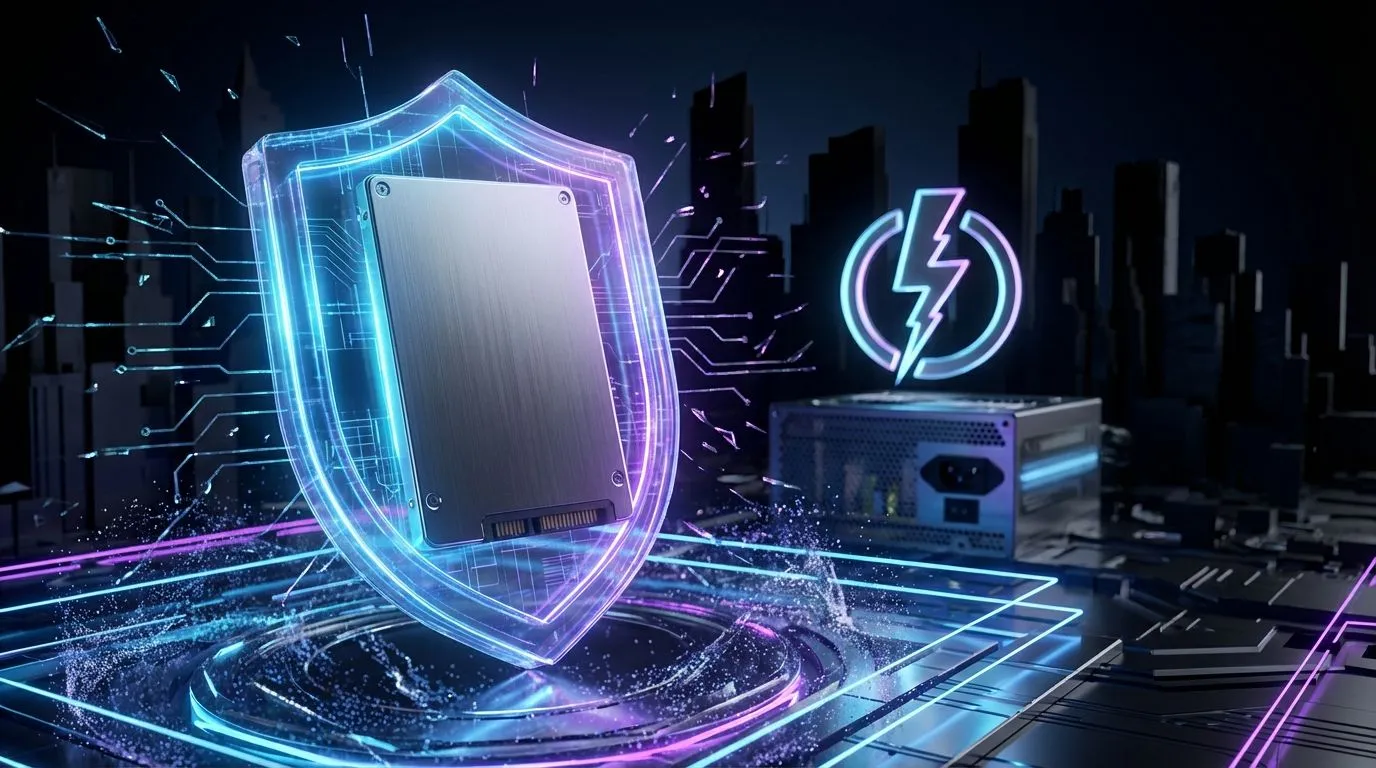
We’ve all been there. You’re in a nail-biting Warzone final circle, or rendering a massive project, when suddenly… click. The power cuts out. Eish. While you wait in the dark, a bigger threat looms for your PC’s most vital component: your Solid State Drive (SSD). This guide will show you exactly how to protect your SSD from an unexpected outage, ensuring your lightning-fast storage doesn't become an expensive paperweight. 🇿🇦
Reliable Everyday Performance
You might think an SSD, with no moving parts, is immune to the dangers of sudden power cuts. Unfortunately, that's not the case. The way an unexpected outage and restores power creates two major risks for your drive's delicate electronics and the data it holds. Understanding these threats is the first step to proper SSD protection.
1. Data Corruption from Sudden Power Loss
When you save a file or a game progresses, your PC is constantly writing data to the SSD. This isn't an instant process. An SSD's controller juggles data between its cache and the NAND flash cells where information is permanently stored.
A sudden power cut can interrupt this process mid-write. The result?
- Corrupted Files: The specific file being written can be left incomplete and unreadable.
- Logical Drive Failure: In a worst-case scenario, the drive's "map" (the master file table that tells it where everything is) can get scrambled, making the entire drive inaccessible without specialised recovery tools.
2. Voltage Spikes on Power Return ⚡
Just as dangerous as the power cutting out is the moment it comes back on. The initial surge of electricity returning to the grid can be unstable, delivering a jolt of higher-than-normal voltage. This power surge can fry the sensitive controller chip on your SSD, permanently damaging the drive. It’s the electronic equivalent of a knockout punch.
Your Non-Negotiable First Line of Defence
Which everyday reliability factors matter most? The single most important piece of hardware you can own is an Uninterruptible Power Supply (UPS). Think of it as a big, smart battery for your PC.
When an unexpected outage occurs, a UPS instantly takes over, giving you several minutes of power. This is not for continuing your game... it's your golden window to save your work, exit your game, and perform a safe, graceful shutdown. This completely eliminates the risk of data corruption from sudden power loss. Furthermore, good UPS units have built-in surge protection, filtering the "dirty" power when the grid comes back online.
Check Your Drive's Health 💡
Download a free tool like CrystalDiskInfo. It reads your SSD's S.M.A.R.T. (Self-Monitoring, Analysis, and Reporting Technology) data to give you a clear health status. Regularly checking this can give you an early warning if your drive is developing problems, potentially from repeated power-related stress.
Hardware Habits to Safeguard Your Drive 🛡️
Beyond a UPS, your choice of components plays a crucial role. A high-quality Power Supply Unit (PSU) is the heart of your PC and your second line of defence. Reputable PSUs have better internal components and safety features (like Over/Under Voltage Protection) that can absorb minor fluctuations before they ever reach your SSD or motherboard.
Modern drives also have their own safeguards. For instance, a cutting-edge drive like the Klevv CRAS C925G 1TB Gen4 NVMe SSD incorporates sophisticated firmware and hardware designed to handle unexpected power events better than older models. Investing in tech from top brands like Klevv means you're getting the latest in reliability and performance.
Even with the best gear, the ultimate safety net is a solid backup routine. Whether it's to a cloud service or an external hard drive, make sure your irreplaceable documents, photos, and save games are copied regularly. After all, the best way to survive data loss is to have a second copy ready to go. If power interruptions have you worried about your current drive's age and reliability, consider upgrading your solid-state drive to a newer, more resilient model.