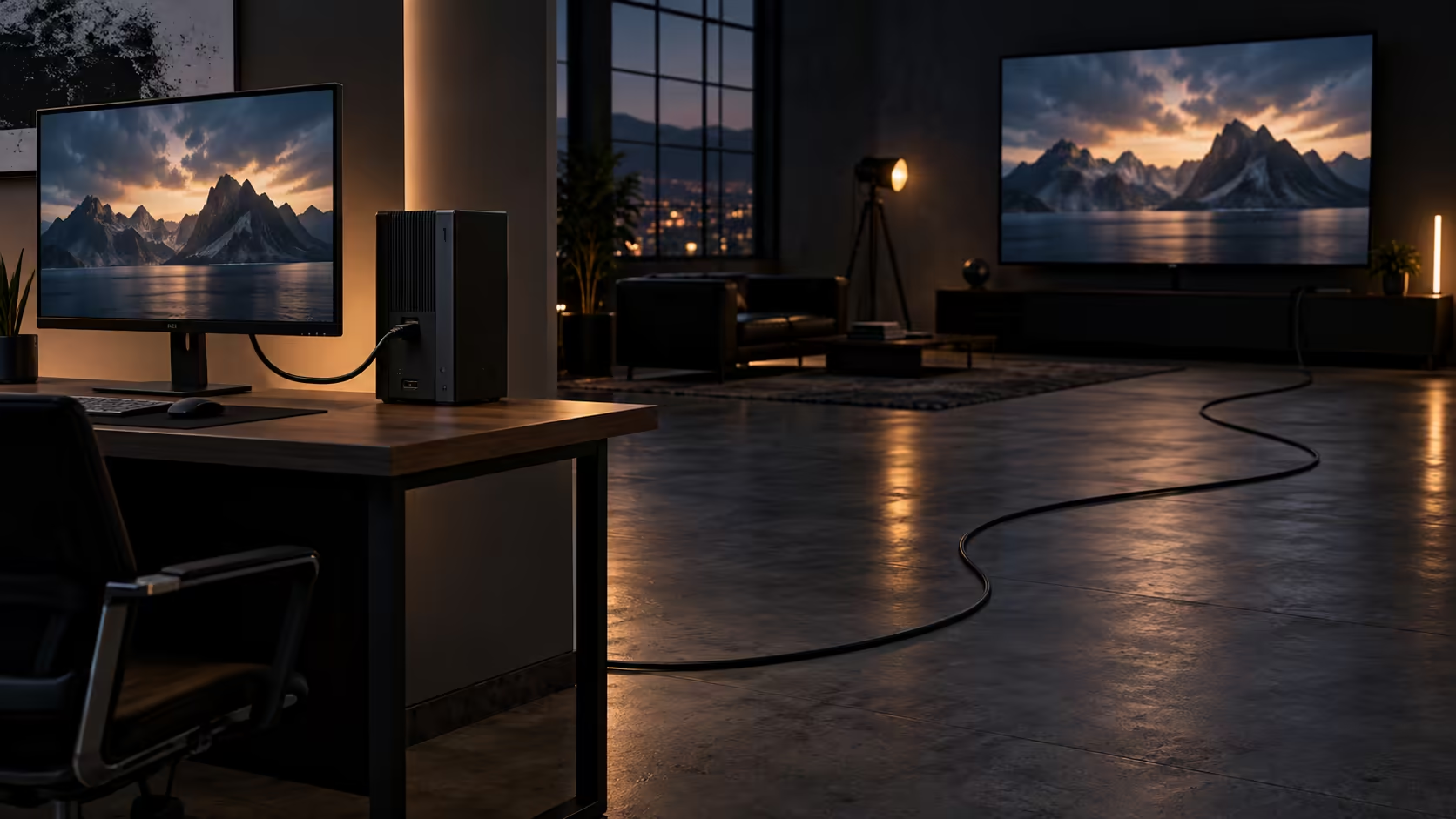
A short HDMI cable and a long one are not the same product wearing different lengths. Past a certain point, passive copper simply cannot carry 48Gbps without help, which turns a length decision into a reliability decision rather than just a tidiness one. Get the threshold wrong and a cable that measures perfectly on a spec sheet still drops frames in your lounge.
Quick Answer
Short runs hold a 48Gbps signal with margin to spare; long ones lose it. Passive HDMI 2.1 stays comfortable to roughly three metres, and past that an active or optical lead does the work instead. The 1.8m Anker sits well inside that band at R299, with a warranty you can claim locally rather than through an import.
📏 Where passive copper stops being enough
A passive HDMI cable is just copper conductors and connectors, carrying the raw electrical signal with nothing in between to boost or clean it up. At 1.8m to around 3m, a properly built 48Gbps cable holds that signal with plenty of margin, which is why most console and desk setups never need to think about this at all.
Between roughly 3m and 5m, passive copper still works, but the margin shrinks and build quality starts to matter more than it did at shorter lengths: thicker conductors and better shielding cost more to manufacture, which is part of why a 5m 48Gbps-rated cable is priced well above a 1.8m one carrying the identical rating. Past 5m, passive copper is generally the wrong tool. An active cable, which includes a small chip that re-times and cleans the signal partway along its length, or a fibre-optic cable, which converts the signal to light for the run and back to electrical at the far end, takes over from there.
🔬 Why distance is the enemy of bandwidth
Every metre of copper adds resistance and capacitance that work against a clean, fast-changing electrical signal, an effect called attenuation. At lower bandwidths, such as the 18Gbps HDMI 2.0 asks for, that effect is small enough to ignore over several metres. At 48Gbps, the signal is changing so quickly that even modest attenuation starts to matter, which is why a long, unrated cable often works fine at 4K 60Hz and then drops out the moment you push it to 4K 120Hz or 8K.
Active cables solve this with electronics built into one of the connector heads, which is why they are directional: the end marked for the source has to plug into the source device, and the display end into the display, unlike a passive cable that works either way round.
🏠 What each length actually costs you in a room
A short cable forces a tight layout: the source device has to sit within its physical reach of the screen, full stop, which suits a console on a shelf directly under a television or a tower right beside a desk monitor. That constraint is not a downside so much as a design decision, since a shorter run is also less likely to be walked into, snagged by a chair, or visible at all if it is routed through a desk's built-in channel.
A longer cable buys flexibility in where equipment can physically sit, at the cost of a visible run that needs managing. On a gaming desk without built-in cable routing, a longer lead often ends up bundled and clipped along a leg or under the surface, which is fine functionally but worth planning for rather than discovering after the cable arrives. Where the run is visible on top of a desk, a sleeved cable at least makes the length look deliberate rather than accidental.
🛒 Picking the length that matches your room
Measure the actual path the cable will take, including any detour up a wall, behind a cabinet or around a corner, not the straight-line distance between the two devices. For most consoles under a television or towers beside a desk monitor, that measurement lands well inside 1.8m, which is where the Anker lead sits at R299 with the full 48Gbps rating; browse the cable range for longer options once your own measurement says otherwise. Where the true distance comes out past 5m, treat an active or optical lead as its own line item in the budget rather than assuming a longer passive cable of the same rating behaves the same way a short one does. Getting that measurement right before you order saves a second delivery once the first cable turns out to fall a metre short.
Frequently Asked Questions
Does a passive HDMI cable get worse the longer it is, even under 3m?
Only marginally. Within roughly 3m, a properly rated 48Gbps cable holds its signal with enough margin that length differences in that range rarely cause visible problems.
What is the difference between an active and a passive HDMI cable?
A passive cable is plain copper with no electronics. An active cable includes a small chip near one end that re-times the signal, which is why active cables are directional and must be connected the correct way round.
Can I use a coupler to join two shorter HDMI cables into a longer run?
It is possible but not advisable past short distances, since each connector joint adds a point where the signal can degrade, and a coupled run often fails at exactly the bandwidth a single cable of the same total length would carry cleanly.
Is a 1.8m HDMI cable ever too short?
Only if it cannot physically reach between the source and the display, including any detour the cable has to take around furniture or through a wall channel.
Does fibre-optic HDMI cost much more than a long passive cable?
Yes, noticeably more, which is part of why it only makes sense once the distance genuinely exceeds what active copper can reliably carry.
Does the length of an HDMI cable affect input lag?
No measurably, at any length a properly rated cable is built to handle, whether that length is 1.8m or closer to the 5m mark. Input lag comes from the source device and the display's own processing, not from the time signal spends travelling down a few extra metres of copper, so buying a shorter cable will not make a game feel more responsive.
Ready to pick a length that will not let your signal down?
Measure the true path first, then choose passive, active or optical based on where that number lands.