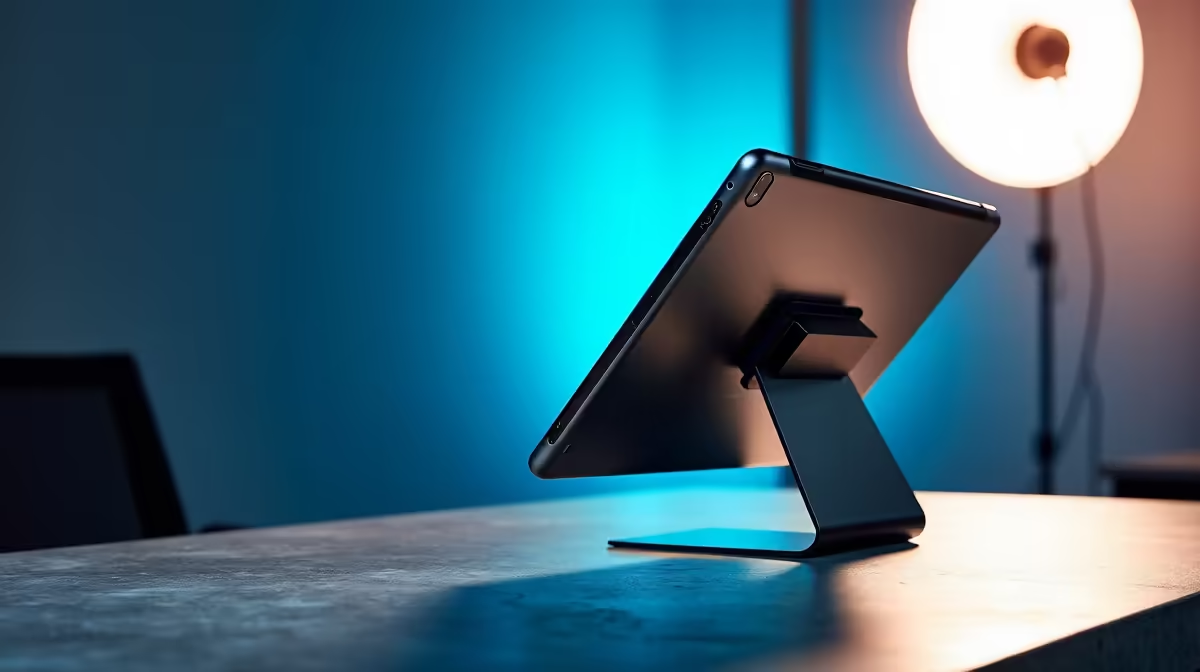
Staring at a single screen in 2024 feels… limiting. Whether you're trying to keep Discord open while raiding in Elden Ring, or juggling spreadsheets and emails for work, a second display isn't a luxury anymore; it's a necessity. But how do you add that extra screen real estate? The big debate for South African tech enthusiasts often boils down to this: Sidecar vs arm mount for productivity. Let's break down which tech accessory truly wins.
The Ergonomic Powerhouse: Why a Monitor Arm Mount Dominates
First up is the classic, rock-solid monitor arm. This isn't just about lifting your screen off the desk; it's a fundamental upgrade to your workspace ergonomics and aesthetics. By mounting your primary display, you instantly reclaim valuable desk space that was once occupied by a clunky monitor stand. Suddenly, there's more room for your keyboard, mousepad, and that essential cup of coffee. ☕
The real win, however, is in the adjustability. A good arm mount allows you to perfectly position your screen at eye level, reducing neck and back strain during long sessions. Want to switch to a vertical layout for coding or reading long documents? A quick rotation is all it takes. This flexibility makes it the ultimate choice for a permanent home or office setup, especially when paired with one of the many high-performance PC monitors available today. It’s a solution built for endurance and comfort.
For gamers, this means creating a truly immersive cockpit. An arm can bring a massive ultra-wide or one of the latest curved monitors right into your field of view, making you feel like you're truly in the game.
The Flexible Contender: Unpacking the Sidecar Setup
The "Sidecar" approach is a more modern, software-driven solution. The term, popularised by Apple's feature for using an iPad as a second display for a Mac, now broadly refers to using a tablet or a dedicated portable screen as your secondary monitor. Its biggest advantage is undeniable: portability. 🚀
If you're a student working from a res room, a freelancer at a coffee shop, or just someone who likes to move around the house, this setup is brilliant. You can pack up your entire dual-screen workstation in a backpack. Modern portable monitors are incredibly slim, lightweight, and often powered by a single USB-C cable from your laptop. They offer a simple, plug-and-play experience without the need for any hardware installation.
The trade-off? You're typically limited to a smaller screen size and might experience a tiny bit of latency compared to a direct hardware connection. It’s perfect for displaying static information like chat windows, reference material, or a music player, but maybe not for fast-paced video editing.
Pro Cable Management Tip
If you choose a monitor arm, grab some velcro cable ties. Run your monitor's power and display cables along the arm's structure and secure them with the ties. This creates a super clean, 'floating' monitor look with no messy wires cluttering your desk.
Sidecar vs Arm Mount: The Head-to-Head Productivity Battle
So, how do they stack up directly when you're trying to decide which tech accessory wins for your workflow? Let's get into the nitty-gritty.
### Screen Real Estate & Immersion
An arm mount is the undisputed champion here. It can hold massive displays, from immersive all gaming monitors to pixel-perfect 5K & 4K monitors that are ideal for creative professionals. A sidecar setup, by its nature, provides a smaller, secondary screen.
### Cost & Investment
This one is tricky. If you already own a compatible tablet, using it as a sidecar is practically free. However, if you need to buy a portable monitor, the cost can be similar to a budget monitor and a basic arm. Keep an eye out for the best PC monitor deals in ZAR, as a great sale can often make the dedicated monitor-and-arm combo more affordable than you think.
### Portability vs Permanence
This is the clearest distinction. A sidecar setup is designed for life on the move. An arm mount is for creating a dedicated, optimised, and permanent battlestation or workspace. Ask yourself: where do you do most of your work or gaming? The answer will point you in the right direction. 🤔
The Verdict: Which Tech Accessory is Right for Your SA Setup?
Ultimately, the Sidecar vs arm mount productivity debate doesn't have a single winner—it has a winner for you.
- Choose the Monitor Arm Mount if: You have a dedicated desk, prioritise ergonomics and a clean setup, and want the flexibility to use a large, high-resolution primary monitor for gaming or detailed work. It’s a long-term investment in your comfort and focus.
- Choose the Sidecar Solution if: You are constantly on the go, need a second screen for your laptop in various locations, or already own a tablet you can repurpose. It’s the peak of convenience and portability.
Both are fantastic ways to boost your productivity and multitasking capabilities. The best choice simply depends on your lifestyle, your workspace, and your budget.
Ready to Optimise Your Workspace?
Whether you need the ergonomic freedom of an arm mount or other essential gear, the right accessories make all the difference. Explore our massive range of monitor accessories at Evetech and build the battlestation you deserve.