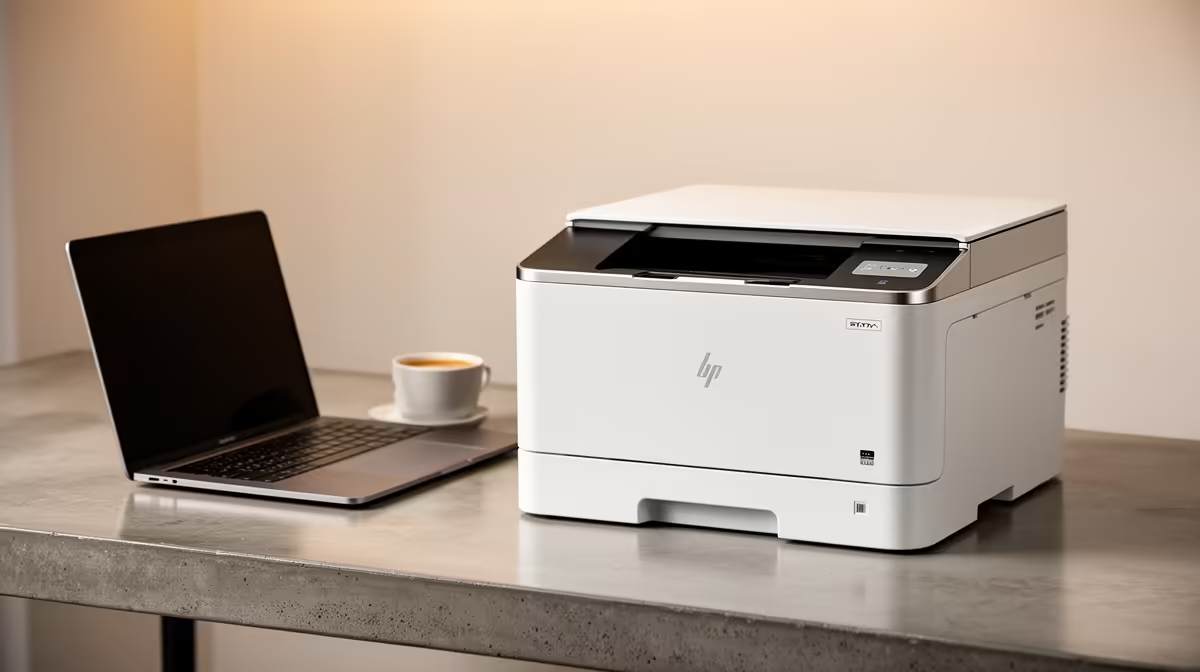
A sensible laser printer for spreadsheet-heavy work should produce sharp tables, handle duplex reports and keep consumable costs predictable. The complete office allocation must also cover the computer, display and backup. Do not spend it on colour hardware when most output is black text.
Count spreadsheet pages
Track monthly black pages, colour charts, paper sizes and scans. The factpacks list no verified laser printer with pricing for this office plan. Compare current models by replacement toner yield, duplex speed, paper capacity, Ethernet or Wi-Fi support and local consumable availability. Include one full toner cycle in the operating estimate.
Test table readability
Print a wide worksheet, small-font table and chart. Check grid lines, grey shades, scaling and page order. Configure print areas and repeat headings inside the spreadsheet rather than relying on the printer to fix a poor layout. Keep the editable workbook and PDF saved after printing.
The ASUS ExpertBook P1503 costs a verified R9,858 with Core i5-13420H, 8GB memory, 512GB storage and Windows 11 Pro as a business-laptop option. Confirm spreadsheet size, accounting tools and external-display needs. A larger monitor may improve the workday more than colour printing.
Choose mono laser for frequent reports. Use a print service or another printer type when occasional colour charts dominate. Keep spare toner before month-end and restrict printer administration on shared networks.
Equipping a spreadsheet desk? > Ask Evetech to compare suitable laptops and current printers around page volume.