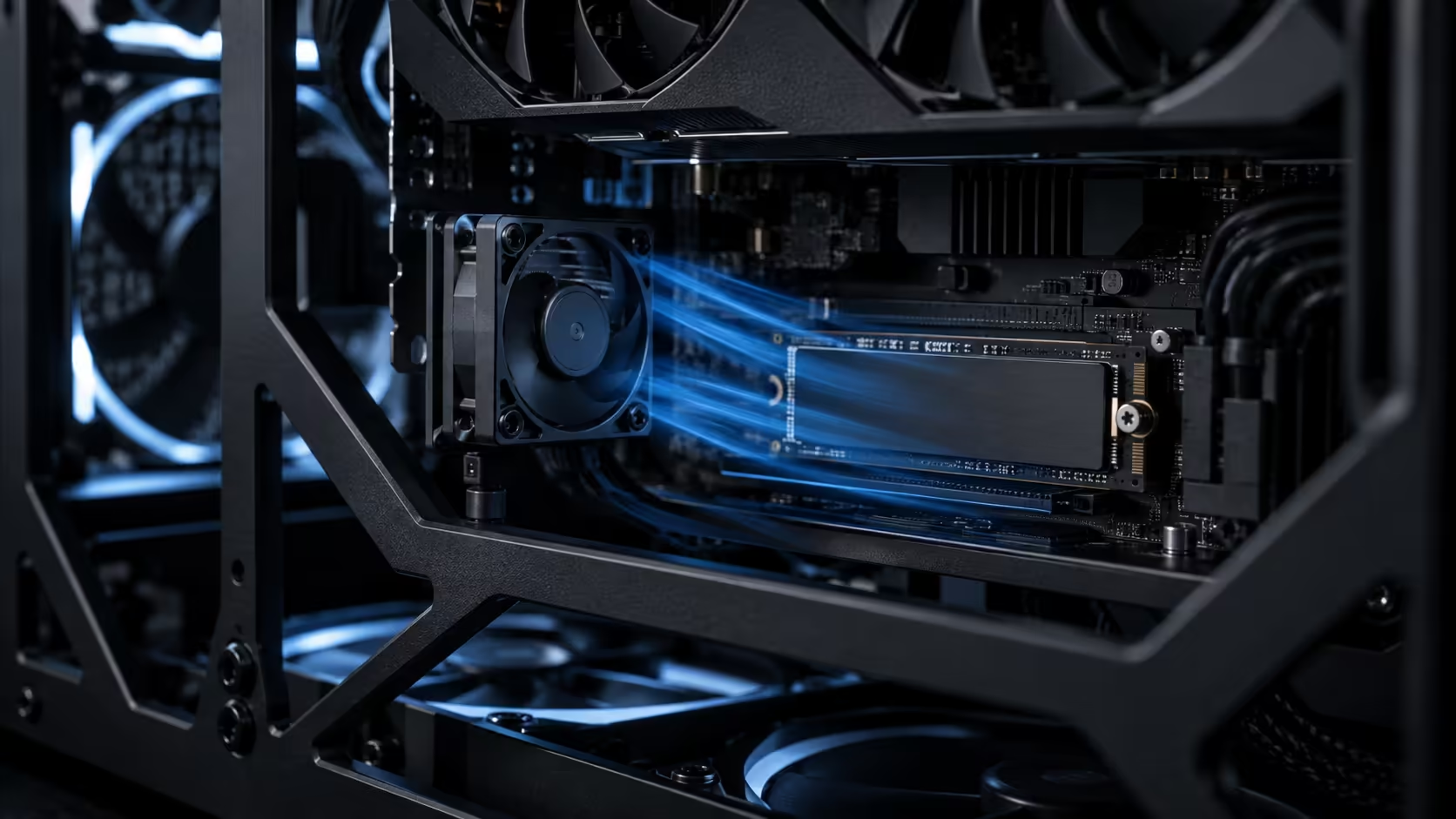
A drive that throttles rarely announces itself. It just gets slower partway through a large file operation, and most people blame the drive itself long before they check whether it is actually a heat problem wearing a slow-drive costume. Hot SSD temperatures have a specific diagnosis and a specific fix, and directed airflow solves more of it than a bigger heatsink usually does.
Quick Answer
Confirm the problem first: watch drive temperature during a sustained write of 50GB or more, since a short test never gets hot enough to show throttling. If the drive climbs past roughly 70C and write speed visibly drops, directed airflow across the board, not just general case airflow, is the fix that actually reaches the slot that is overheating. A case with a purpose-built board-surface fan solves this more reliably than adding a second front intake fan ever does.
🌡️ Confirming it is actually a heat problem
Before changing anything, rule out the alternative explanations. A drive running above roughly 85 percent capacity slows down purely because the controller has less free space left to work with for wear levelling, a problem heat has nothing to do with. A drive using its full write cache correctly also slows once that cache fills, sometimes within the first 10GB to 20GB of a transfer depending on the drive, which looks identical to thermal throttling on a casual glance at a transfer speed graph.
The way to tell them apart is to watch temperature alongside speed, using any free drive monitoring utility that reads the SSD's built-in sensor. If speed drops while temperature is climbing toward the drive's rated limit, that is heat. If speed drops with temperature staying flat, the cause is somewhere else, most likely available capacity or cache exhaustion, and no amount of extra airflow will fix it.
🔍 Where the heat actually comes from
The M.2 slot nearest the CPU socket, the one most boards treat as the primary and fastest slot, usually sits directly beneath where a full-length graphics card ends up mounted. That card radiates its own heat downward, and the slot beneath it sits in a pocket of largely still air that a standard front-to-back case airflow path barely touches.
A drive doing short, occasional reads rarely reaches a problematic temperature there, because it is not generating much heat to begin with. A drive doing sustained work, video capture, large game installs, backup jobs, generates real heat in a package with almost no surface area of its own to shed it, and that combination, hot drive plus dead air pocket, is where throttling happens.
🌬️ Why directed airflow beats a bigger heatsink alone
A drive heatsink increases the surface area available to shed heat, and it genuinely helps, but a heatsink with no moving air across it eventually saturates: it can only dump heat as fast as the surrounding air carries it away, and still air carries heat away slowly.
Directed airflow solves the actual bottleneck by continuously replacing the warm air around the heatsink with cooler air from elsewhere in the case. A fan aimed to sweep air across the board surface, rather than one aimed generally into the case, reaches that specific dead pocket beneath the graphics card in a way a case's main intake fans, positioned for the whole chassis rather than one slot, generally do not.
This is the specific gap a crossflow-style fan, built as a wide drum rather than a round propeller, is designed to close. It throws a flat sheet of air along the board rather than a cone into open space, covering the M.2 slots and the area around them at once instead of relying on general case turbulence to eventually reach them.
🛠️ The fix, in order
Start by checking whether your drive's slot already has a heatsink, either a dedicated one on the drive itself or a cover built into the motherboard. If it does not and the drive runs hot, add one before anything else; it is the cheapest step and it directly increases the surface area doing the work.
Next, check what airflow that specific slot actually receives. If it sits under a graphics card with no fan aimed anywhere near it, that is the gap to close, and a board-surface fan solves it more directly than adding another front intake fan that pushes air along a completely different path through the case. Case fans built for general chassis airflow help overall case temperature, but they will not reach a pocket that sits beneath another component the way a fan aimed specifically across the board does.
Finally, retest with the same 50GB sustained write you used to diagnose the problem in the first place, on the same day if possible, since ambient room temperature genuinely changes the result. A five-degree drop in drive temperature under load, with write speed holding steady where it previously fell, confirms the fix actually worked rather than the room simply being cooler that day.
If the drive is still marginal after airflow improves, a faster or better-cooled solid state drive with a larger integrated heatsink is the next lever, since some drives are simply built with more thermal headroom than others at the same speed rating. Not every chassis in the wider mid-tower range gives that slot the same airflow attention either, so the case itself is worth comparing alongside the drive.
Frequently Asked Questions
How hot is too hot for an SSD?
Most drives begin throttling somewhere in the 70C to 85C range depending on the model, and manufacturer software or system monitoring tools usually show the rated limit for your specific drive.
Can low free space cause the same slowdown as heat?
Yes, and it looks similar from a casual glance. Check temperature alongside speed to tell the two apart before assuming airflow is the fix you need.
Does a drive heatsink alone solve throttling?
Often it helps but does not fully solve it, because a heatsink with no moving air across it eventually saturates and can only shed heat as fast as the surrounding air carries it away.
Why does the slot under the graphics card run hottest?
It sits in a pocket of largely still air, shielded from most front-to-back case airflow, while also receiving radiated heat from the card mounted directly above it.
How long should a test write be to trust the result?
At least 50GB, sustained, so the drive's cache is exhausted and you are measuring its real sustained write behaviour rather than a burst it can absorb without heating up.
Ready to stop guessing why your fastest drive slows down mid-copy?
Confirm the heat with a real test, then fix the specific airflow gap causing it.