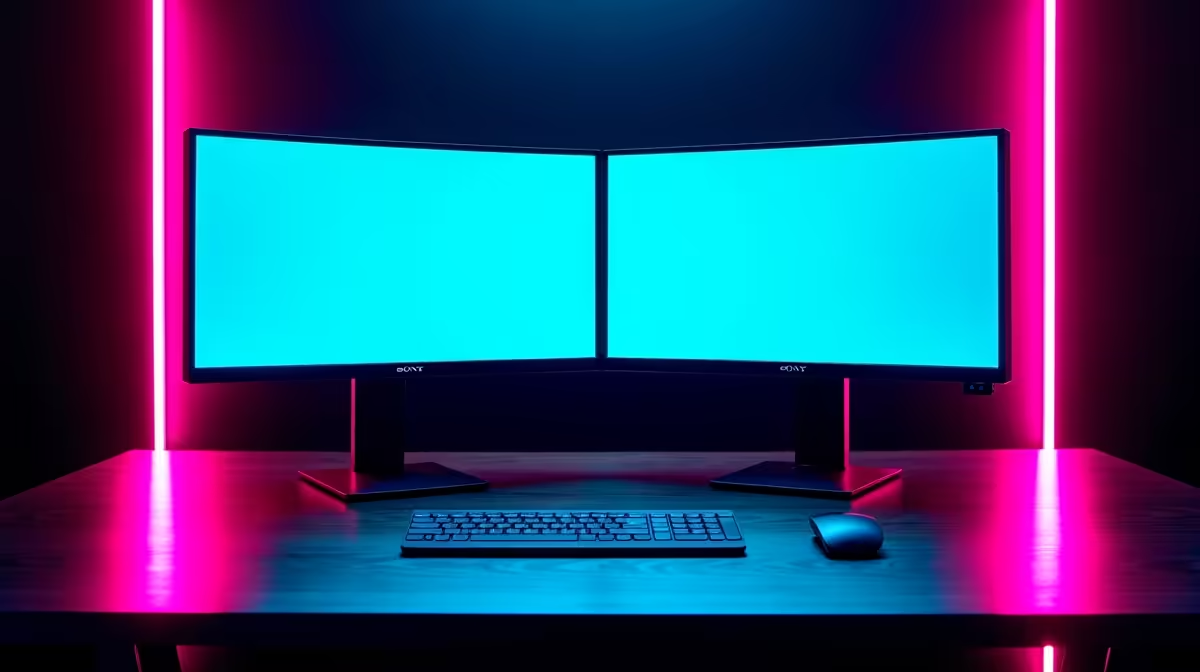
Unlocking Productivity with Split Screen Software
In today's fast-paced digital world, South African professionals and gamers are turning to split screen software to juggle multiple tasks efficiently. Whether you're a developer coding while referencing docs or a gamer streaming with chat open, this tech boosts productivity without needing extra hardware. Evetech explores why now's the perfect time to optimise your setup, especially with remote work on the rise since 2020. ⚡
Split Screen Software Q&A: Your Questions Answered
Q: What exactly is split screen software?
A: Split screen software lets you divide your monitor into multiple sections, running different apps side by side. It's ideal for multitasking, like editing videos while browsing.
Q: How does split screen software boost productivity?
A: By eliminating constant window switching, it saves time and reduces errors. Imagine comparing spreadsheets or monitoring stocks... productivity can jump by up to 30%, according to studies from Microsoft. Pair it with high-resolution 5K or 4K monitors for crystal-clear views.
Q: Which operating systems support split screen features best?
A: Windows 11 has built-in Snap Layouts, while macOS offers Split View. Linux users love tools like i3 window manager. For gamers in Johannesburg, combining this with curved monitors enhances immersion without lag.
Q: Can split screen software work with multiple monitors?
A: Absolutely, it extends functionality across setups. Evetech recommends checking monitor accessories to connect seamlessly. It's a game-saver for traders in Cape Town managing charts on dual displays.
Q: Are there free split screen tools available?
A: Yes, options like AquaSnap or DisplayFusion have free versions. For portable needs, pair them with portable monitors starting at R2,000 from Evetech, perfect for on-the-go productivity in Durban.
Q: How do I set up split screen on my PC?
A: On Windows, drag windows to screen edges; on Mac, use the green button. Customise with apps for more control. Explore all gaming monitors to find wide screens that maximise this feature.
Q: Is split screen software good for gaming?
A: It shines in strategy games or streaming setups, letting you game while chatting. South African esports fans, optimise with PC monitors for fluid multitasking.
Q: What hardware complements split screen software?
A: A powerful GPU and ample RAM help. Don't miss best PC monitor deals in ZAR for budget-friendly upgrades that elevate your setup. 🚀
Quick Setup Tip
Drag a window to the corner on Windows for quarter-screen snaps... instant four-app view without extra software.
Key Takeaways
- Split screen software streamlines multitasking, saving time for busy South Africans.
- It's compatible with most OS and enhances productivity by up to 30%.
- Free tools exist, but premium hardware like high-res monitors amplifies benefits.
- Ideal for professionals and gamers alike, with easy setup on existing setups. ✨
- Prices in ZAR make upgrades accessible via Evetech's range. 🔧
Upgrade Your Display Today
Ready to supercharge your productivity with split screen mastery? Dive into Evetech's selection and grab a deal that fits your workflow... Shop now at Evetech for monitors that turn multitasking into a breeze.