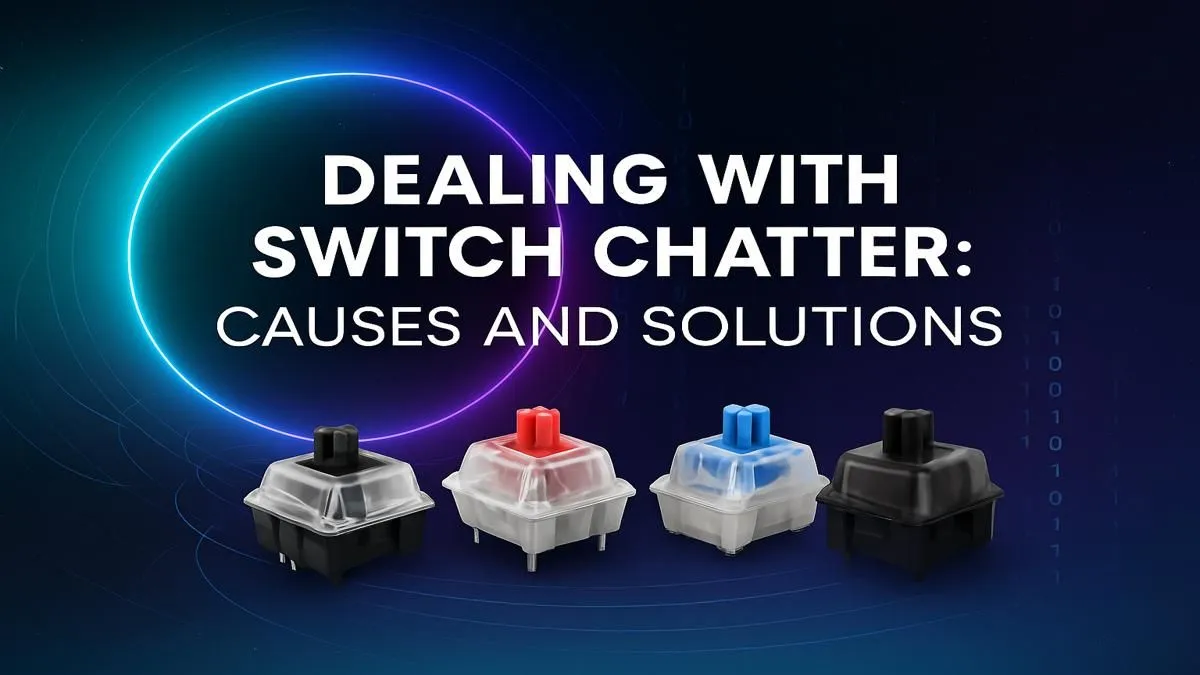
You’re lined up for the perfect shot in Valorant. You tap ‘A’ to peek, but your agent stutters, double-stepping right into the enemy’s crosshair. That, my friend, is keyboard switch chatter. It’s that infuriating moment when one key press registers twice, turning your slick gaming manoeuvres into a clumsy mess. Before you rage-buy a new board, let’s explore a proper switch chatter fix that can get you back in the game, fast.
What Causes Keyboard Switch Chatter?
At its core, switch chatter is a hardware issue. Inside each mechanical switch are tiny metal contacts. When you press a key, these contacts connect to register a keystroke. Over time, dust, debris, or simple wear and tear can cause these contacts to "bounce," making and breaking the connection multiple times in a millisecond. Your PC interprets this as multiple presses. While it can happen to any keyboard, it's a common gremlin that pops up in well-loved mechanical boards.
Understanding the root cause is the first step towards a reliable switch chatter fix.
Easy Software-Based Fixes
Before you grab a screwdriver, let's try the cleanest and quickest solutions. Sometimes, you can solve the problem without even touching your keyboard's hardware.
Tweak Your Debounce Time
Many custom and high-end gaming keyboards allow you to adjust the "debounce time" in their software. This setting tells the keyboard how long to wait after an initial key press before it can accept another input from the same key. Increasing this time (e.g., from 5ms to 10ms) can digitally filter out the "bounces" causing the chatter. Check your keyboard’s companion software for this setting.
Use Filtering Software
If your keyboard software doesn't have a debounce setting, third-party applications can come to the rescue. Tools like Keyboard Chattering Fix can run in the background, intercepting and blocking the ghost inputs from your chattering keys. It’s a fantastic temporary solution while you consider a more permanent fix.
Quick Cleaning Tip 🔧
Before diving into deep cleaning, try the simple stuff. Unplug your keyboard, turn it upside down, and give it a few firm but gentle taps to dislodge loose crumbs and dust. You'd be surprised what falls out! Follow up with a can of compressed air for best results.
Getting Hands-On: Hardware Solutions
If software tricks didn't work, it’s time to roll up your sleeves. A good clean is often the most effective switch chatter fix for a keyboard that's seen a few too many late-night gaming sessions.
The Classic Deep Clean
Dust, grime, and spilled cooldrink are the biggest enemies of clean key presses.
- Power Down: Unplug your keyboard completely.
- Keycaps Off: Use a keycap puller to gently remove the keycaps from the affected keys, or all of them for a thorough job. This is a great opportunity to give them a good wash or even upgrade to a fresh set of custom keyboard keycaps.
- Clean the Plate: Use compressed air to blow out loose debris from around the switches. For stubborn grime, use a small brush and a cotton swab lightly dampened with isopropyl alcohol.
- Clean the Switch: With the keycap off, press the switch stem down repeatedly. You can also spray a small, controlled puff of compressed air directly into the stem mechanism to clear out internal dust.
While you're optimising your setup, consider your comfort. A good ergonomic wrist rest can make a huge difference during long sessions, preventing strain and improving your typing posture.
When It's Time for a Replacement 🚀
Sometimes, a switch is simply at the end of its life. If cleaning doesn't solve the chatter, the internal mechanism is likely worn out. At this point, you have two choices: replace the switch or replace the keyboard.
Replacing a Faulty Switch
If you have a hot-swappable keyboard, you’re in luck! This is the easiest repair. You can simply pull the faulty switch out with a switch puller and pop in a new one. It's a simple, cost-effective way to extend your keyboard's life. You can find a wide variety of individual keyboard switches to match your existing ones or try something new. If your keyboard's switches are soldered to the circuit board, replacement is a much more complex job requiring desoldering tools and expertise.
Upgrading Your Entire Setup
Let’s be honest… sometimes fixing old gear is more effort than it's worth. If your keyboard is a few years old, chattering might be the first of many issues. Upgrading can give you access to newer features, better performance, and a fresh warranty.
You don't have to break the bank, either. There are some incredible budget-friendly gaming keyboards in South Africa that offer amazing value. Or, if you're looking to go all-in, you could grab a complete set with one of our keyboard and mouse combo deals for a perfectly matched desktop.
Ready for a Chatter-Free Experience?
A faulty keyboard can ruin your game and your workflow. If a fix isn't cutting it, it might be time for an upgrade. Explore our incredible gaming keyboard deals and find the perfect, reliable board to dominate the competition.