Quick Answer
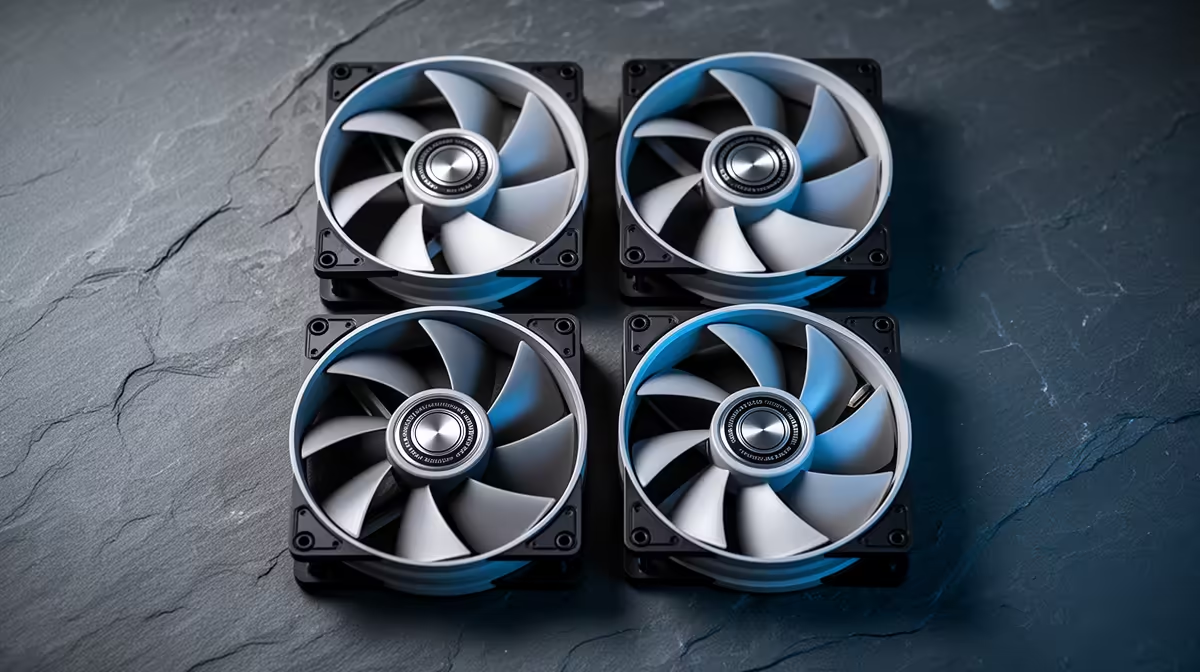
Moving from a laptop to a desktop, the short list is two quiet 120 mm intakes plus one rear exhaust. An Arctic P12 set runs about 56 CFM at roughly 22.5 dBA for around R650 the five-pack, and the desktop will already run cooler and quieter than the throttling laptop you left behind. Skip RGB until the airflow is sorted.
What Actually Moves Air
Fan performance comes down to three numbers: airflow (CFM), static pressure (mm H2O) and noise (dBA). For open intakes you want airflow, around 50-60 CFM; for radiators and restrictive filters you want static pressure. A budget 120 mm fan sits near 30-35 dBA, while a quality bearing fan like the be quiet! Pure Wings 3 runs closer to 22 dBA at the same RPM. That gap is what you are actually paying for, not the colour.
Why A Desktop Beats The Laptop Here
Laptops choke because they cram cooling into a few millimetres; a desktop with three good 120 mm fans has room to breathe and stays quiet under the same load. Set a flat curve near 1,000 RPM for everyday use and let it ramp only past 65C. Two front intakes and one exhaust, around R450-R650 in fans, is all most first desktops need to outperform any laptop on heat and noise.
FAQ
How many case fans do I actually need?
Most mid-towers are happy with two front intakes and one rear exhaust. Add a top exhaust only if you run a hot GPU or a top-mounted radiator. Three to four quality fans, around R1,200 total, cover almost every SA build under R30,000.
Are RGB fans worth the extra money?
Only after airflow and noise are sorted. RGB adds R80-R150 per fan and zero cooling; for a glass-panel showpiece it is fine, but for a closed case it is wasted money. Buy plain quiet fans first.
Will better fans actually lower my temperatures?
Yes, but modestly. Swapping stock case fans for quality 120 mm units typically drops GPU and CPU temps by 3-6C and cuts perceived noise far more. The bigger win is consistency over a long session, not a huge peak-temp drop.
Compare quiet 120 mm and high-airflow case fans stocked at Evetech and match them to your build.