A Mac Mini M5 Pro carries five USB-C style sockets, and treating them as interchangeable is the fastest way to buy a hub you did not need. Three carry Thunderbolt 5, two are plain USB-C, and alongside them sit one HDMI output and one 2.5Gb Ethernet port. Knowing which does what saves buying a hub for a job the machine already handles on its own, at a machine price of R33,599.
Quick Answer
Use the three Thunderbolt 5 ports for displays, fast external drives and docks; use the two plain USB-C ports for everyday peripherals such as a keyboard receiver or a phone cable; use HDMI for a straightforward screen with no adapter; and use the 2.5Gb Ethernet port for wired networking faster than most home internet lines. All of it comes standard on the R33,599 configuration.
⚡ Thunderbolt 5: the three ports that do the heavy lifting
Each Thunderbolt 5 port carries video, data and power delivery over one cable, at bandwidth well above the plain USB-C ports beside them. This is where a monitor, an external SSD enclosure or a laptop-style dock belongs, because those are the devices that actually use the extra bandwidth and the power delivery. Plugging a simple mouse receiver into a Thunderbolt port works fine, but it wastes the port's real advantage on a device that would run identically from any of the plain USB-C sockets.
🔌 Plain USB-C: fine for everyday peripherals
The two remaining USB-C ports handle data and charging at USB-C's baseline speed, which is more than enough for a keyboard, a mouse dongle, a phone charging cable or a low-power external drive used occasionally. Reserve these for the peripherals that will not notice the difference, and keep the Thunderbolt ports free for whatever actually benefits from them.
🖥️ HDMI: the direct route to a screen
HDMI needs no adapter and no negotiation over USB-C alternate modes, which makes it the simplest connection for a television, a projector or an older monitor with no USB-C input at all. It shares the chip's overall display engine with the Thunderbolt ports, so the total number of screens the machine can drive is a separate figure from how many video-capable sockets exist on the case.
🌐 2.5Gb Ethernet: faster than most home internet lines
A 2.5Gb wired connection is aimed at your local network, not your internet line. Transferring a large file to a network drive or another machine on the same switch can run meaningfully faster over this port than over Wi-Fi, provided the switch and cable on the other end also support 2.5Gb; a 1Gb switch port anywhere in the chain pulls the whole transfer back down to 1,000 Mbps.
🎧 The 3.5mm jack still has a job
A single 3.5mm combo jack rounds out the port list, and it is easy to overlook next to Thunderbolt 5. For a wired headset, a pair of studio monitors, or a microphone with a plain analogue connector, it avoids introducing a USB audio interface into the setup at all, which is one less thing to configure and one less potential point of failure in a video call.
🔋 Power delivery changes what "just charging" means
Thunderbolt 5 ports on this machine can supply enough power to charge a connected laptop dock or accessory, not just transfer data. That matters for anyone running a MacBook alongside the Mac Mini on the same desk: a single Thunderbolt cable from the laptop to a hub connected to the Mac Mini's network and display setup can charge the laptop while sharing peripherals, cutting down on how many separate chargers sit on the desk.
🧭 A sensible port plan for a two-monitor desk
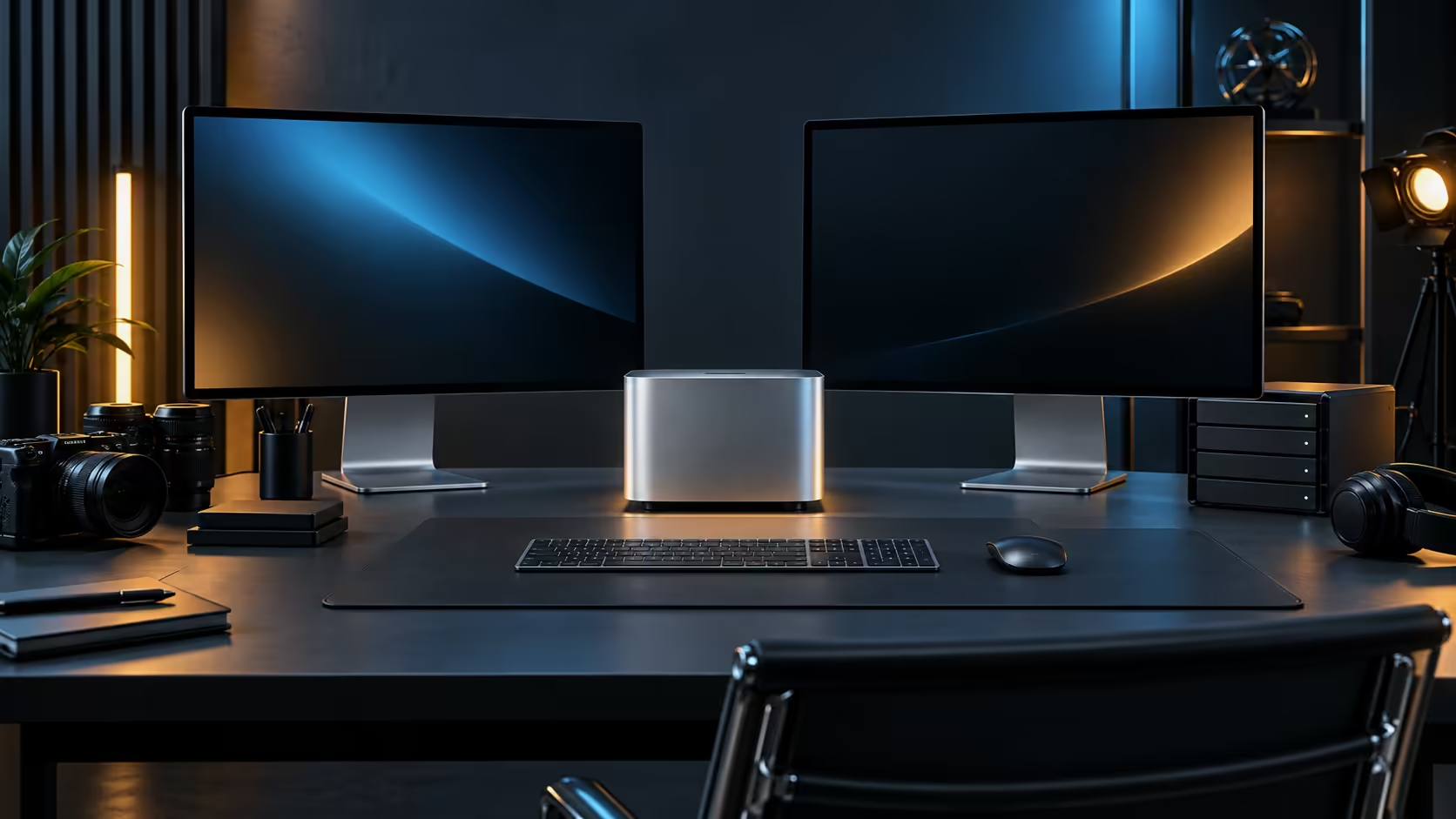
Give the primary monitor a Thunderbolt 5 port so it can also charge a connected laptop or power a hub. Put a second monitor on HDMI if it lacks USB-C, or on the second Thunderbolt port if it supports it. That leaves the third Thunderbolt port free for a fast external drive, the two plain USB-C ports for a keyboard and mouse receiver, and the Ethernet port for the router, without a single adapter anywhere on the desk.
🧰 When a hub or dock is actually worth adding
Five ports run out quickly once a monitor, a keyboard, a mouse, an external drive and a network cable are all accounted for. A well-chosen USB hub built for Thunderbolt bandwidth turns one port into several without giving up speed on the devices that need it, which is the more sensible fix than plugging low-priority peripherals directly into a Thunderbolt port and running out of fast ports for what actually needs them.
Every other memory tier sits in the same Mac Mini lineup, and a look at the broader mini PC category is worth it too if a different chassis fits your port plan better. Buying it through Evetech also means the warranty and any repair stay inside the country, no overseas shipment required.
Frequently Asked Questions
Can I use HDMI and Thunderbolt for two separate screens at once?
Yes, both feed the same display engine, so combining them is a normal way to run a two-monitor desk on this machine.
Does a 2.5Gb port help if my internet is slower than that?
Not for internet speed directly; it helps with local transfers between devices on the same network, which run independently of your internet line's speed.
Will a basic USB-C hub slow down a Thunderbolt port?
A data-only hub does not add bandwidth the port did not already have, so plugging demanding devices into a low-quality hub can create a bottleneck that a direct connection would not.
Do I need a dock if I only use one monitor and a keyboard?
Probably not. A single monitor over Thunderbolt or HDMI plus a keyboard on plain USB-C already covers a simple desk without extra hardware.
Can the 3.5mm jack drive a pair of powered speakers?
Yes, a standard analogue cable from powered speakers works directly, with no adapter or software configuration needed.
Will charging a laptop through a Thunderbolt hub slow down my network connection?
No, power delivery and data transfer run independently over the same cable, so charging does not reduce the available bandwidth for a wired network link passing through the same dock.
Should I plug my printer into a Thunderbolt port or a plain USB-C port?
A plain USB-C port is the better choice; a printer has no use for the extra bandwidth, so keeping it off a Thunderbolt port leaves those free for a monitor or a drive.
Ready to plan which port does which job on your desk?
Match displays and drives to Thunderbolt, and everyday gear to plain USB-C, before you buy any adapters.