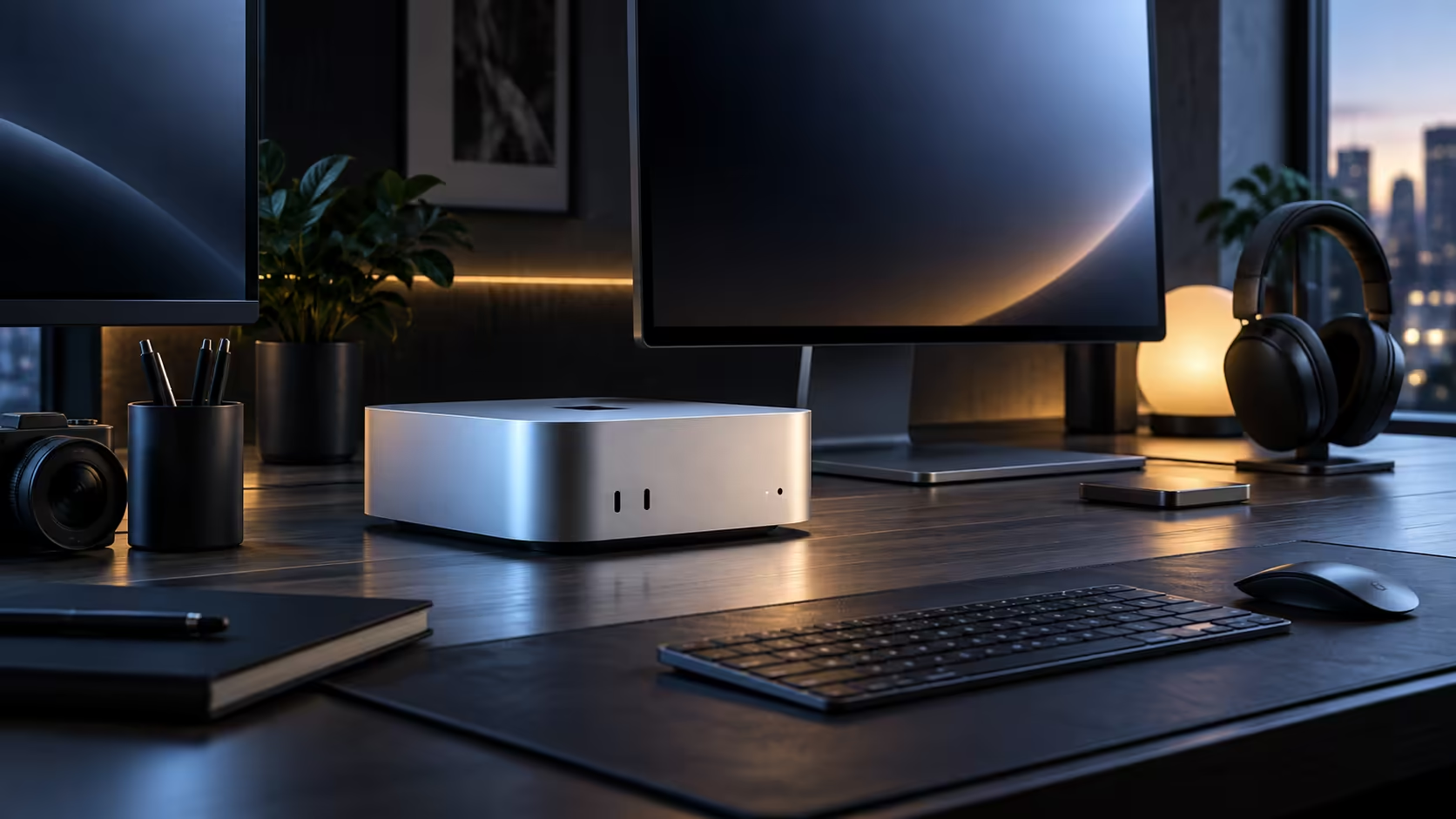
Picture two offices: one where everyone shares a single, well-organised supply cupboard, and one where every desk has its own private drawer that has to be restocked by walking supplies over from a central store. Unified memory works like the shared cupboard; a traditional PC's separate system RAM and graphics VRAM work like the private drawers.
Quick Answer
On a Mac Mini M6, the CPU, GPU and Neural Engine all reach into the same 16GB pool directly, at R21,699. A traditional PC keeps system RAM and graphics VRAM in two separate pools, and every time the CPU and GPU both need the same asset, it has to be physically copied from one pool to the other, a step called a memory transfer that costs real time.
📦 What actually gets "walked over" in a memory transfer
Think of a large 3840x2160 texture or a video frame as a box of supplies. On a traditional desktop, if the CPU has already unpacked that box in its own drawer and the GPU also needs it, someone has to carry a duplicate box over to the GPU's drawer before work can start. Unified memory skips the walk entirely, since both the CPU and GPU are already looking at the same cupboard shelf.
🎬 A real workflow where the difference shows up
Scrubbing through a video timeline while a colour effect updates live is exactly the kind of task that repeats this copy step constantly on a traditional split, because the CPU is managing playback while the GPU renders the effect on the same frame. On unified memory, both simply read from the same 16GB pool, which is where the practical smoothness gain actually comes from, not from any single core running faster.
⚙️ Where the private-drawer model still wins
Give the GPU its own private drawer, a dedicated card carrying 12GB or 16GB of VRAM all to itself, and it never has to queue for the same cupboard shelf as the CPU and Neural Engine, which buys it headroom no shared pool can match. That private drawer, stocked generously enough, is still what wins at maximum-setting gaming and on GPU-bound render farms.
🧭 Choosing the model that fits your actual work
Software tied to a specific GPU maker's own drivers, or a workload that simply wants the biggest 16GB-plus VRAM number available, still belongs on the traditional private-drawer setup. Work that constantly hands files back and forth between processing stages, editing, texturing, an AI model both engines need to touch, is where the shared cupboard earns its keep as a genuine fix rather than a marketing line.
🧱 Pricing the private-drawer model to compare fairly
Building the traditional split model yourself means pricing system memory for the CPU side and a separate graphics card for the GPU side as two distinct line items, rather than one figure the way a unified machine's price works. For a build leaning on the newer standard, checking current DDR5 memory pricing on top of a discrete GPU quickly shows why a private-drawer system with a genuinely large VRAM pool tends to cost more overall than a unified machine covering the same everyday and moderate creative workload.
🧮 A rough way to decide which model actually saves money
Add up what a comparable traditional build costs once 32GB of system memory, a discrete GPU with enough VRAM to matter, cooling for both, and a case are all itemised separately, and compare that total against a unified machine at a similar memory figure. For general creative and AI work that does not need maximum gaming settings, the unified total is frequently the cheaper path once every traditional component is honestly priced rather than assumed cheap.
🔁 What actually happens during a memory transfer, step by step
A memory transfer is not instant even on a fast system: the CPU finishes preparing data in its own pool, that data is copied across a bus to the GPU's separate pool, and only then can the GPU begin its part of the job. Each of those three steps adds a small delay, and a workflow that repeats this handoff dozens of times a minute, exactly what live video effects or certain AI pipelines do, is where those small delays add up into a difference you can actually feel rather than merely measure.
Mac Mini is where every tier of this architecture is listed, and mini PC is the place to check what a traditional build costs by comparison.
Frequently Asked Questions
Is 16GB shared actually a smaller number than what a gaming PC carries?
On paper sometimes, yes, but a shared pool avoiding constant copying between CPU and GPU can behave more efficiently than a bigger split total for exactly the workloads that move data both ways.
Could I fit a discrete graphics card into a Mac Mini myself?
No, the sealed compact case leaves zero room for that kind of internal upgrade, so whatever graphics configuration you order is what the machine keeps for good.
Is the shared-cupboard idea unique to Apple's chips?
Apple's version is the best-known consumer example today, but the general concept of shared memory exists elsewhere in computing too, particularly in some mobile and laptop chips.
Does unified memory ever run slower than a traditional split for the same task?
For maximum-setting gaming and GPU-bound rendering specifically, yes; that is exactly the private-drawer territory where a dedicated card with its own large VRAM pool still wins outright.
Is buying more shared memory the same as buying more VRAM on a traditional PC?
Not quite; more shared memory raises the ceiling for how much can be held at once across CPU, GPU and Neural Engine together, while dedicated VRAM is reserved purely for the GPU's own use and cannot be borrowed by the CPU when it runs short.
Will software need to be rewritten specifically to take advantage of unified memory?
To a degree, yes; developers generally need to design an application around a shared pool to see the full benefit, which is why the practical gains show up most clearly in software Apple or its partners have specifically optimised for it, rather than in every single app equally across the board and straight out of the box from the very first day it is switched on.
Ready to decide between a shared memory pool and a traditional split setup?
Match the architecture to how your actual work moves data between tasks.