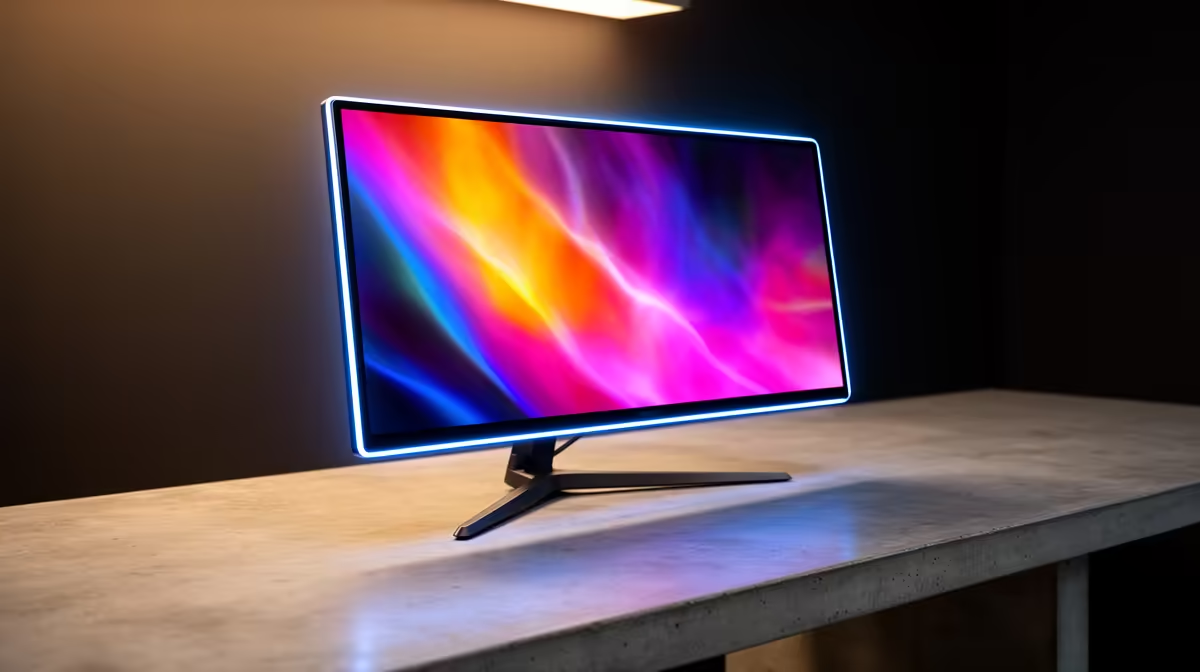
Tired of a one-size-fits-all display? Your gaming rig is a reflection of you, so why should your screen be any different? A customizable OLED monitor is more than just a pretty picture; it's the command centre of your entire setup, tailored to your exact playstyle. Imagine colours that pop with lifelike intensity and blacks so deep they feel infinite… all calibrated perfectly for you. It’s time to build a visual experience that’s truly your own.
Beyond the Pixels: What Makes a Customizable OLED Monitor Special?
Let's be honest, the moment you see an OLED screen in action, you get it. The per-pixel lighting means you get perfect blacks, insane contrast ratios, and colours that make traditional LCDs look washed out. But the magic of a truly customizable OLED monitor lies in the details beyond the panel itself. We're talking about fine-tuning everything from on-screen performance to the physical ergonomics of your desk. ✨
This level of control transforms a great display into an extension of your gaming identity. It’s about creating profiles for different games, syncing RGB lighting with your keyboard and mouse, and adjusting the screen for those marathon weekend sessions. While OLED technology represents the peak of visual fidelity, the customization features are what make it feel personal. It's a premium experience available across a wide range of PC monitors, but OLED is where it truly shines.
Dialing In Your Perfect Picture: A Personalization Guide
Getting your hands on a new OLED is just the first step. The real fun begins when you dive into the software and settings to tailor the experience. Most top-tier monitors come with powerful software suites that let you become the master of your display.
Key Settings to Tweak:
- Colour Calibration: Don't just settle for "Vivid" mode. Use calibration tools to adjust gamma, saturation, and hue for true-to-life accuracy. This is crucial for content creators and gamers who want to see the game exactly as the developers intended.
- Game-Specific Profiles: Create unique visual profiles for your favourite titles. Boost shadow detail in Call of Duty to spot enemies lurking in the dark, or crank up the vibrancy in Forza Horizon to make the scenery pop. This is a core feature in most modern gaming monitors.
- On-Screen Display (OSD) Customization: Many gaming monitors let you add a persistent crosshair, FPS counter, or timer directly onto the screen via the OSD, giving you a competitive edge without needing third-party software.
OLED Care Pro Tip 💡
To protect your investment and prevent burn-in, enable features like Pixel Shift and Static Screen Detection in your monitor's settings. Also, use a dark-themed wallpaper and set your taskbar to auto-hide. These small habits significantly extend the life and performance of your OLED panel.
More Than a Screen: Customizing Your Physical Setup 🔧
A personalized setup isn't just about what's on the screen; it's about how the screen fits into your space and supports your posture. A high-end customizable OLED monitor comes with an equally high-end stand.
Look for robust ergonomic features:
- Height Adjustment: Align the top of the monitor with your eye level to prevent neck strain.
- Tilt & Swivel: Angle the screen to eliminate glare from windows or room lighting.
- Pivot: Rotate the monitor 90 degrees into portrait mode—fantastic for coding, reading documents, or managing your Discord channels on a second screen.
And let's not forget the aesthetics. Features like Aura Sync or Mystic Light allow your monitor's RGB lighting to synchronise with your other components, creating a cohesive and immersive battlestation. This is especially impactful with immersive curved monitors, which wrap the visuals and lighting around your field of view for an unparalleled experience.
Finding Your Ideal Customizable OLED Monitor in South Africa
Ready to make the jump? When browsing for your perfect screen, keep a few key factors in mind. Resolution is a big one; while 1440p is the current sweet spot for performance and clarity, the breathtaking detail of modern 4K monitors is hard to ignore if you have the GPU power. For competitive players, a refresh rate of 120Hz or higher is non-negotiable for silky-smooth gameplay.
Your needs might even go beyond a traditional desk setup. For gamers on the move or those needing a second screen for their laptop at a LAN, versatile portable monitors now offer incredible quality in a compact form factor. Ultimately, building your personalized setup is about matching the tech to your lifestyle. And with the right timing, you can often find incredible PC monitor deals that make this premium technology more accessible than ever.
Ready to Find Your Perfect Match?
A customizable OLED monitor is the ultimate upgrade for any serious PC user. It's time to see your games, movies, and projects in a whole new light. Explore our massive range of PC monitors and find the perfect screen to complete your setup.