


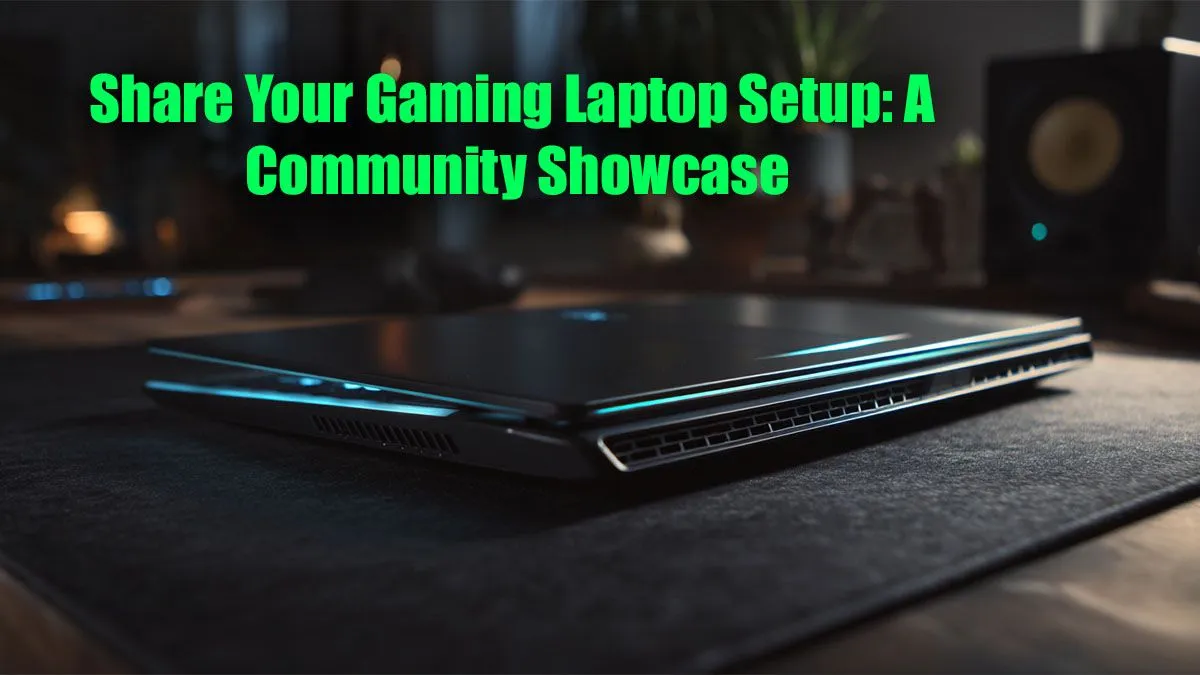
Small-room setups, big results — a SA hook 🔧🚀
If your flat in Jozi or student digs in Stellenbosch needs a pro-grade play space, this guide lands fast. Think practical layouts, performance priorities, and local buying smarts. Whether you’re chasing frames or comfort, you’ll get community-tested ideas and pro tips to build a gaming laptop setup that fits South African homes and budgets.
Essentials for a focused gaming laptop setup
Start with the basics: ergonomics, cable management, and a reliable desk surface. A laptop stand raises your screen to eye level, reducing neck strain. Good lighting prevents eye fatigue during long sessions. For part swaps or GPU-bound titles, a stable power supply and ventilation beat overheating.
Where to snag the best deals locally
Before committing, compare current specials and warranties. Evetech curates regular promotions and laptop specials for South Africa — great for price-savvy buyers. Check their laptop specials to see current ZAR offers and stock levels: https://www.evetech.co.za/laptop-specials-for-sale-south-africa
Choosing the right laptop for your layout
Match machine size to desk depth. 15-inch machines fit small desks; 17-inch rigs need extra width. If you’re balancing streaming and gaming, look at Evetech’s gaming laptop deals to compare GPUs, RAM, and thermals in one place: https://www.evetech.co.za/best-gaming-laptop-deals/l/1468
Workstation crossover ideas ✨
Some creators game and edit. A workstation laptop with better multicore performance can serve both worlds. For buyers needing heavier compute, Evetech’s workstation laptops collection is a good reference: https://www.evetech.co.za/workstation-laptops/l/621.aspx
Layout inspiration from the community
A Cape Town streamer I know condensed a multi-monitor rig into a neat two-tier setup. She placed the laptop on an elevated tray and streamed from a capture-ready dock. The result: more desk space, cleaner cables, and noticeably cooler thermals.
Setup Pro Tip ⚡
Elevate your laptop with a ventilated stand and route cables through adhesive clips. For windows, disable unnecessary startup apps to keep CPU temperatures lower while gaming.
Accessories that punch above their price
- External SSD for fast load times and game libraries.
- USB-C hub with power delivery to keep the laptop charged and peripherals connected.
- A compact mechanical keyboard and a low-latency mouse for competitive play. These choices make your laptop feel like a desktop without losing portability.
Small tweaks with big impact
Adjust in-game settings for balance between visuals and frame-rate. Use a cooling pad when playing long sessions on a lap. Keep drivers up to date — Evetech pages list compatible parts and upgrade paths if you want a memory or storage boost.
Final nudge — design with purpose
Design your desk for the games you play. RTS needs space for quick keyboard access. FPS players prioritise mouse freedom. Build it to feel comfortable first, impressive second. Ready to browse options, compare ZAR prices, and find a deal that suits your room and routine? The links above are curated to help you decide.
Ready to Find Your Perfect Match? The Mac vs Windows debate is complex, but for maximum power, choice, and value in South Africa, Windows is hard to beat. Explore our massive range of laptop specials and find the perfect machine to conquer your world.









