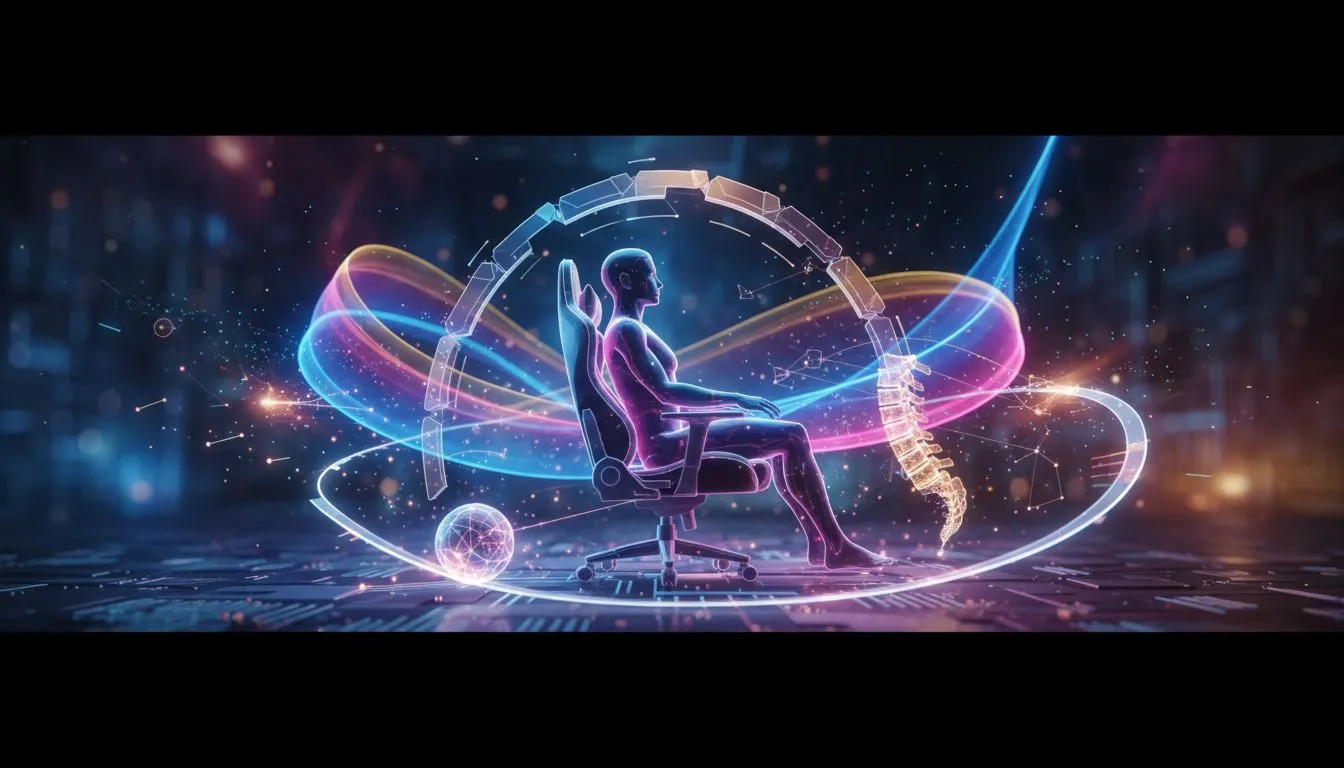
You’ve just clutched a 1v3 in Apex, the adrenaline is pumping... but when you stand up, your lower back screams in protest. Sound familiar? For many South African gamers, long sessions are a part of the culture, but that nagging ache doesn't have to be. Learning how to reduce back pain from gaming isn't just about comfort; it's about protecting your health so you can stay in the game longer. Let's get that sorted.
First, Understand Your Enemy: Poor Ergonomics
The main culprit behind your discomfort is almost always poor ergonomics. Slouching forward, craning your neck, and sitting in a chair that offers zero support puts immense strain on your spine. Over hours, this pressure builds up, leading to stiffness, muscle fatigue, and chronic pain. The foundation of any effort to reduce back pain while gaming starts with your setup, especially your chair. A good setup supports your body's natural posture, rather than forcing it into painful positions.
9 Pro Tips to Reduce Back Pain Gaming
Ready to make some simple changes for massive relief? Here are nine actionable tips to keep your back happy during those marathon sessions.
1. Your Throne is Everything
That old office chair or dining room seat isn't cutting it. A dedicated gaming chair is designed for long-term comfort and support. Look for features like adjustable height, armrests, and recline. Investing in one of the many quality gaming chairs in South Africa is the single biggest step you can take to prevent gaming-related back pain.
2. The 90-90-90 Rule
This is the golden rule of seated posture.
- Ankles: Your feet should be flat on the floor with your knees at a 90-degree angle.
- Knees: Your hips should be level with or slightly higher than your knees, creating another 90-degree angle.
- Elbows: Your arms should rest comfortably on your desk or armrests, with your elbows bent at... you guessed it, 90 degrees.
3. Position Your Monitor Correctly
Stop looking down! Your monitor should be directly in front of you, about an arm's length away. The top of the screen should be at or slightly below your eye level. This prevents you from hunching over and straining your neck and upper back, a key factor in preventing back pain from gaming.
4. Get Your Lumbar Support Right
"Lumbar support" is the curve in the chair that supports your lower back. Most good gaming chairs have an adjustable cushion for this. Slide it so it fits snugly into the natural curve of your lower spine. It might feel weird at first, but it's crucial. Premium models like many Cooler Master gaming chairs build this support right into the chair's design.
5. Take Strategic Breaks ⏰
Your body isn't designed to stay still for hours. Set a timer to get up and move around for 5 minutes every hour. Walk around, grab some water, or do a few quick stretches. It gives your muscles a chance to reset and improves blood flow. This small habit is a powerful tool to reduce back pain gaming.
Quick Desk Stretch ⚡
While seated, plant your feet firmly on the floor. Gently twist your torso to the right, using your left hand on the outside of your right knee for a light stretch. Hold for 15-20 seconds, breathe deeply, and repeat on the other side. This helps relieve spinal tension without even leaving your chair!
6. Adjust Your Armrests
Your armrests do more than just give you a place to put your elbows. They should be set to a height where your shoulders are relaxed, not hunched up by your ears. Proper armrest height takes the strain off your shoulders and upper back. The adjustability found in options from Vertagear allows you to dial in the perfect height for your body.
7. Stay Hydrated
Dehydration can make your muscles feel tight and more prone to cramping and pain. The discs in your spine also need water to stay plump and cushion your vertebrae. Keep a water bottle on your desk and sip it throughout your session. It's a simple but effective part of your back pain prevention strategy.
8. Mind Your Peripherals
Keep your keyboard and mouse close enough that you don't have to over-reach. Your elbows should remain comfortably near your sides. Constantly reaching forward puts a surprising amount of strain on your shoulders and upper back.
9. Listen to Your Body 🧘
Finally, if you feel sharp or persistent pain, don't just "push through it." That's your body telling you something is wrong. It could be a sign that you need to adjust your posture, take a longer break, or re-evaluate your setup. Sometimes the most effective way to reduce back pain gaming is to simply stop and rest. Your rank can wait.
Gaming shouldn't be a pain... literally. By optimising your setup and adopting a few healthy habits, you can enjoy marathon sessions without paying the price the next day. A great chair is the cornerstone of this strategy, providing the ergonomic foundation you need. Whether you prefer the sleek design of stylish Arozzi gaming chairs or another top brand, the investment pays for itself in comfort and health.
Ready to Banish Back Pain for Good?
Your gaming skill is an investment... so is your health. The right ergonomic chair isn't a luxury; it's essential gear for any serious gamer. Explore our massive range of gaming chairs and find the perfect throne to conquer your next marathon session.