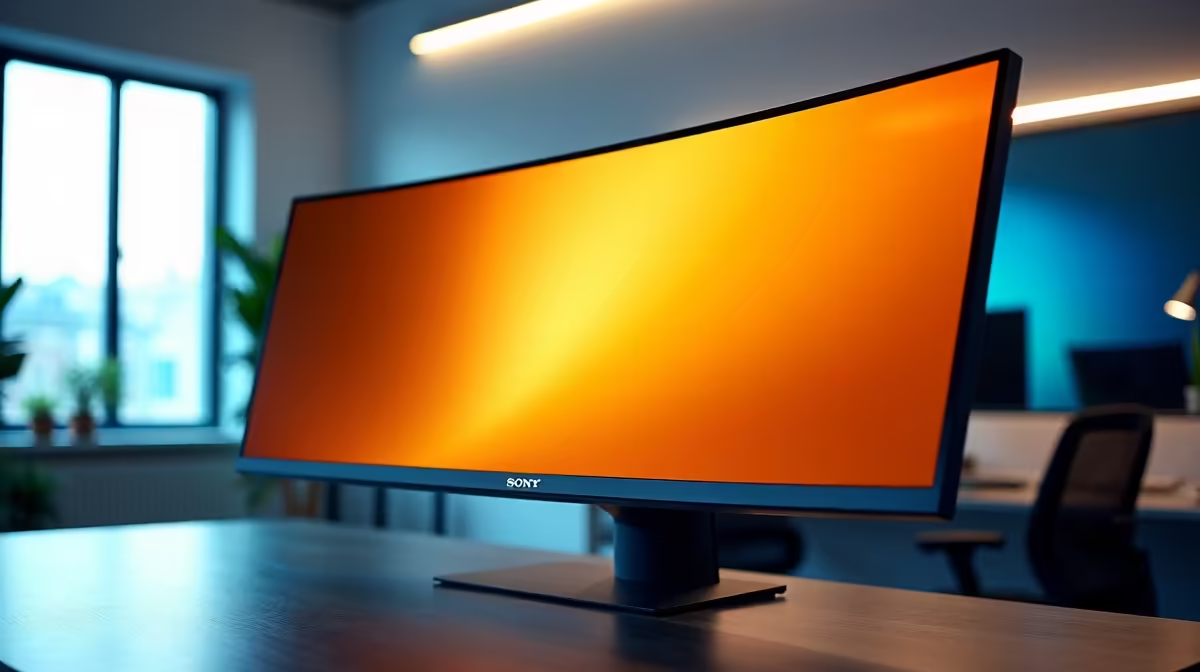
Tired of juggling a dozen windows on a cramped screen? Constantly alt-tabbing between spreadsheets, emails, and documents feels like a productivity nightmare. Imagine a workspace so wide, you can see everything at once… without needing a second screen. An affordable ultrawide monitor isn't just a luxury for elite gamers anymore; it's a powerful tool for your office that can seriously boost your focus and workflow, and it doesn’t have to drain your wallet. 🚀
Why Choose an Ultrawide Monitor for Your Office?
The primary advantage of an ultrawide monitor is the sheer amount of horizontal screen real estate. Instead of two separate monitors with a bezel breaking your view, you get one seamless, panoramic desktop. This is brilliant for:
- Multitasking Masters: Keep your research open on one side and your Word document on the other. For developers, it means having your code, terminal, and preview window all visible simultaneously.
- Spreadsheet Wizards: Say goodbye to endless horizontal scrolling. View more columns of your data in a single glance, making analysis and financial modelling much easier.
- Creative Professionals: Video editors and music producers can see more of their timeline, reducing the need to zoom in and out constantly.
While an ultrawide is a fantastic productivity booster, we understand it's one of many options. You can explore a wide range of PC monitors to find the perfect fit for your specific needs and budget.
Key Features of Affordable Ultrawide Monitors
When you're hunting for a cost-effective ultrawide display, you need to know which specs matter most for office work. It’s not always about the highest numbers; it's about the smartest choices for your ZAR.
Resolution and Aspect Ratio
Most ultrawide monitors come in a 21:9 aspect ratio. The most common resolutions you'll find in affordable models are:
- WFHD (2560 x 1080): A great entry-point. It's wider than a standard Full HD (1920x1080) monitor, giving you that extra space without requiring a powerful graphics card to run it.
- WQHD (3440 x 1440): This is the sweet spot for many. It offers significantly more sharpness and detail than WFHD, making text crisper and images clearer. While premium high-resolution 4K monitors offer the ultimate clarity, WQHD provides a massive upgrade for a reasonable price.
Flat vs. Curved Screens
This often comes down to personal preference. A flat ultrawide is perfectly fine, but many users find that a gentle curve helps make the experience more immersive and reduces eye strain, as the screen edges are brought slightly closer to your peripheral vision. It's worth checking out some immersive curved monitors to see if the feel is right for you. 🖥️
Productivity Pro Tip ⚡
On Windows, use the PowerToys FancyZones utility to create custom snap layouts for your windows. It's a lifesaver for managing multiple apps on an affordable ultrawide monitor, letting you organise your spreadsheet, email, and browser perfectly for maximum efficiency.
Finding the Right Balance for Work and Play
Many people use their office PC for a bit of after-hours relaxation. The good news is that many of the features that make for a great work monitor also translate well to entertainment. Even an affordable ultrawide monitor can offer a cinematic viewing experience for movies. If you're a casual gamer, you might find that some of the best value comes from looking at entry-level gaming monitors, which often have ultrawide variants with higher refresh rates.
Beyond the Screen: Essential Add-ons 🔧
To truly perfect your new setup, consider a few extras. A VESA-compatible monitor arm can free up significant desk space and allow you to position your screen at the perfect ergonomic height. You can find a variety of stands and mounts in our monitor accessories section.
Of course, an ultrawide is designed for a fixed desk. If your work takes you on the road, the expansive view of a desktop setup isn't practical. In that case, supplementing your laptop with one of today's excellent portable monitors might be the better solution for productivity on the move.
Finding the Best Deals on Ultrawide Monitors
Upgrading your workspace with a cost-effective ultrawide display is one of the best investments you can make in your daily productivity. You get a cleaner desk, a more efficient workflow, and a more comfortable viewing experience. To get the most for your money, always keep an eye out for promotions and special offers. ✨ You can find all our latest price-drops and bundles on the best PC monitor deals page.
Ready to Expand Your Horizon?
An affordable ultrawide monitor transforms your desk from a cluttered space into a streamlined command centre. Boost your productivity and enjoy a more immersive experience. Explore our incredible monitor deals and find the perfect screen to conquer your workday.