


So, you’ve got an ASUS Vivobook. Great choice! It’s a brilliant machine known for its vibrant display and solid performance. But are you truly unlocking its full potential? Straight out of the box, it’s a star… but with the right gear, it becomes a supernova. This guide is for every South African student, professional, or casual creator looking to transform their laptop experience with the best ASUS Vivobook accessories. Let’s get you upgraded. 🚀
Essential ASUS Vivobook Accessories for the Productivity Pro
Your Vivobook is the heart of your workspace, but it shouldn't be the only thing on your desk. To create a truly efficient setup, you need accessories that expand its capabilities. Think less about the laptop itself and more about the command centre you can build around it.
A high-quality docking station or USB-C hub is non-negotiable. It turns a single port into a gateway for monitors, keyboards, mice, and external storage, all while charging your device. No more plugging and unplugging a dozen cables. Pair this with a crisp 24-inch or 27-inch monitor, and you've instantly doubled your screen real estate. This setup is a massive win for multitasking, especially if you're running a machine from the latest range of ASUS Intel laptops, which are built to handle multiple demanding apps with ease.
Cable Management Magic ✨
Use adhesive cable clips or a simple velcro sleeve to tidy up the wires behind your desk. A clean workspace isn't just about looks; it reduces distractions and helps you focus. A tidy desk often leads to a tidy mind, making your entire workflow smoother.
The Ultimate On-the-Go Vivobook Kit
One of the best things about a Vivobook is its portability. But working from a coffee shop, campus library, or a client's office requires a specific set of ASUS Vivobook accessories to stay efficient and protected.
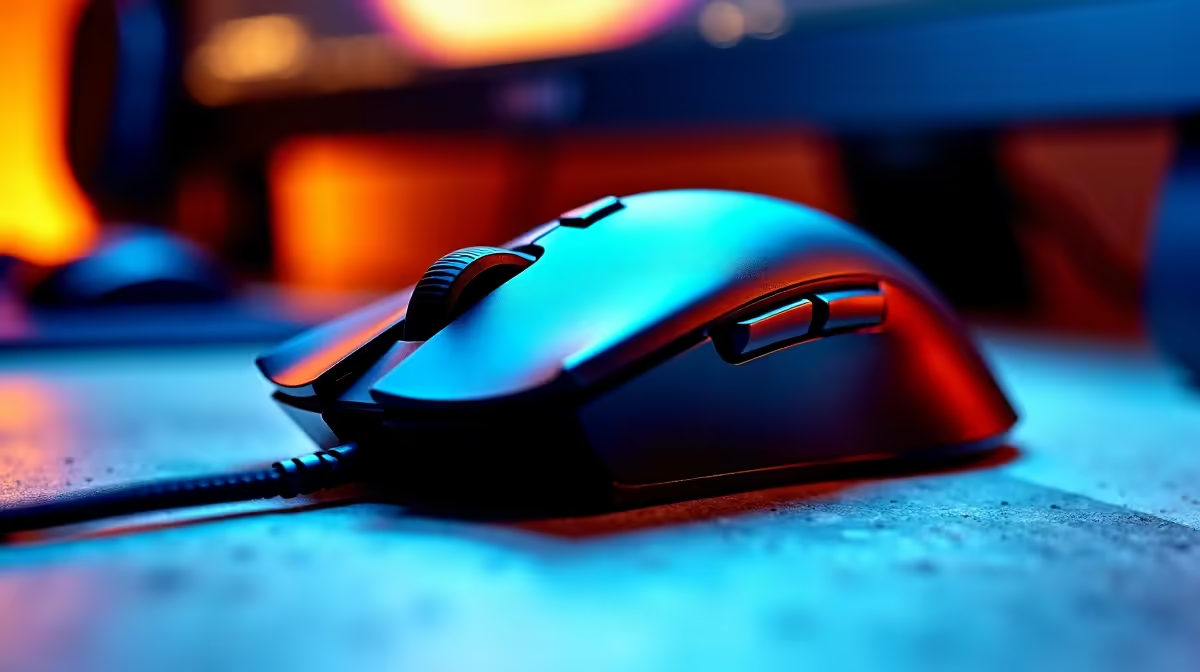
First up: a slim, durable laptop sleeve. South Africa’s hustle and bustle means your tech needs protection from bumps and scrapes. Look for a padded sleeve that fits snugly without adding bulk. Next, ditch the trackpad for a compact wireless mouse. A small, ergonomic mouse like the Logitech Pebble or an ASUS Marshmallow Mouse makes a world of difference for precision tasks.
Finally, a portable power bank with Power Delivery (PD) can be a lifesaver during an unexpected outage or long commutes. Ensure it has enough wattage to charge your laptop, not just your phone. This kind of mobile efficiency is what makes the latest ASUS Ryzen laptop deals so appealing—powerful performance combined with excellent battery life.
Creating an Ergonomic Home Office Setup
Hunching over your laptop for hours is a recipe for back and neck pain. The right ASUS Vivobook accessories can dramatically improve your posture and comfort, turning long work sessions into a breeze. It's an investment in your health that pays off daily.
Start with a sturdy laptop stand. By raising your screen to eye level, you'll immediately reduce strain on your neck. This simple change is one of the most effective ergonomic upgrades you can make. Of course, once your laptop is on a stand, you'll need an external keyboard and mouse. A full-sized mechanical or ergonomic keyboard provides a much better typing experience than any laptop keyboard, and a comfortable mouse prevents wrist fatigue. You don't have to break the bank either; check out the fantastic value you can find in ASUS laptops on special to see how affordable a full setup can be.
Why the Right Accessories Matter 🔧
Ultimately, the best accessories are the ones that solve a problem for you. They bridge the gap between your laptop's standard features and your unique workflow. Your Vivobook is an incredibly versatile tool, capable of handling everything from varsity assignments to creative projects. By thoughtfully choosing your gear, you’re not just buying gadgets; you’re customising your technology to perfectly fit your life.
Whether you're starting fresh with one of the latest ASUS Vivobook laptops or upgrading a trusted machine, these accessories will ensure you get the absolute most out of your investment.
Ready to Build Your Ultimate Vivobook Setup? From powerful peripherals to protective gear, the right accessories make all the difference. Explore our massive range of laptop accessories and find the perfect gear to conquer your world.










