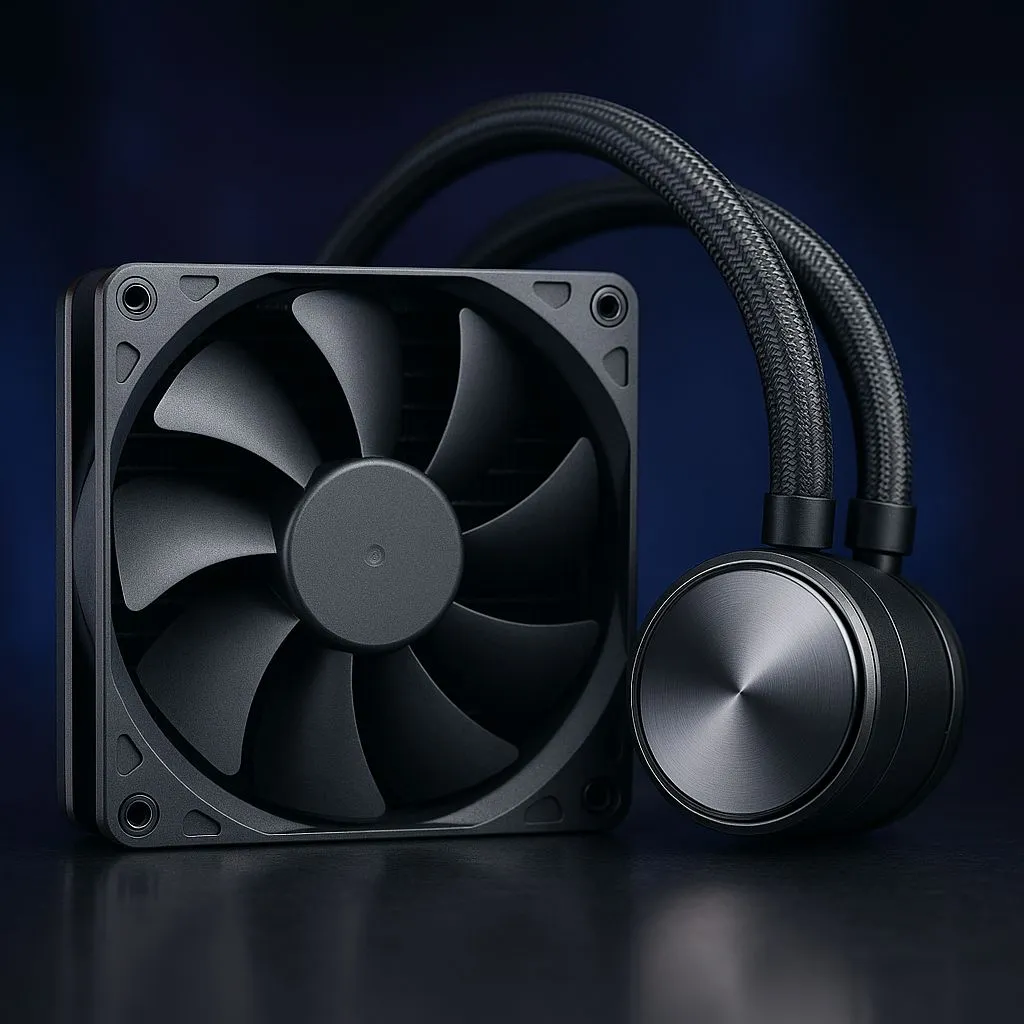
You're in the final circle in Apex, your Ryzen 7 is screaming under the load, and suddenly… frame drops. Your CPU is thermal throttling, and that beastly rig is gasping for air. We’ve all been there. Choosing the right cooler is crucial, but many South African gamers overlook the sweet spot. Enter the contender for the best 280mm AIO cooler: a perfect blend of performance and acoustics, thanks to the underrated 140mm fan advantage.
Why a 280mm AIO is the Goldilocks of CPU Cooling
When you're browsing for new PC components, the cooling aisle can be overwhelming. You've got massive air towers, compact 240mm AIOs, and the colossal 360mm behemoths. So, where does the 280mm fit in?
Think of it as the perfect middle ground. A 280mm radiator has a surface area of 39,200 mm², which is over 27% larger than a 240mm radiator (31,200 mm²). This extra area means more efficient heat dissipation, often allowing a 280mm AIO to perform on par with, or even better than, some entry-level 360mm radiator models, especially in cases with restricted airflow. It’s a smart upgrade that delivers tangible results without needing a massive chassis.
The 140mm Fan Advantage: Quieter and More Powerful ❄️
The real secret to the best 280mm AIO cooler isn't just the radiator size… it's the fans. Two 140mm fans can move the same amount of air as three 120mm fans but at a much lower RPM (revolutions per minute).
Here’s what that means for your gaming rig:
- Lower Noise: Slower spinning fans are dramatically quieter. You get top-tier cooling without your PC sounding like a jet engine during a heavy gaming session.
- Better Air Pressure: Larger fan blades are often better at pushing air through the dense fins of a radiator, a property known as static pressure.
- Efficiency: Less power is needed to achieve the same cooling effect, making your whole system a bit more efficient.
For anyone building a powerful yet quiet setup, this advantage is massive. It’s the core reason why a premium 280mm Liquid Cooler (AIO) is often the superior choice over a standard 240mm model.
Installation Pro Tip 🔧
When installing your 280mm AIO, check your case's manual for the optimal mounting position—usually the front or top. For a front-mounted radiator, position the tubes at the bottom if possible. This helps prevent air bubbles from getting trapped in the pump, extending the cooler's lifespan and keeping it running quietly.
Is a 280mm AIO Cooler Right for Your PC?
Before you commit, let's talk compatibility. While a 280mm AIO offers stellar performance, it requires a case that can accommodate two 140mm fans side-by-side. Most modern mid-tower and full-tower cases support this, but it's always wise to check your specs.
If your case is more compact, or if you prefer a simpler installation, a high-performance Air Cooler can still be a fantastic option. However, for taming the heat from modern high-core-count CPUs from Intel and AMD, the thermal capacity of a quality AIO is hard to beat.
When searching for the best 280mm AIO cooler, look for brands known for reliability and performance. Companies like CORSAIR, for example, offer models with excellent pumps, vibrant RGB lighting, and powerful software control, giving you everything you need to create a cool and quiet powerhouse. 🚀
Ultimately, a 280mm AIO hits the sweet spot for most South African gamers and creators. It provides elite cooling performance that punches well above its weight, all while keeping noise levels comfortably low. It's the smart, efficient choice for a clean and powerful build in 2025.
Ready to Tame Your Temps?
From silent air coolers to high-performance AIOs, the right cooling solution is waiting. Explore our massive range of CPU coolers and find the perfect match to keep your rig running cool and fast.