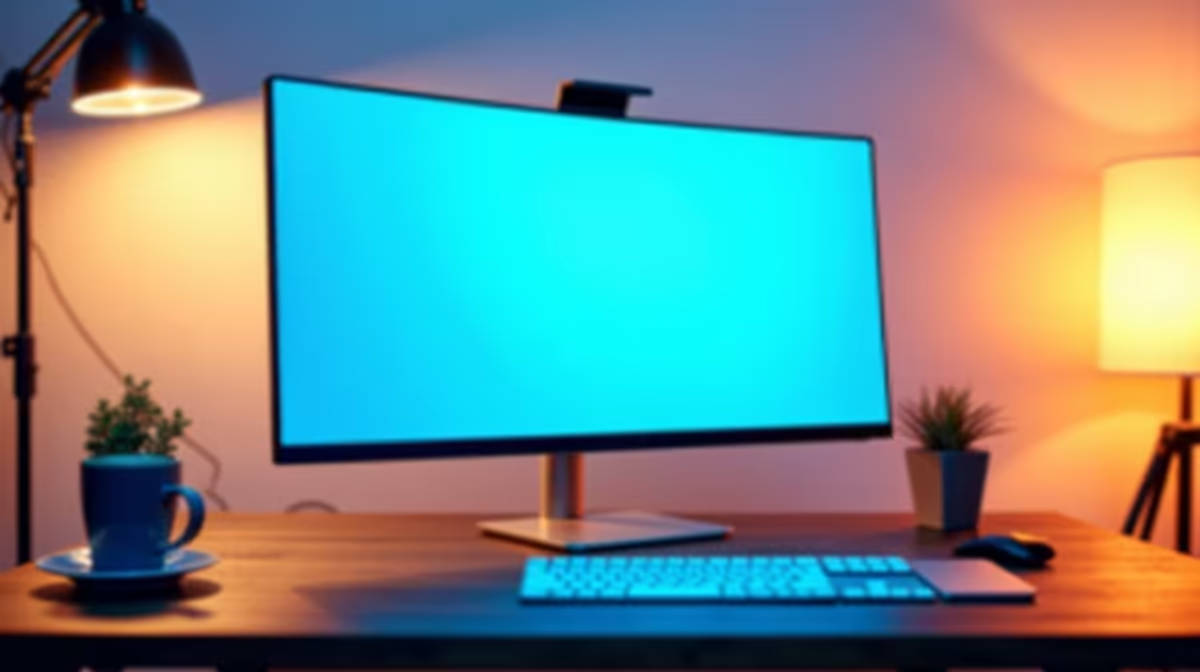
Trying to juggle a Zoom lecture, your notes, and a research tab on a tiny laptop screen? It’s a recipe for frustration and tired eyes. For South African students and remote workers, upgrading your setup doesn't have to break the bank. The solution is finding the best budget 24 inch monitor, a perfect sweet spot for productivity and comfort. It's an affordable upgrade that completely transforms your learning and work-from-home experience. 💻
Why a 24-Inch Monitor is the Sweet Spot
Before diving into specs, let's talk about why 24 inches is the magic number. It’s large enough to comfortably view two documents side-by-side... no more constant alt-tabbing! Yet, it’s compact enough to fit on a standard desk in a dorm room or home office without overwhelming your space.
This size offers a significant upgrade over any laptop screen, making text sharper and video content more engaging. While smaller portable monitors are great for life on the go, a dedicated 24-inch screen provides the real estate needed for hours of focused work. It’s the ideal choice when looking for an affordable 24-inch screen that balances performance and price.
Key Features for a Great Remote Learning Monitor
When you're searching for the best budget 24 inch monitor, it’s easy to get lost in technical jargon. Here’s what actually matters for a fantastic remote learning setup.
Resolution: Full HD is All You Need
For a 24-inch screen, a Full HD (1920x1080) resolution is perfect. It delivers a crisp, clear image for reading text, viewing presentations, and watching videos without requiring an expensive graphics card to run it. While premium crisp 4K monitors offer incredible detail, Full HD provides the best value for your money at this size, keeping costs down while ensuring excellent visual quality.
Panel Type: IPS for Vibrant, Consistent Colour
You'll mainly see three panel types: TN, VA, and IPS. For studying and general use, an IPS (In-Plane Switching) panel is the top choice. Why? It offers superior colour accuracy and wide viewing angles. This means the picture looks great even if you’re not sitting directly in front of it—perfect for sharing your screen with a classmate or just shifting in your chair. The colours will be more true-to-life, making everything from graphs to videos pop. ✨
Eye-Care is Key! 👓
Long study sessions can strain your eyes. Look for monitors with a "Low Blue Light" mode and "Flicker-Free" technology. These features reduce eye fatigue, helping you stay focused and comfortable during late-night assignment grinds. Many of the best budget monitors for remote learning now include these essential features.
Connectivity: Check Your Ports
This sounds simple, but it's crucial! Most modern laptops connect via HDMI, so ensure the monitor you choose has at least one HDMI port. Some may also include DisplayPort or VGA, but HDMI is the universal standard you'll want. A quick check of your laptop's ports can save you a headache later.
Finding the Best Budget 24 Inch Monitor for You
At Evetech, we have a massive selection, so finding the right fit is easy. Even our affordable 24-inch screens pack features that make a huge difference.
For instance, many models now come with a 75Hz refresh rate, offering a smoother experience than the standard 60Hz, not just for study but also for some after-hours gaming. If you think you might get into more competitive play, you can explore all our gaming monitors for higher refresh rates.
Don't forget about ergonomics! A monitor with a stand that allows for tilt and height adjustment can make a world of difference for your posture. Alternatively, check if it's VESA compatible, so you can mount it on a separate arm for ultimate flexibility. We stock a wide range of monitor accessories to help you perfect your setup. For those wanting a more cinematic feel, you might even consider the gentle wrap-around of immersive curved monitors for your next upgrade.
Your Perfect Screen Awaits
Choosing the best budget 24 inch monitor is one of the smartest investments you can make for remote learning. It boosts productivity, reduces eye strain, and makes the entire experience more enjoyable. By focusing on a Full HD IPS panel with the right connectivity, you'll get a brilliant screen without overspending.
Ready to see the difference for yourself? Browse our full range of PC monitors to compare options, or jump straight to the savings and check out the very best PC monitor deals available right now in South Africa.
Ready to Upgrade Your View?
Stop squinting at a small screen. A budget-friendly 24-inch monitor is the perfect tool to boost your productivity and comfort for remote learning. Explore our incredible monitor deals and find the perfect screen to conquer your studies.