


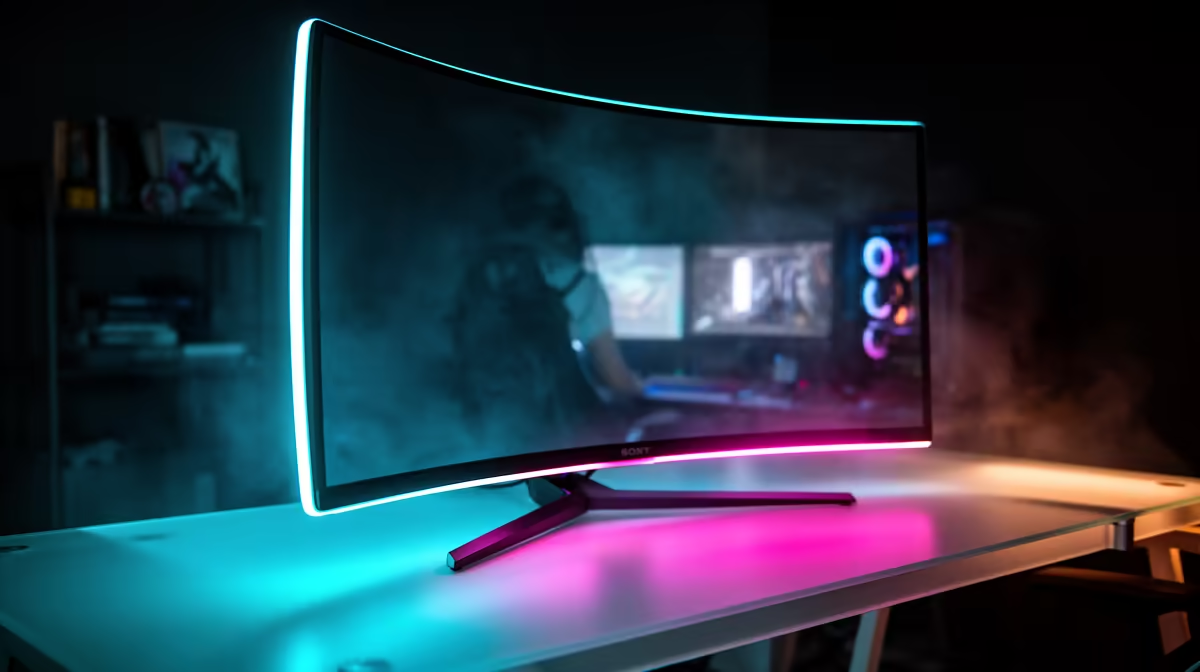
Tired of alt-tabbing between your game, Discord, and a guide you have open in Chrome? Juggling windows on a single screen feels like a high-stakes digital ballet... and one wrong move sends everything crashing down. If you're a gamer, streamer, or creator in South Africa, you know the struggle is real. Finding the best gaming monitors for multitasking isn't just about more pixels; it's about reclaiming your focus and unlocking a smoother, more productive workflow.
Why Your Single Screen Is Holding You Back
In today's world, our PCs are more than just gaming rigs. They're our offices, our cinemas, and our creative studios. Trying to manage a work project, keep an eye on a live stream, and queue for a Valorant match on one display is a recipe for frustration. A dedicated multitasking monitor setup allows you to logically separate your tasks, giving each one the screen real estate it deserves. This simple upgrade can dramatically boost your productivity and make your gaming sessions far more immersive. It’s time to explore the world of PC monitors and find a solution that fits your needs.
Key Features in the Best Monitors for Multitasking 🖥️
Choosing the right screen goes beyond just picking the biggest one you can find. To find the best gaming monitor for multitasking, you need to focus on a few key specifications that make a real difference.
Screen Size, Resolution, and Aspect Ratio
More space is the goal, and you can achieve it in two main ways: going bigger or going wider.
- Resolution: A 27-inch 1440p (QHD) monitor offers a great sweet spot between sharpness and performance. For ultimate clarity and screen real estate, upgrading to one of the many stunning 4K monitors allows you to fit multiple full-sized windows on one screen without anything feeling cramped.
- Aspect Ratio: This is where things get exciting. A standard monitor is 16:9. An ultrawide monitor, typically 21:9 or 32:9, gives you a massive horizontal canvas. It's like having two monitors fused together without the annoying bezel in the middle. Many of these are also curved monitors, which help keep the entire screen in your peripheral vision, reducing eye strain and boosting immersion.
Productivity Pro Tip ⚡
On Windows, use the PowerToys FancyZones utility to create custom snap layouts for your windows. It's a lifesaver for managing multiple apps on an ultrawide monitor, letting you organise your game, chat, and browser perfectly without constantly resizing windows.
Don't Forget the Gaming Essentials
While you're hunting for multitasking features, remember the gaming specs that matter. Look for:
- Refresh Rate: 144Hz is the gold standard for smooth gameplay. Don't settle for less.
- Response Time: 1ms (or lower) ensures your actions are reflected on-screen instantly, eliminating motion blur and ghosting.
- Panel Type: An IPS panel offers the best colour accuracy and viewing angles, making it perfect for both gaming and creative work.
Building Your Ideal Multitasking Setup 🚀
So, what does a great multitasking setup look like in practice? It depends on your primary use case.
The Streamer & Content Creator
For streamers, a popular and effective setup is a primary ultrawide monitor for the main game, paired with a smaller, secondary screen in a vertical orientation. This "portrait mode" monitor is perfect for managing your stream chat, OBS controls, and social media feeds. You could even use a handy portable monitor for a flexible and space-saving solution.
The Work-from-Home Champion
If your PC pulls double duty for work and play, a dual-monitor setup with two identical 27-inch 1440p screens is a productivity powerhouse. This gives you a massive, seamless workspace for spreadsheets and documents during the day, and an epic gaming experience at night. You can find a huge variety of options in our complete collection of gaming monitors to build your perfect pair.
Ultimately, the best gaming monitor for your multitasking needs is one that fits your desk, your budget, and your unique workflow. Keep an eye on Evetech's latest monitor deals to snag a fantastic screen at a great price. ✨
Ready to Upgrade Your View? Choosing the right screen can transform your entire setup. From immersive ultrawides to crisp 4K displays, the perfect multitasking monitor is waiting for you. Explore our massive range of PC monitors and find the perfect display to conquer your world.










