


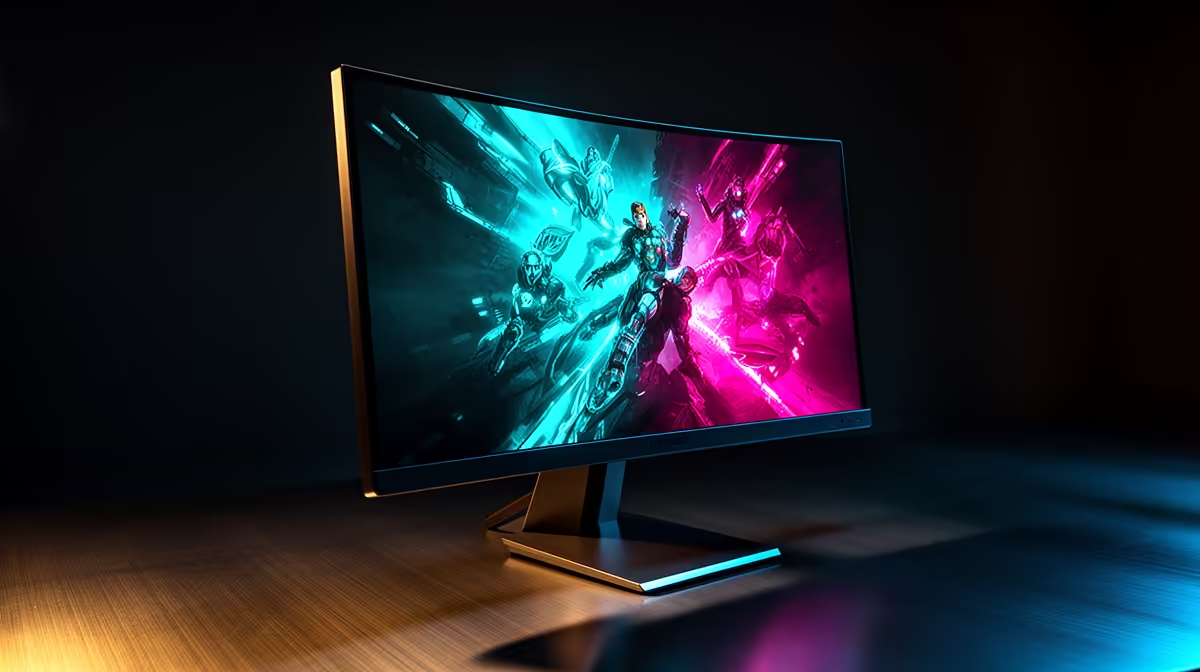
Staring at a wall of specs? 144Hz, 1ms, HDR 400… it’s enough to make your head spin. In South Africa, choosing a new gaming monitor feels like a high-stakes exam. But what do those numbers actually mean when you’re pinned down in a final circle or exploring the vistas of a new RPG? Forget the marketing hype. This best gaming monitors review cuts through the noise with real-world performance tests designed for SA gamers.
Beyond Refresh Rates: What Our Tests Revealed 🚀
Everyone chases high refresh rates, but is the jump from 144Hz to 240Hz really worth the extra cash? For competitive FPS titles like Valorant or CS2, our testing showed a noticeable smoothness advantage at 240Hz, but only if your GPU can consistently push those frames. For most gamers playing a variety of genres, a quality 144Hz or 165Hz panel offers the best balance of performance and price.
A more critical factor we found was response time. A "1ms" spec on the box doesn't always prevent ghosting (that blurry trail behind moving objects). This is where our gaming monitor performance tests focused, separating the truly crisp displays from the pretenders. A clean image in fast-paced action is crucial, making a thorough check of all gaming monitors essential before you buy.
The Colour and Clarity Test: IPS vs. VA Panels
The panel technology inside your screen dictates its personality. Think of it as the engine under the hood. For years, pro gamers swore by TN panels for speed, but modern IPS and VA panels have closed the gap significantly.
- IPS (In-Plane Switching): The undisputed king of colour accuracy. If you play visually stunning games like Cyberpunk 2077 or do content creation on the side, an IPS panel is a must. The vibrant, true-to-life colours are simply breathtaking.
- VA (Vertical Alignment): The master of contrast. VA panels produce deep, inky blacks that make dark, atmospheric games like Alan Wake 2 incredibly immersive. They offer a great middle ground between IPS colour and TN speed.
Choosing the right type is the first step in browsing for new PC monitors that fit your specific needs.
Calibrate for Victory 🔧
Your new monitor's default colour settings are rarely optimised. Use Windows' built-in "Calibrate display color" tool (just search for it in the Start Menu) to run through a simple wizard. This quick tune-up ensures you're seeing the game world exactly as developers intended, which can even help you spot enemies in poorly lit areas.
Does Resolution & Screen Shape Truly Matter?
Short answer: absolutely. Moving from 1080p to 1440p (QHD) is arguably the biggest visual upgrade you can make today. Text is sharper, textures are more detailed, and the overall image is incredibly crisp. However, be warned: it demands more from your graphics card. Before you jump to one of the stunning 5K & 4K monitors, make sure your rig is ready for the challenge.
And what about the curve? For many, curved monitors are more than just a gimmick. The gentle wrap-around effect enhances peripheral vision, making racing simulators and open-world adventures feel significantly more immersive. It’s a personal preference, but one worth considering for a truly enveloping experience. ✨
Putting It All Together: Your Perfect Setup
Finding the best gaming monitor isn't just about the screen itself. Consider your desk space and gaming habits. Are you a student who also needs a screen for your laptop on the go? A sleek portable monitor could be the perfect solution for dual-screen productivity and LAN parties.
Finally, don’t neglect ergonomics. The right monitor arm or stand allows for perfect height and angle adjustments, preventing neck strain during those marathon gaming sessions. Investing in quality monitor accessories is the final piece of the puzzle for building a comfortable and professional-grade gaming station.
Ready to See the Difference? The spec sheet only tells half the story. The best gaming monitor is the one that fits your games, your rig, and your budget. Armed with insights from our real-world tests, you're ready to choose a winner. Explore our massive range of gaming monitors and find the perfect display to dominate the competition.










