


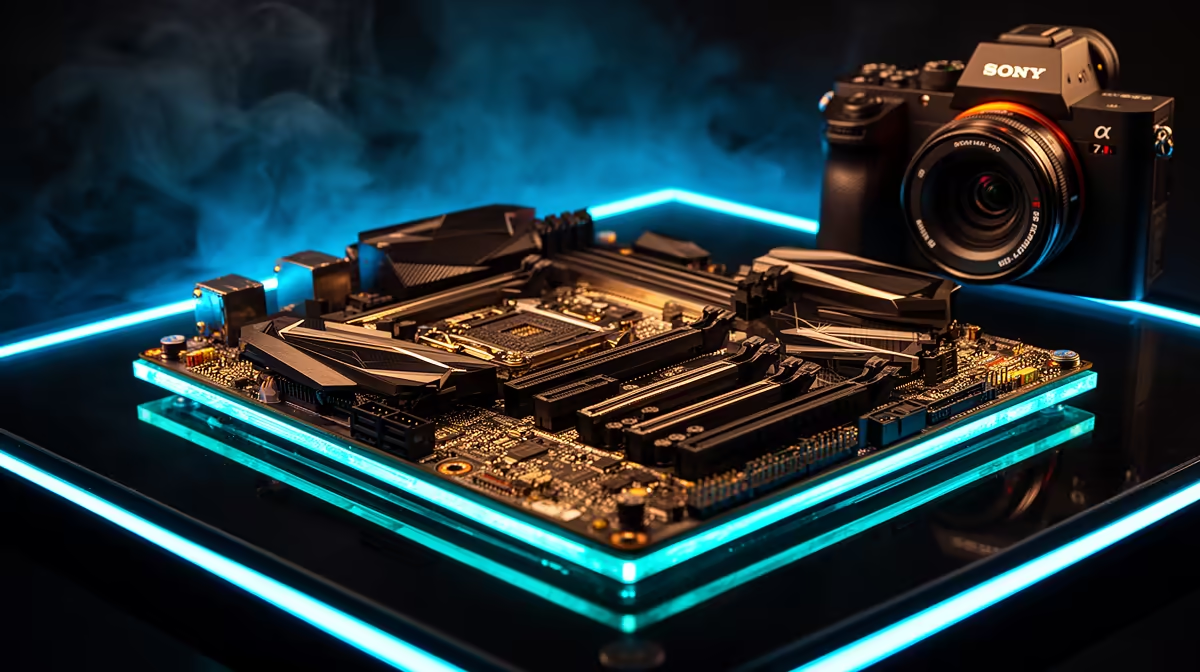
Ready to dive into breathtaking virtual worlds? The hiss of a starship's airlock, the thunder of a virtual racetrack... it’s pure magic. But stuttering gameplay can instantly shatter that immersion. The unsung hero of a smooth VR experience isn't just your GPU; it's the motherboard. Choosing from the best gaming motherboards for VR in South Africa ensures every component communicates without lag, creating a seamless digital reality. Let's get your foundation right. 🚀
Why Your Motherboard is Crucial for Flawless VR
Think of a motherboard as your PC's central nervous system. For virtual reality, this system is pushed to its limits. A cheap or poorly chosen board can bottleneck your expensive GPU and CPU, leading to dropped frames and a nauseating experience.
A great motherboard for VR gaming delivers on three critical fronts:
- High-Bandwidth Data Lanes: It provides the super-fast PCIe lanes your graphics card needs to render complex virtual environments without a hitch.
- Robust Connectivity: Modern VR headsets, like the Meta Quest or Valve Index, demand multiple high-speed USB ports for data and tracking. The best motherboards for VR offer plenty of these, right on the back panel.
- Stable Power: It supplies clean, consistent power to your CPU, preventing performance dips during intense, processor-heavy VR simulations.
Key Features for a VR-Ready Motherboard 🔧
Navigating specs can be tricky, but focus on these features to find a truly VR-ready motherboard. It's less about spending a fortune and more about smart choices.
Chipset and CPU Synergy
Your first decision is Team Red or Team Blue. Whether you're building around a Ryzen powerhouse or an Intel Core beast, the right chipset is essential. For AMD, the AM5 platform (e.g., B650, X670) is the current standard, while Intel's LGA 1700 socket (e.g., B760, Z790) dominates their lineup. Each offers a distinct path, so explore our full range of AMD motherboards to see the latest options for Ryzen CPUs.
Future-Proof Connectivity
A top-tier VR experience relies on ports... lots of them. Look for a board with:
- Multiple USB 3.2 Gen 2 Ports: These offer the 10Gbps speed needed for modern headsets and sensors. A USB Type-C port is a massive bonus.
- PCIe 5.0 Support: While not essential today, a PCIe 5.0 slot for your GPU ensures you're ready for next-generation graphics cards, making your investment last longer.
- Wi-Fi 6E or 7: Essential for cutting the cord with wireless VR streaming via apps like Air Link or Virtual Desktop.
For those leaning towards Team Blue, our catalogue of Intel motherboards includes models packed with the latest connectivity features.
Pro Tip for VR Builders ⚡
Before you buy, check the motherboard's internal USB headers! Your PC case has front-panel USB ports, but they're useless if the motherboard doesn't have enough internal headers to connect them. This is crucial for easily plugging in controllers, trackers, and other peripherals without reaching around the back.
Finding the Best Gaming Motherboard for VR on a Budget
You don't need to spend over R10,000 to build a fantastic VR machine. The secret to value is in the mid-range chipsets. Boards based on AMD's B650 or Intel's B760 chipsets often provide 90% of the performance of their high-end siblings for a fraction of the price. ✨
They typically include more than enough high-speed USB ports, solid power delivery for gaming, and at least one fast M.2 slot for your OS and games. By focusing on core features over flashy extras, you can find a motherboard that handles VR beautifully without breaking the bank. You can browse our selection of great-value Intel and AMD motherboards to find the perfect balance of price and performance.
The best gaming motherboard for VR in South Africa is the one that meets your specific needs—for your CPU, your case, and your budget. By focusing on connectivity and quality power delivery, you'll build a rig that won't just play VR games... it will transport you to new worlds.
Ready to Build Your Ultimate VR Rig? The right foundation is everything. A powerful motherboard unlocks the full potential of your components for a truly immersive experience. Explore our huge range of PC components and find the perfect parts to build your dream machine today.









