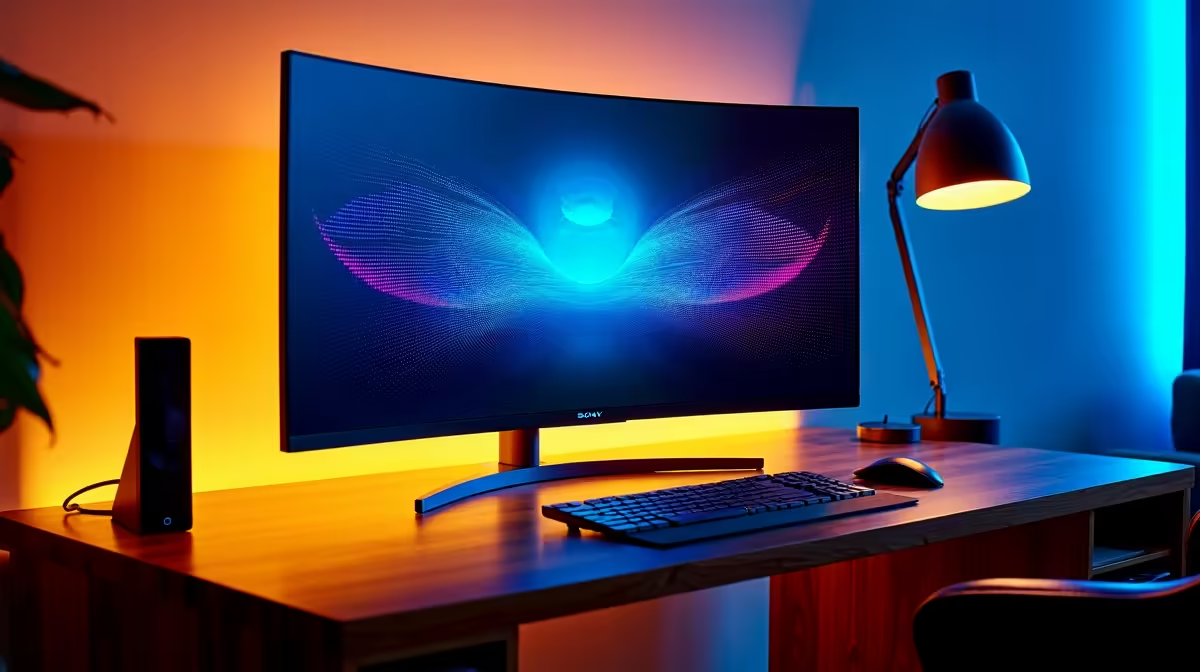
Trying to stream your epic Warzone clutch while keeping one eye on the chat and another on OBS... all on a single screen? It’s a recipe for chaos. A dedicated second monitor isn't just a luxury for pro streamers in South Africa; it's the single biggest upgrade you can make for a smoother, more professional broadcast. Finding the best monitors for streaming is about smart choices, not just raw power. Let's find the perfect screen to manage your stream like a pro.
Why a Dual Monitor Setup is Essential for Streaming
Juggling windows on one screen is a nightmare. You miss chat messages, fail to notice dropped frames in OBS, and your gameplay suffers. A dedicated second monitor solves this instantly, creating a command centre for your broadcast. This is where you'll park your streaming software, chat window, and alert feed.
The goal is to have your main, high-performance gaming monitor for the action, and a secondary, utility-focused screen for control. This separation of tasks is what elevates a hobbyist stream into a polished production. Having the right streaming monitor setup means you're always in control, interacting with your audience without ever having to Alt-Tab out of the game. It allows you to focus on what matters most: your content and your community. 🚀
Key Features for Your Secondary Streaming Monitor
When choosing from the wide range of PC monitors, the specs for your secondary screen are different from your primary gaming display. You can save a lot of Rands by focusing on the right features.
Resolution and Size: Clarity is King
For a secondary display focused on text and UI elements, a 24-inch 1080p (1920x1080) monitor is often the sweet spot. It offers excellent clarity for reading chat and managing OBS windows without costing a fortune. You don't need 4K here; crisp, legible text is the priority.
Panel Type: IPS for Superior Viewing Angles
An IPS (In-Plane Switching) panel is highly recommended. Why? Because you'll likely be looking at your second monitor from an angle. IPS panels provide excellent colour accuracy and wide viewing angles, ensuring your OBS dashboard and chat look clear and consistent, no matter how you're positioned.
Stream Control Pro Tip ⚡
Use OBS's 'Multiview' feature and dock it on your second monitor. This gives you a live preview of your scenes and your main program feed side-by-side. It's a lifesaver for seamless scene transitions without having to guess what's coming up next.
Refresh Rate and Sync Tech: Save Your Money
Your main gaming display needs a high refresh rate and features like G-Sync (NVIDIA) for tear-free gaming. Your streaming monitor, however, does not. A standard 60Hz or 75Hz refresh rate is perfectly fine for displaying static windows like Discord and Streamlabs. While some great value monitors come with FreeSync (AMD) or general Adaptive Sync, it's not a must-have feature for this purpose, allowing you to focus your budget elsewhere.
Our Top Monitor Picks for Streaming Control
Finding the best monitors for streaming in 2025 means balancing performance, reliability, and price. Here in South Africa, we have access to some fantastic options that are perfect for a streamer's command centre.
- For All-Round Value: Brands like AOC consistently deliver excellent 1080p IPS monitors that hit the perfect balance of price and performance. They offer sharp visuals and reliability, making them a go-to choice for many streamers. ✨
- For Ultimate Clarity: If you prioritise crisp text and professional build quality, an HP monitor is a fantastic investment. Their business-grade displays often feature excellent ergonomics and anti-glare coatings, reducing eye strain during long streaming sessions.
- For the Budget-Conscious Streamer: Don't sleep on brands like Dahua. They provide solid, no-frills monitors that get the job done reliably without breaking the bank, freeing up cash for that new mic or capture card you've been eyeing.
Ultimately, the best monitor for your streaming setup is one that lets you manage your broadcast effortlessly, keeping you engaged with your community and in full control of your content.
Ready to Level Up Your Stream?
A dedicated second screen is one of the biggest quality-of-life upgrades a streamer can make. Explore our massive range of PC monitors and find the perfect display to master your broadcast.