Staring at that dreaded "Loading..." bar in Lightroom while a client waits is a special kind of pain. For South African photographers, every second wasted is a moment you could be creating... or getting paid. The good news? The bottleneck isn't your camera or your skill—it's almost certainly your old hard drive. Upgrading to the best SSD for Lightroom isn't just a tech tweak; it's a massive workflow revolution waiting to happen. 📸
Why Your Current Drive is Holding You Back
Traditional Hard Disk Drives (HDDs) are like a library where a mechanical arm has to physically find every piece of data. An SSD (Solid-State Drive) is like having a super-powered librarian who knows where everything is instantly.
For Adobe Lightroom, this speed difference is critical. The software constantly reads and writes small files for three key things:
- The Catalog: This is the brain of your library. Every edit, keyword, and rating is stored here. A fast SSD makes searching, filtering, and switching between photos instantaneous.
- The Cache: Lightroom builds image previews to speed up browsing in the Library module. Storing this cache on an SSD means previews load in a flash.
- The Application Itself: A fast SSD will launch Lightroom and its modules, like Develop or Print, significantly faster.
Switching to modern solid-state drives is the single most effective upgrade for any photographer's computer.
Finding the Best SSD for Lightroom: Key Factors
Not all SSDs are created equal. When choosing the right drive for your photo editing rig, you need to balance speed, capacity, and form factor. Let's break down what matters for photographers in 2025.
Speed: NVMe is the New Standard
For your primary drive—the one holding your operating system, Lightroom, and your catalog—you want the fastest option available. Today, that means NVMe (Non-Volatile Memory Express) SSDs. These drives plug directly into your motherboard and are multiple times faster than older SATA-based SSDs. The result? Blazing-fast app launches and catalog operations. For the absolute best performance, exploring blazing-fast NVMe SSDs is a must.
Lightroom Optimisation Tip ⚡
By default, Lightroom stores its preview cache next to your catalog file. You can move this to your fastest SSD for a huge performance boost! Go to Edit > Catalog Settings > File Handling. Under 'Previews Cache', you can set a new location and even limit its size to save space.
Capacity & Workflow: Internal vs. External
How you structure your storage is just as important as its speed. A common and highly effective setup for photographers is a two-drive system:
- Internal SSD (1TB - 2TB): This is your main drive. It should house your OS, Adobe Creative Cloud apps, and your active Lightroom Catalog. This ensures the core of your workflow is running at maximum speed.
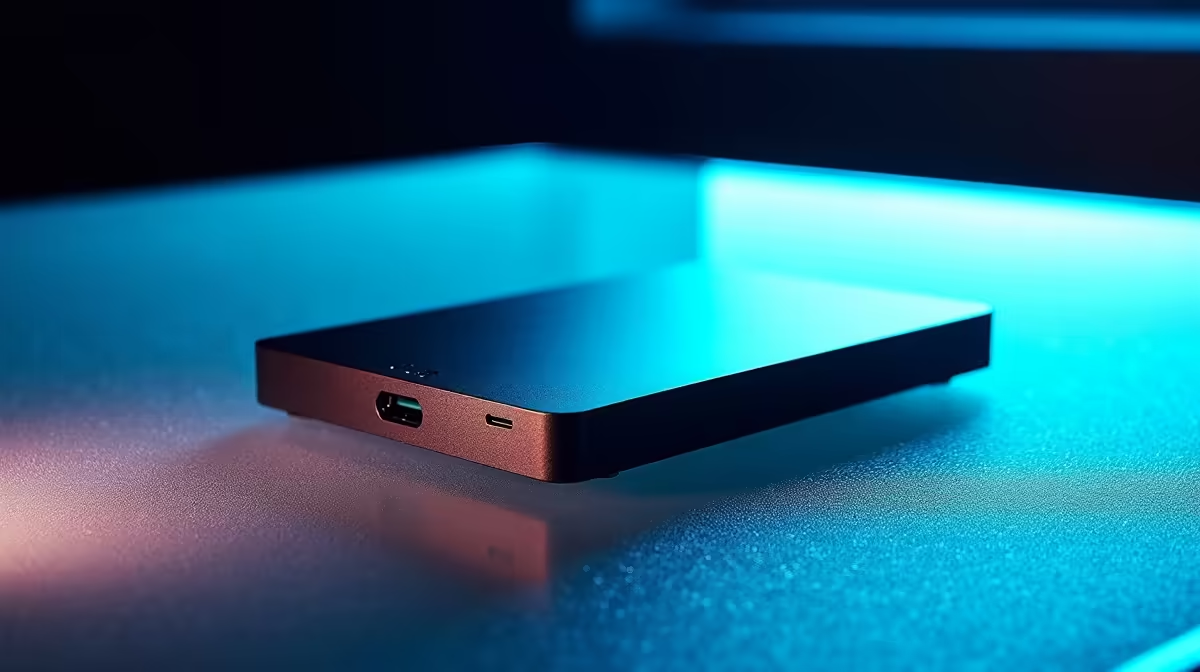
- External SSD (2TB+): For photographers on the move or those needing to deliver files to clients quickly, a fast external SSD is perfect for storing active projects or your entire photo library. Modern USB-C and Thunderbolt drives offer incredible speeds that are more than enough for smooth editing directly from the drive.
This setup gives you the best of both worlds: peak performance for the system and flexible, high-speed storage for your images. You can browse Evetech's full range of SSDs to find the perfect combination for your needs.
Getting the Best Value in South Africa 🚀
Upgrading your storage is an investment in your productivity and your sanity. A faster workflow means you can handle more clients, meet tighter deadlines, and spend less time watching progress bars. The best SSDs for photographers deliver a tangible return by giving you back your most valuable asset: time.
Keep an eye out for specials and promotions to get the best performance for your hard-earned Rands. Finding a drive with the right balance of speed, capacity, and a great price tag can transform your editing experience without breaking the bank. Check out the latest and best SSD deals to find a fantastic price on your next upgrade.
Ready to Turbocharge Your Workflow?
Stop waiting and start creating. A faster SSD is the single biggest upgrade you can make to your photo editing experience. Explore our incredible SSD deals and find the perfect drive to unleash your creativity in South Africa.