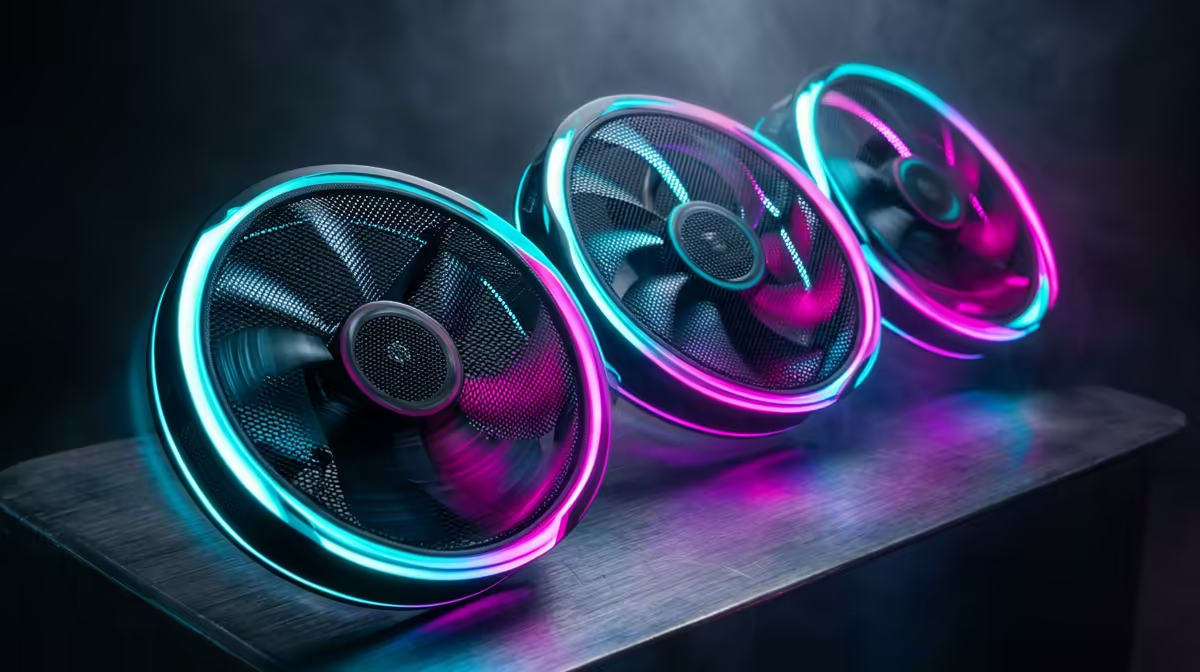
You’re deep into a final-circle clutch in Apex Legends. The tension is thick. But what’s that noise? Is it the approaching storm… or your PC sounding like it’s about to take off? 💨 For many South African gamers, powerful hardware comes with a noisy penalty. What if you could get elite cooling without the racket? Enter the Corsair RX120 RGB Fans, a series designed to master the delicate balance between high performance and low noise.
Understanding the Corsair RX120 RGB Fans' Core Technology
So, what makes these fans tick... or rather, not tick so loudly? It isn't just about spinning plastic. Corsair has engineered the RX120 RGB fans with some clever tech. The star of the show is the Magnetic Dome bearing, which minimises friction between the fan blades and the housing. Less friction means less wear, a longer lifespan, and most importantly for us, significantly quieter operation even at higher speeds.
Paired with Corsair’s AirGuide Technology—special anti-vortex vanes that concentrate airflow—you get a focused column of air pushed directly onto your components. This efficiency means the fans don't have to work as hard, or as loud, to keep your CPU and GPU frosty. It's the kind of smart design that elevates your entire setup, creating an immersive environment where the only sounds you hear are in-game cues and the satisfying clack of a great gaming keyboard.
Nailing the Noise and Performance Balance 🤫
The real magic of the Corsair RX120 RGB fans lies in their customisability. Straight out of the box, they offer a fantastic balance, but the true power is unlocked with Corsair’s iCUE software. Here, you can create custom fan curves that match your exact needs.
Imagine this: you're editing a video for your YouTube channel. You need focus, so you set the fans to a near-silent "Whisper" profile. The PC stays cool enough for the task, and your concentration is unbroken. Later, you fire up Starfield for a marathon session. With a single click, you switch to your "Gaming" profile, ramping up the RPMs for maximum cooling performance. This level of control ensures you get the best of both worlds. You can finally appreciate the subtle audio details of your games and the tactile feedback from premium peripherals like Glorious gaming keyboards without a distracting hum in the background.
iCUE Pro Tip ⚡
For the ultimate balance, create a custom fan curve based on your GPU temperature. In iCUE, set a low, quiet RPM up to around 60°C. Then, create a gentle upward curve that increases fan speed more aggressively as temps climb towards 80°C. This keeps your rig silent during everyday tasks but ready for intense gaming.
Installation and Ecosystem Integration
For many PC builders, cable management is the final boss. Corsair tackles this head-on with its iCUE LINK ecosystem, which the RX120 fans use. Instead of wrestling with multiple fan and RGB cables for each fan, iCUE LINK lets you daisy-chain components together with a single, clean connector. This simplifies the build process immensely and results in a much tidier case. ✨
Once connected, iCUE instantly recognises the fans, giving you full control over both speed and the vibrant RGB lighting. You can synchronise effects across all your Corsair gear, from your fans to your RAM and even a responsive Razer gaming keyboard, creating a stunning, unified light show.
Are the RX120 Fans a Smart Upgrade for Your Rig?
Let's be clear: the Corsair RX120 RGB Fans are a premium choice. They command a higher price than many budget alternatives. However, you're not just paying for lights; you're investing in top-tier cooling performance, impressively low noise levels, and a simplified building experience thanks to iCUE LINK.
If you're a serious gamer or creator in South Africa who values a quiet, cool, and clean-looking build, the answer is a resounding yes. The ability to fine-tune the noise-to-performance ratio is invaluable. For those looking to create a complete, synchronised battle station, pairing these fans with a full setup of RGB Razer keyboards offers an unmatched aesthetic and functional harmony.
Ready to Build a Cooler, Quieter Rig?
A high-performance PC is more than just a powerful processor; it's a balanced system where every part works in harmony. From silent fans to responsive keyboards, the right components make all the difference. Explore our massive range of PC components and find the perfect gear to upgrade your setup.