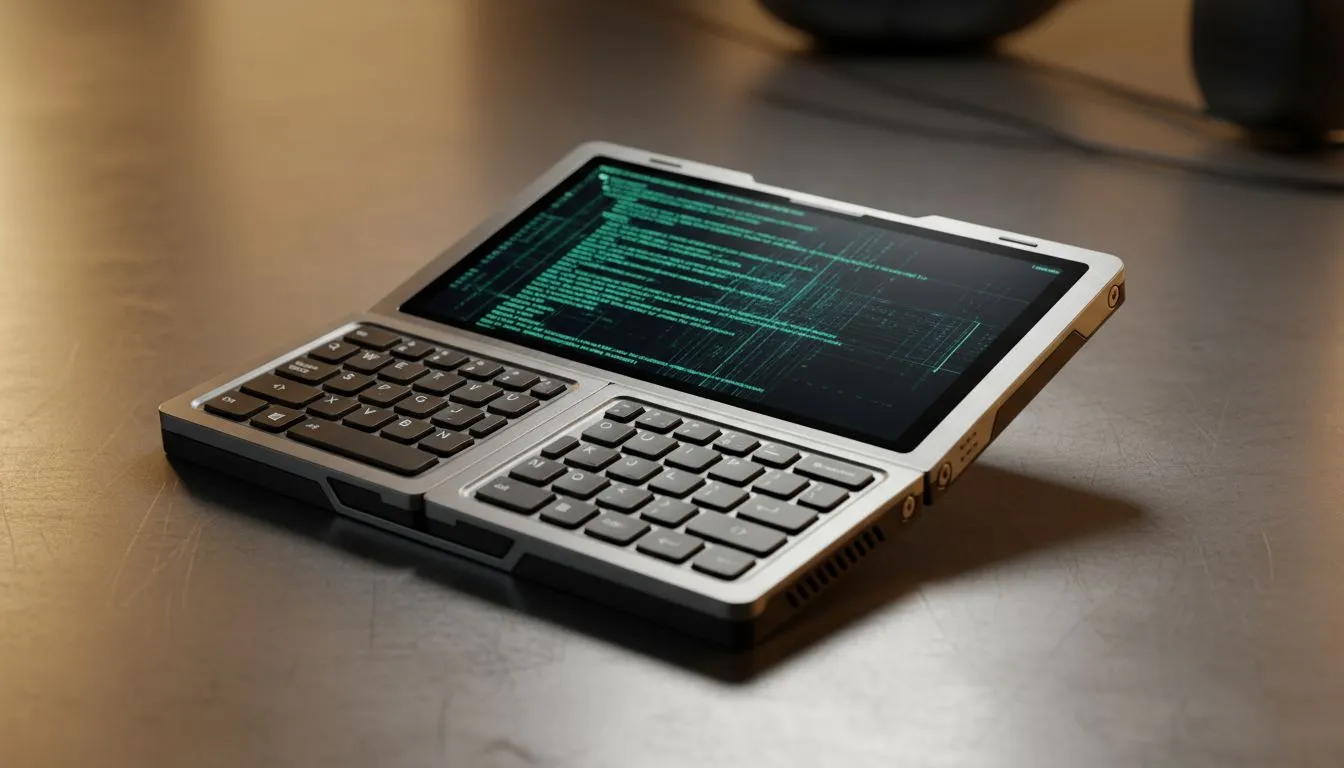
You do not need a massive laptop to stay productive anymore. Modern handheld coding devices are transforming how South African developers work. These pocketable powerhouses run full Windows 11, making them surprisingly capable for more than just gaming. It is time to rethink your mobile workstation... 🚀
Why Handheld Coding Devices are the New Developer Essential
For years, we were tethered to heavy workstations or bulky laptops. Now, the latest handheld gaming consoles have enough horsepower to run VS Code, Docker, and local servers. Because these devices use standard x86 architecture, your entire development environment moves with you.
Whether you are commuting between Pretoria and Joburg or waiting for a flight at OR Tambo, these devices fit in a small sling bag. You get a high-resolution touchscreen and enough processing power to compile complex projects without breaking a sweat.
Choosing the Right Hardware for Your Workflow
When you want to code and type productively on the go, screen real estate and battery efficiency matter most. The ASUS ROG Ally is a fan favourite in South Africa. Its bright 1080p display makes reading lines of code easy even in well-lit environments.
If you prefer a larger canvas, the Lenovo Legion Go offers a massive 8.8-inch screen. The detachable controllers are a secret weapon for devs... you can pop them off to save space and use a portable mechanical keyboard instead.
For those who value Intel's ecosystem, the MSI Claw brings Core Ultra performance to the palm of your hand. This is particularly useful if your tech stack is optimised for Intel QuickSync or specific AI-driven development tools. 🔧
Productivity Pro Tip ⚡
Use a lightweight Linux distro via WSL2 on your handheld. It allows you to run a full bash environment without the overhead of a virtual machine. This keeps your compile times fast and your battery life healthy while you are away from a plug point.
Setting Up Your Mobile Coding Rig
To truly code and type productively on the go, you need a few extras. A foldable Bluetooth keyboard is a must... typing code on a virtual keyboard is a recipe for a headache. Most of these devices support USB-C PD charging, so a 65W power bank will keep you running through the longest power outages. ⚡
Many local developers are now using "dock and go" setups. You use the handheld as a desktop at home with a monitor and keyboard. When you need to leave, you simply unplug and continue your session on the bus or at a cafe. With prices starting around R13,000, it is often more cost-effective than a high-end ultrabook. ✨
Final Thoughts on Portable Productivity
The era of the "gaming only" handheld is over. These are full-fledged computers that happen to fit in your hands. If you want to stay ahead of your sprint goals while enjoying the freedom of movement, investing in handheld coding devices is a smart move for any South African tech professional.
Ready to Find Your Perfect Match?
The Mac vs Windows debate is complex, but for maximum power, choice, and value in South Africa, Windows is hard to beat. Explore our massive range of laptop specials and find the perfect machine to conquer your world.