


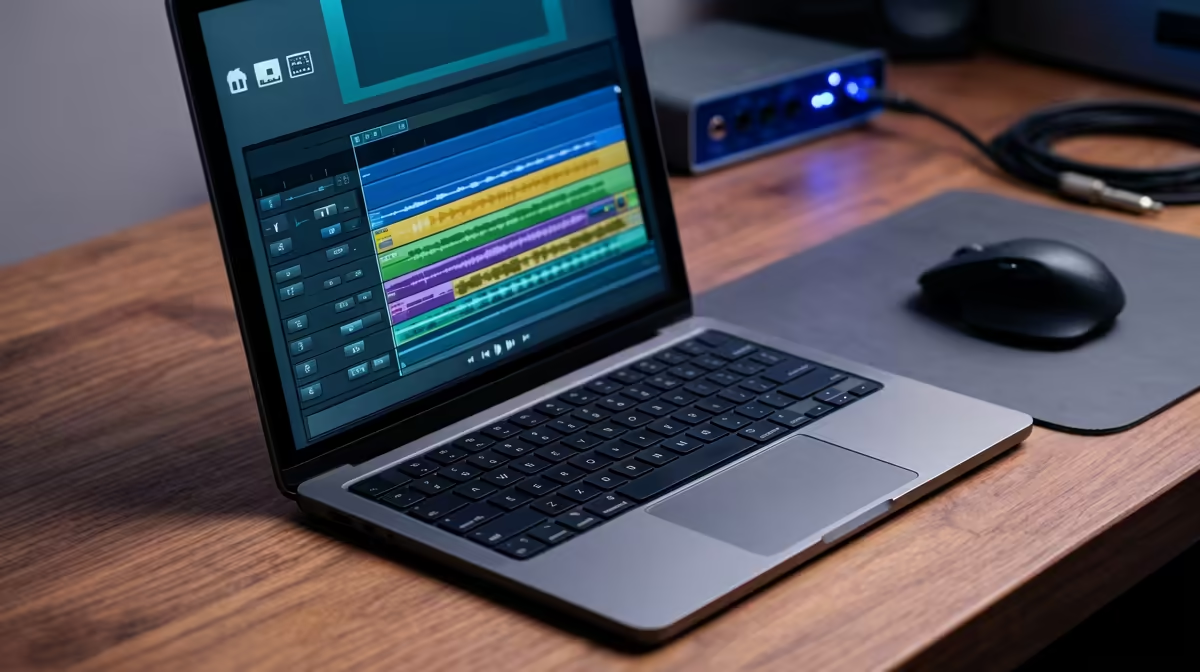
So you're laying down a track, the creative energy is flowing... and then it happens. A stutter. A pop. Your Digital Audio Workstation (DAW) freezes, killing the vibe completely. We've all been there. Choosing the right laptop for music production in South Africa isn't just about specs; it's about securing a reliable partner for your creativity. This guide will cut through the noise and help you find the perfect machine for your home studio.
Key Specs for Music Production Laptops
Forget flashy marketing. When you're looking for a laptop to make music, three components matter more than anything else: the CPU, RAM, and your storage drive. Getting these right is the foundation of a smooth, latency-free production experience.
The CPU: Your Studio's Engine 🧠
The Central Processing Unit (CPU) is the brain of your operation. It handles all the complex calculations needed to run your DAW, virtual instruments (VSTs), and effects plugins. A weak CPU leads to audio dropouts and system crashes.
- Cores & Clock Speed: More cores mean better multitasking. You can run more tracks and plugins simultaneously. A higher clock speed (measured in GHz) means faster processing for individual tasks. For music production, prioritise a modern processor with at least 6 cores.
RAM: Your Short-Term Workspace
Random Access Memory (RAM) is where your computer temporarily stores all the data it's actively using. Think of it as your desk space. The more complex your projects—with high-resolution audio samples and numerous VSTs—the more RAM you'll need.
- Our Recommendation: 16GB is the modern sweet spot for most producers. If you work with large orchestral libraries or extremely complex projects, 32GB will give you serious headroom.
Storage: Speed is Everything 🚀
Your storage drive (SSD or HDD) holds your operating system, software, and project files. For music production, a Solid-State Drive (SSD) is non-negotiable.
- SSD vs. HDD: An SSD has no moving parts, making it dramatically faster than a traditional Hard Disk Drive (HDD). This means your DAW, plugins, and large sample libraries will load in seconds, not minutes. Aim for at least a 512GB NVMe SSD for your main drive.
Beat Latency Like a Pro ⚡
Latency is the annoying delay between playing a note and hearing it. To minimise it, go to your DAW's audio settings and lower the 'buffer size'. A smaller buffer (e.g., 128 or 256 samples) reduces latency but demands more from your CPU. A powerful laptop lets you keep this setting low without audio crackles!
CPU Showdown: Intel vs. AMD for Your DAW
The "blue vs. red team" debate is alive and well in the music world. Both Intel and AMD make fantastic CPUs, but they have slightly different strengths.
For years, Intel's single-core performance made it a favourite for many DAWs. Today, their Core i7 and i9 processors found in many powerful Intel laptops still offer incredible stability and raw power for demanding plugins.
On the other hand, AMD's Ryzen processors have become serious contenders, often providing more cores for your money. This multi-core advantage is brilliant for producers who run dozens of tracks and virtual instruments at once. Ultimately, you can't go wrong with a modern chip from either brand.
The Surprising Choice: Why a Gaming Laptop Works Wonders
Here's a tip many new producers miss: one of the best laptops for music production is often a gaming laptop. Why? Because the hardware requirements are surprisingly similar. ✨
Gaming laptops are built for performance. They pack powerful CPUs, heaps of fast RAM, speedy NVMe SSDs, and—most importantly—robust cooling systems designed to handle intense, hours-long sessions without throttling performance. That's exactly what you need when your project has 50+ tracks with heavy effects processing. Plus, you get a high-quality screen and plenty of ports for your audio interface, MIDI controllers, and external drives.
Ready to see what power looks like? Check out the latest gaming laptop deals and compare the specs for yourself.
Finding Your Perfect Beat-Making Machine
Choosing the right device is a personal journey. Your ideal laptop for music production in South Africa depends on your workflow, budget, and the software you use. Focus on a strong CPU, at least 16GB of RAM, and a fast SSD. Whether it's a sleek ultrabook or a powerful gaming rig, the right tool will feel less like a computer and more like an extension of your creativity.
To see how these specs stack up across different price points, you can browse our full range of laptop specials and find a machine that fits your studio and your wallet.
Ready to Find Your Perfect Match? The Mac vs Windows debate is complex, but for maximum power, choice, and value in South Africa, Windows is hard to beat. Explore our massive range of laptop specials and find the perfect machine to conquer your world.











