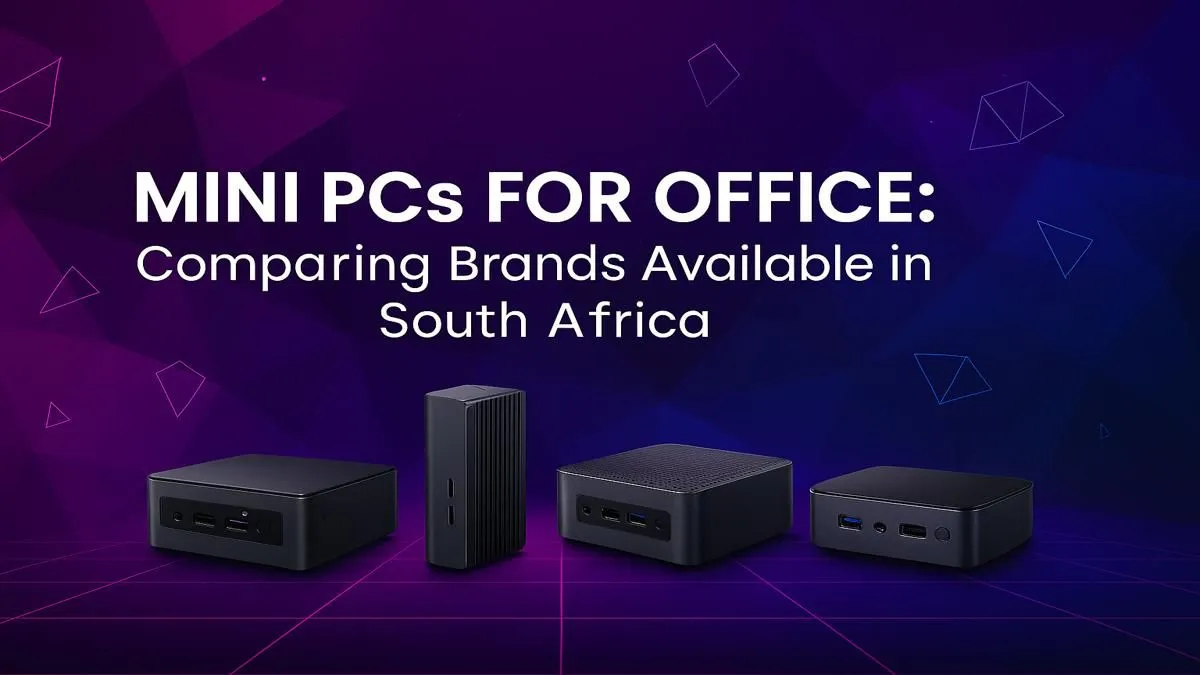
Is your office desk groaning under the weight of a massive, noisy computer tower? In South Africa, where office space is a premium, that old beige box is costing you more than just aesthetics. It’s time to think smaller... much smaller. The modern Mini PC for office use in South Africa packs the punch of a full-sized desktop into a chassis that can fit in your hand, transforming your workspace from cluttered to clean. 🚀
Why Choose a Mini PC for Your South African Office?
The case for a compact office PC is compelling. Beyond the obvious space-saving benefits, these tiny powerhouses offer a suite of advantages perfect for the modern South African business environment.
- Massive Space Savings: A mini PC can be mounted to the back of a monitor using a VESA mount, effectively disappearing from your desk. This creates a minimalist, organised workspace conducive to focus and productivity.
- Energy Efficiency: These devices consume significantly less power than traditional desktops. Over a year, this translates into noticeable savings on your electricity bill—a welcome relief for any business.
- Surprising Performance: Don't let the size fool you. A modern mini PC for office tasks is equipped with capable Intel Core or AMD Ryzen processors, speedy SSD storage, and ample RAM to handle everything from spreadsheets and presentations to video calls without breaking a sweat.
- Portability & Flexibility: Need to move a workstation to a different part of the office or a boardroom for a presentation? A mini PC is light and easy to unplug and relocate.
VESA Mounting Pro Tip 🔧
Most quality mini PCs are VESA compatible. This means you can attach them directly to the back of your monitor. All you need is a VESA mount bracket (often included) and a compatible monitor. This setup creates the ultimate all-in-one feel with zero desk footprint!
Top Mini PC Brands for Office Use Compared
When searching for the best mini PC in South Africa, a few key brands consistently deliver reliability and performance. While specs vary, each brand has its own strengths.
Intel NUC (Next Unit of Computing)
The Intel NUC is often seen as the gold standard. Known for its rock-solid performance and build quality, a NUC is a fantastic, no-fuss choice for demanding office environments. They often come as barebones kits, allowing you to customise the RAM and storage, giving you full control over your mini PC components. This makes them a favourite for IT departments who need to deploy multiple, specialised machines.
ASUS Mini PCs
ASUS brings its design flair and engineering expertise to the mini PC space. Models like the PN series offer a brilliant balance of performance, connectivity, and sleek aesthetics. They often come in a range of configurations, making it easy to find a pre-built system that fits your exact needs and looks great in a client-facing reception area or a stylish home office.
Zotac ZBOX
Zotac has been a pioneer in small form factor PCs for years. Their ZBOX series is renowned for being incredibly compact yet feature-rich. They offer a wide variety of models, from silent, fanless units perfect for quiet office environments to more powerful options capable of light creative work. Exploring our full range of mini PCs will show you just how diverse the options from these top brands are. ✨
Key Features to Look For in an Office Mini PC
Choosing the right machine means matching the specs to your daily workload. Here’s what matters most for office productivity:
- Processor (CPU): An Intel Core i3 or AMD Ryzen 3 is great for general admin, email, and web browsing. For heavy multitasking with large spreadsheets or multiple applications, a Core i5 or Ryzen 5 is the sweet spot.
- Memory (RAM): 8GB is the absolute minimum today. We strongly recommend 16GB for a smooth, lag-free experience, especially if you live in your web browser with dozens of tabs open.
- Storage (SSD): A Non-Volatile Memory Express (NVMe) SSD is non-negotiable. The speed difference in boot times and application loading compared to an old hard drive is enormous. A 250GB drive is a decent start, but 500GB provides more comfortable breathing room.
- Connectivity: Ensure the PC has enough USB ports for your peripherals, Wi-Fi 6 for fast wireless speeds, and the right display outputs (like HDMI or DisplayPort) for your monitors.
You don’t need to break the bank to get a fantastic machine. You can find many powerful options under R22,000 that will serve your business reliably for years to come.
Ready to Reclaim Your Desk Space?
A powerful, compact PC is no longer a dream. For South African offices demanding efficiency and performance, a mini PC is the smart choice. Explore our complete range of Mini PCs and find the perfect tiny titan for your workspace today.