


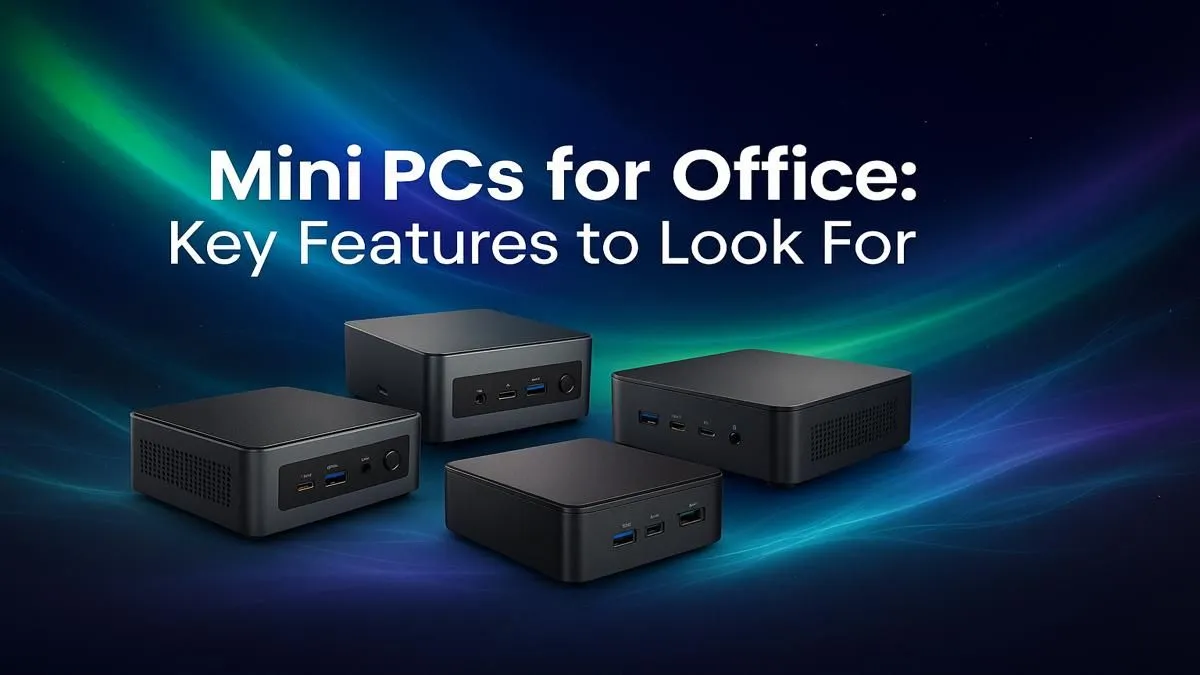
Tired of that bulky, noisy tower taking up precious real estate under your desk? In today's world of hybrid work and shrinking office spaces, a cluttered setup is the last thing you need. A mini PC for office use is the sleek, powerful, and surprisingly affordable solution South African professionals are turning to. These compact dynamos pack a serious punch, handling everything from spreadsheets to presentations without breaking a sweat... or hogging your legroom. 🖥️
Why Choose a Mini PC for Your Office?
Before we dive into the specs, let's talk about the "why". A compact office PC isn't just about saving space. It's about modernising your workflow. They are incredibly energy-efficient, which is a massive plus with Eskom's unpredictable schedules. They run whisper-quiet, helping you focus, and their minimalist design creates a cleaner, more organised, and professional-looking workspace. It's a small change that makes a huge difference to your daily productivity.
Core Features of a Great Office Mini PC
Not all small form-factor PCs are created equal. When you're looking for a mini PC for office use, focusing on the right components is key to getting a machine that flies instead of stumbles.
The Processor (CPU): Your Office's Engine
The CPU is the brain of your computer. For general office tasks—email, web browsing, and Microsoft Office—an Intel Core i3 or AMD Ryzen 3 processor is more than capable. If your work involves heavy multitasking, large datasets in Excel, or light photo editing, stepping up to a Core i5 or Ryzen 5 is a smart investment. These powerful mini PCs deliver snappy performance that won't leave you waiting.
RAM: The Multitasking Muscle
Think of RAM as your PC's short-term memory. The more you have, the more applications and browser tabs you can run smoothly at once. We recommend a minimum of 8GB for a modern office PC. However, 16GB is the sweet spot for future-proofing your machine and ensuring a lag-free experience, even with dozens of Chrome tabs open.
Desk Setup Pro Tip ✨
Use a VESA mount! Many mini PCs can be mounted directly to the back of your monitor. This completely hides the computer, giving you the ultimate clean-desk setup. It’s a simple trick that makes your workspace feel incredibly spacious and organised.
Storage: Speed is Everything
For a modern work computer, a Solid State Drive (SSD) is non-negotiable. It makes your PC boot up in seconds and launch applications almost instantly. Specifically, look for an NVMe SSD, which is significantly faster than older SATA models. A 256GB drive is a decent starting point, but 512GB provides more comfortable breathing room for your files and software. You can find many affordable office mini PCs under R22,000 that come standard with speedy NVMe storage.
Connectivity: The Right Ports Matter 🔌
A great mini computer for office work needs the right connections. Look for a healthy selection of ports:
- USB 3.0 / USB-C: For fast data transfer with external drives and connecting modern peripherals.
- HDMI & DisplayPort: Essential for connecting one or more monitors. A dual-monitor setup is a huge productivity booster!
- Wi-Fi 6 & Bluetooth: Ensures a fast, stable wireless connection and easy pairing with keyboards, mice, and headsets.
- Ethernet Port: For the most reliable, high-speed wired internet connection.
Choosing the right machine is about balancing these features to fit your specific needs and budget. By focusing on a solid CPU, sufficient RAM, and fast SSD storage, you'll get a compact workhorse that will serve you well for years. Browse our full range of mini PCs to see all the different configurations available.
Ready to Find Your Perfect Mini PC? A compact PC doesn't mean a compromise in power. For a streamlined, efficient, and modern office setup, a mini PC is hard to beat. Explore our massive range of Mini PC specials and find the perfect machine to conquer your workday.










