


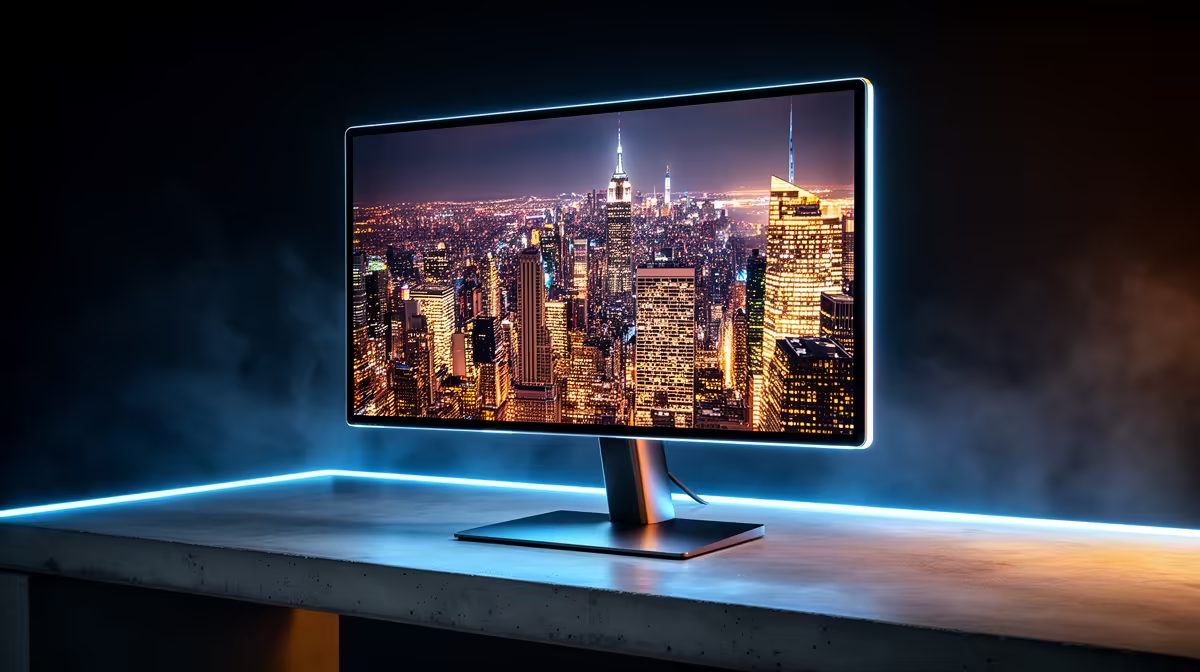
Tired of murky shadows and washed-out colours in your favourite games? OLED monitors have landed in South Africa, and they're not just an upgrade… they're a total visual reset. This technology delivers perfect blacks, instantaneous response times, and colours that pop off the screen. In this comprehensive OLED monitors comparison, we’ll break down the top models and brands available right now, helping you decide if it’s time to make the leap to the ultimate display technology.
Why OLED is a Visual Revolution for Gaming
Unlike traditional LCD/LED screens that use a constant backlight, each individual pixel in an OLED (Organic Light Emitting Diode) panel creates its own light. When a pixel needs to be black, it simply switches off. Completely. This results in an infinite contrast ratio and a level of depth and realism that other technologies can't match. ⚡
Imagine creeping through the dark corridors in Alan Wake 2 where black is truly black, not a hazy grey. Or seeing the vibrant neon cityscapes of Cyberpunk 2077 with unparalleled colour accuracy. That's the OLED difference. This per-pixel illumination also allows for near-instantaneous pixel response times, eliminating ghosting and motion blur for the cleanest image possible in fast-paced shooters. It's a technology that has to be seen to be believed, transforming everything from cinematic single-player games to intense esports titles. To see how this tech stacks up against others, you can browse our full catalogue of PC monitors.
Our Top OLED Monitor Picks Reviewed
Doing a direct OLED monitors comparison can be tough, as different models cater to different gamers. Are you an esports pro needing the highest refresh rate, or a story-driven adventurer craving cinematic visuals? Let's look at the types of panels leading the charge.
The High-Refresh-Rate Champions
For competitive gamers, speed is everything. Brands like Alienware and LG are pushing the boundaries with QD-OLED and W-OLED panels that boast refresh rates of 240Hz, 360Hz, and beyond. Models like the Alienware AW2725DF combine a 1440p resolution with a blistering 360Hz refresh rate, offering an unbeatable combination of visual clarity and fluid motion. This is the top tier for games like Valorant or Apex Legends, where every millisecond counts. You can explore our complete collection of all gaming monitors to find your competitive edge.
The 4K HDR Immersion Kings 👑
If breathtaking visual fidelity is your priority, a 4K OLED is the answer. These panels make single-player epics like God of War or Starfield look absolutely spectacular. The combination of perfect blacks, pixel-level brightness control, and the sheer detail of a 4K resolution creates an HDR experience that is second to none. A 32-inch 4K OLED provides a stunning window into virtual worlds, making it a premium choice for those who want the absolute best picture quality. Dive into the world of high resolution with our lineup of 5K and 4K monitors.
The Ultrawide Curved Contenders
For maximum immersion, nothing beats an ultrawide. An OLED ultrawide, like the Samsung Odyssey OLED G9, wraps the game around your field of view. The vibrant colours and infinite contrast of OLED technology on a massive, curved panel create an incredibly engaging experience, especially in racing sims and open-world RPGs. If you want to feel like you're truly in the game, check out our amazing range of curved monitors.
Protect Your Investment 🛡️
Modern OLEDs have built-in features to prevent burn-in, but you can help. Use a dark-mode theme in your OS, set your taskbar to auto-hide, and use a screensaver with moving elements. These simple habits will keep your panel looking pristine for years to come.
Key Factors in Your OLED Monitor Comparison
When choosing your OLED, consider more than just the brand.
- Screen Finish: Glossy screens offer the most vibrant colours and deepest blacks but can be reflective. Matte screens reduce glare but can slightly diffuse the image.
- Burn-in Mitigation: Look for models with features like Pixel Orbiting and static image detection. Most manufacturers now offer burn-in warranties for peace of mind.
- Use Case: While amazing for gaming and media, the static elements of productivity work (like toolbars) pose a higher long-term risk. If your monitor is for 90% work and 10% play, a high-end IPS might still be a safer bet. For on-the-go productivity, our portable monitors offer incredible flexibility.
Is an OLED Monitor Worth the Price in South Africa?
Let's be clear: OLED monitors represent a premium investment. They command a higher price than their LCD counterparts. However, the question isn't just about cost… it's about value. For enthusiasts who demand the absolute best image quality, the visual upgrade is undeniable. The price gap is also narrowing, and with more models entering the market, finding a great deal is easier than ever.
Ultimately, this OLED monitor review concludes that if your budget allows, the leap to OLED provides a transformative visual experience that no other display technology can currently match. Keep a close eye on the latest prices by checking out the best PC monitor deals in South Africa.
Ready to See the Difference? The jump to OLED is one you have to see to believe. From inky blacks to explosive colours, it transforms every game and movie. Explore our complete range of OLED monitors and find the perfect panel to revolutionise your setup.









