

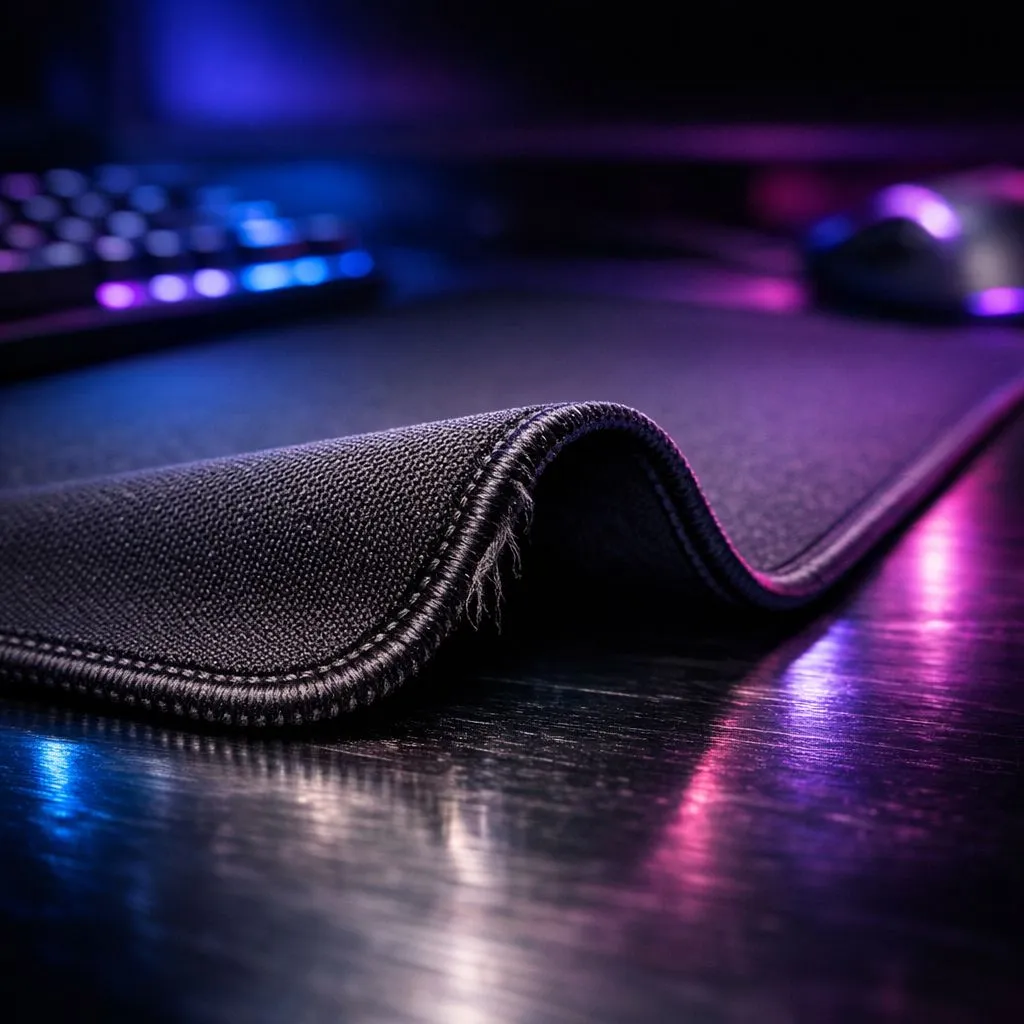
You're in a 1v3 clutch on Anubis. You peek mid, one tap. You swing to your right, another headshot. Just one left... but as you flick, your mouse snags on that infuriatingly curled edge of your mousepad. You lose the duel, and the round. We've all been there. 😠 A rogue mousepad corner can ruin your aim and your game. But don't stress, we've got the simple fixes to prevent mousepad edges from curling and get your surface perfectly flat again.
Understanding Why Mousepad Edges Curl
Before we jump into the fixes, let's quickly understand the enemy. Why does this even happen? Most often, it's down to three things:
- Material Memory: The mousepad was likely rolled up tightly in its packaging and simply "remembers" that shape.
- Humidity & Temperature: South Africa's climate, especially in coastal cities like Durban, can cause the cloth and rubber layers to expand and contract at different rates, leading to curling.
- Wear and Tear: Over time, friction from your arm and the environment can cause the edges to fray and lift.
Knowing the cause helps you apply the right fix and take steps to stop your mousepad edges from curling in the future.
Simple Fixes to Flatten Your Mousepad
Ready to get that surface back to its prime? Here are a few tried-and-tested methods to fix a curling mousepad, starting with the safest and easiest. 🔧
The Reverse Roll
This is the classic first step. If your mousepad curls upwards, simply roll it up tightly in the opposite direction. Secure it with the box it came in or a few rubber bands and leave it overnight. The next morning, it should lay much flatter as you've countered its material memory.
The Heavy Object Press
Place your mousepad on a hard, flat surface like a floor or desk. Then, stack some heavy, flat objects on top of it. A pile of textbooks, a spare monitor stand, or even a few full 2-litre cooldrink bottles will work. Leave it pressed for 24-48 hours. This method is excellent for stubborn curls that the reverse roll can't completely fix.
Pro Tip for Longevity ✨
To prevent future curling, always try to transport your mousepad flat if possible. If you must roll it, do so loosely with the fabric surface facing outwards. Regularly wiping it down with a damp cloth also helps maintain the material's integrity and prevents grime build-up that can contribute to edge lift.
When to Consider an Upgrade
If these fixes don't work or the edges are physically frayed and separating, it might be a sign that your mat has reached the end of its life. A worn surface can create inconsistent tracking for your mouse sensor, putting you at a disadvantage.
Investing in a quality gaming mousepad with stitched edges is the single best way to prevent mousepad edges from curling permanently. Stitched edges reinforce the perimeter, stopping the cloth top from peeling away from the rubber base. Whether you're looking for our own line of Evetech mousepads that offer incredible value, or premium options from brands like Steelseries and affordable workhorses from Marvo, there's a perfect fit for your setup.
You can choose a classic, non-RGB mousepad for a stealthy look or light up your entire desk with one of these dazzling RGB mousepads. For low-sensitivity players needing maximum real estate, nothing beats the coverage of massive XXL mousepads or even an extended desk mat that sits under your keyboard and mouse.
Ready to Upgrade Your Glide? A curled, worn-out mousepad is a liability in any game. Ditch the frustration and give your mouse the flawless surface it deserves. Explore our huge range of gaming mousepads and find the perfect foundation for your next victory.











