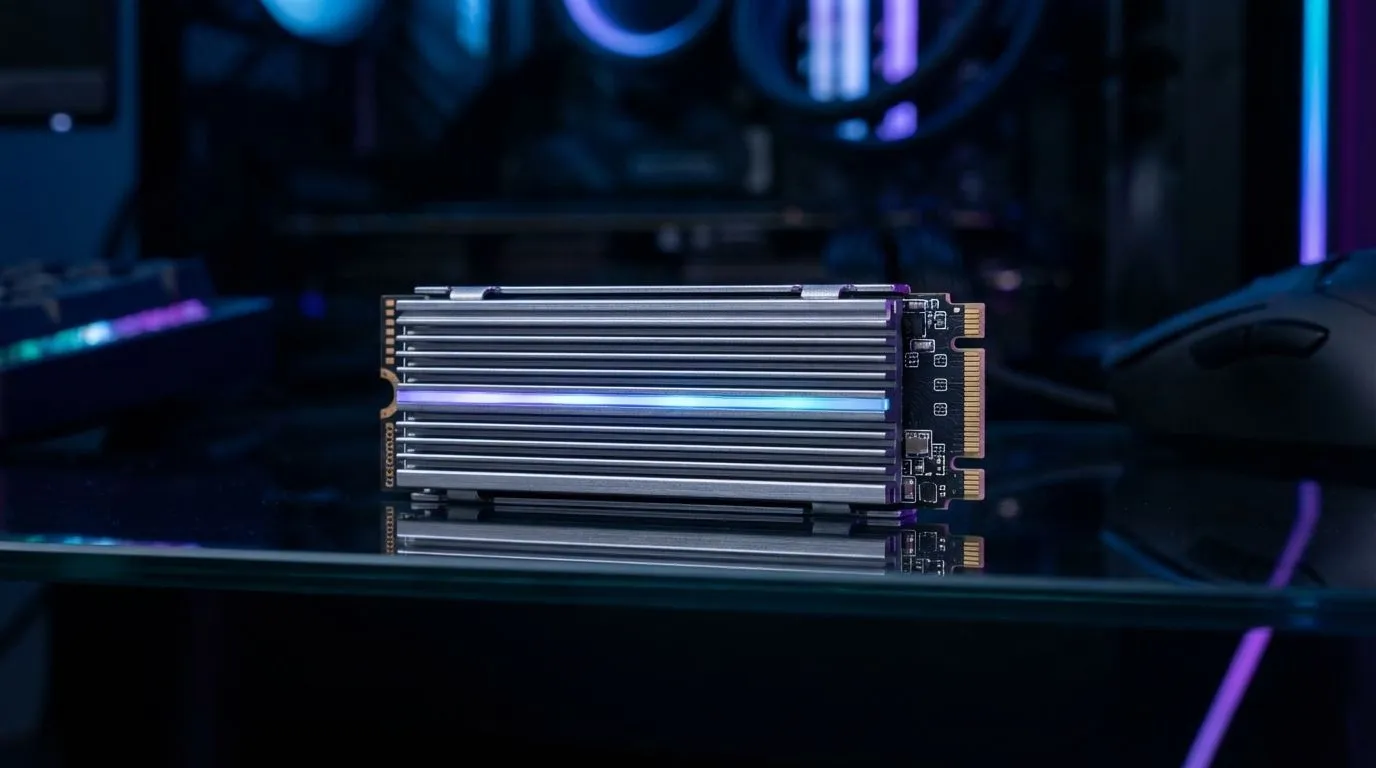
Is your PS5's storage full again? That dreaded 'Cannot install' notification always pops up at the worst time. Don't delete your favourites... expand your library! The best PS5 heatsink SSDs are the ultimate plug-and-play solution. They install in minutes, match the console's insane speeds, and keep your games running cool and fast. Let's find the perfect drive for your console so you can spend more time playing and less time managing data.
Why a Heatsink is Non-Negotiable for Your PS5 SSD
Think of your PS5 as a high-performance race car. To get the best speed, every component needs to stay cool under pressure. The same is true for the M.2 storage expansion slot. A powerful PCIe Gen4 SSD generates a serious amount of heat, and without proper cooling, it will "thermally throttle"—a fancy way of saying it slows down to protect itself.
A pre-installed heatsink is the essential cooling system that ensures your new drive maintains its blistering speeds, preventing stuttering and keeping load times lightning-fast. For a seamless experience, choosing a PS5 SSD with a heatsink isn't just a recommendation; it's a must. It guarantees performance that matches the console's internal drive, keeping you in the game without a single hiccup. After all, you invested in a next-gen console for next-gen performance, and the right storage is a key part of that. Browse our full range of high-performance SSDs for every need.
Key Specs for the Perfect PS5 Heatsink SSD
Choosing the right drive is simple when you know what to look for. Sony has set clear guidelines to guarantee compatibility and performance. Here’s a quick checklist:
- Interface: It must be a PCIe Gen4 x4 M.2 NVMe SSD.
- Speed: A minimum sequential read speed of 5,500MB/s is required.
- Capacity: Anything from 250GB to 8TB will work, but 1TB or 2TB is the sweet spot for most gamers.
- Form Factor: M.2 types 2230, 2242, 2260, 2280, or 22110.
- Cooling: A heatsink is mandatory. The total drive height (including the heatsink) must be less than 11.25mm.
Sticking to these specs ensures a true plug-and-play experience. Luckily, most major brands now offer specific models built for the PS5, taking the guesswork out of the equation. You can explore a wide variety of compliant PCIe Gen4 NVMe SSDs to find the perfect fit for your budget.
Our Top Plug & Play PS5 SSD Picks for 2025 🚀
Ready to upgrade? These PS5 heatsink SSDs are trusted by gamers across South Africa for their reliability and out-of-the-box performance.
WD_BLACK SN850X with Heatsink
A perennial favourite for a reason. The SN850X delivers incredible speeds that comfortably exceed Sony's requirements, ensuring that games load in a flash. Its custom-designed heatsink is low-profile and built specifically to fit perfectly inside the PS5's expansion bay. It’s a top-tier choice for gamers who want zero compromises.
Samsung 990 Pro with Heatsink
Samsung is a titan in the storage world, and the 990 Pro is their flagship. Offering some of the fastest speeds on the market, this drive is pure power. The integrated heatsink is sleek and highly effective at dispersing heat during intense gaming sessions, making it a premium, worry-free option. Keep an eye out for it when you check out the latest SSD deals.
Crucial T500 with Heatsink
The Crucial T500 offers a fantastic balance of price and performance. It easily meets the PS5's speed requirements and comes with a purpose-built heatsink for optimal thermal management. For gamers looking for a significant storage boost without breaking the bank, the T500 is a smart and reliable investment. You can find these and more in our complete solid-state drive catalogue.
Installation is a Breeze! 🔧
Don't be intimidated by the idea of opening your PS5. The process takes less than 10 minutes. Just power down completely, pop off the side panel, unscrew one screw, slot in your new PS5 heatsink SSD, and secure it. When you power the console back on, it will automatically prompt you to format the drive. It’s that easy!
What About External SSDs?
It's a common question: can't I just plug in a USB drive? Yes, but there's a catch. You can store and play your PS4 games directly from an external drive, and you can also use it to "cold store" PS5 games to free up internal space. However, you cannot play PS5 games directly from an external SSD. They must be run from the internal storage or an installed M.2 SSD to leverage the console's incredible speed.
A portable external SSD is a fantastic companion for managing a large library, but for a seamless expansion, an internal M.2 drive is the only way to go. ✨