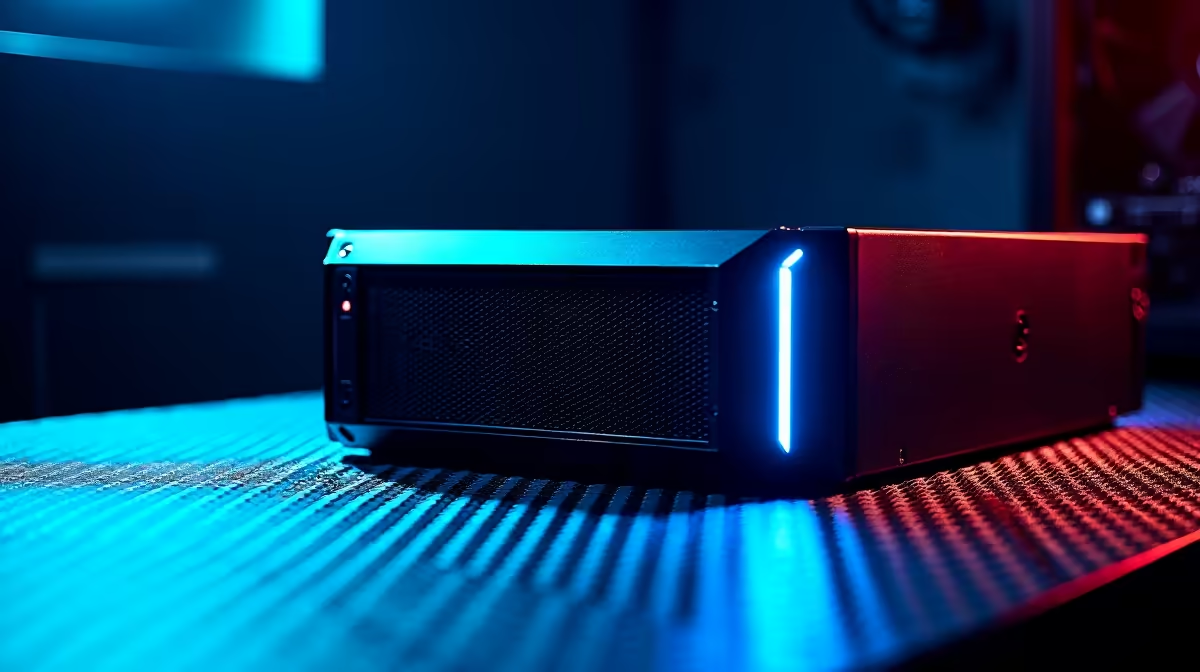
You’re one kill away from clutching the round. The tension is electric. Then… silence. Darkness. A familiar agony for any South African gamer. 🇿🇦 But what if you could make this a thing of the past? A quality Uninterruptible Power Supply (UPS) isn't a luxury anymore; it's an essential piece of gear for any serious UPS for Gaming PC South Africa setup. It's your personal power shield.
Why a UPS for Your Gaming PC is Non-Negotiable in South Africa
It's a direct threat to your expensive hardware. Every abrupt shutdown risks corrupting your operating system, losing unsaved progress, and worse, causing permanent damage to sensitive components.
Think of the sudden power cut as a shock to your PC's heart… its power supply unit. A quality gaming PC is built around a high-quality power supply, but even the best aren't designed for daily, unpredictable grid failures. A UPS for gaming acts as a buffer, providing clean, consistent power and giving you a crucial window to save your game and shut down safely. It's the best insurance policy for your rig. 🛡️
Decoding the Jargon: How to Choose the Right UPS
Walking into the world of UPS systems can feel confusing with all the acronyms and ratings. But it boils down to two key numbers: Volt-Amperes (VA) and Watts (W).
- Watts (W): This is the actual power your devices use. Your PC, monitor, and router all have a Watt rating.
- Volt-Amperes (VA): This is the maximum power the UPS can provide. It's always higher than the Watt rating.
The golden rule is to ensure the UPS's Watt rating is higher than the combined wattage of everything you plan to plug into it. An overpowered PC with a fully modular power supply needs a UPS that can handle its peak demand during intense gaming sessions. Don't forget to include your monitor and, critically, don't forget your fibre router in your calculation!
Quick Power Calculation ⚡
Check the sticker on your PC's power supply unit (PSU) for its maximum wattage (e.g., 750W). Add the wattage of your monitor(s) (usually 20-40W each) and your router (~10W). This total is your minimum power requirement. Always buy a UPS with a Watt rating at least 25% higher than your total to give yourself a safe buffer for future upgrades.
Essential Features in a Gaming UPS for 2026
Not all UPS units are created equal, especially when it comes to powering a modern gaming PC. The single most important feature to look for is Pure Sine Wave output.
Many modern PC power supplies use Active Power Factor Correction (PFC), which can be sensitive to the "stepped" or simulated sine wave power produced by cheaper UPS models. This can cause buzzing sounds or even shutdowns. A Pure Sine Wave UPS delivers clean, grid-quality power, ensuring your components run smoothly and safely. A proper UPS for your gaming PC in South Africa is an investment that pays for itself by protecting your primary one.
Look for a runtime of at least 5-10 minutes. This isn't about gaming through an unexpected outage; it's about having ample time to exit your match, save your work, and perform a graceful shutdown, preserving both your game state and your hardware's integrity.
Practical Reliability Considerations
A great UPS keeps your PC alive, but what about your internet connection? A dead router means you're offline anyway. To truly conquer an unexpected outage, you need to think about your entire network ecosystem. This is a key part of building the ultimate UPS for gaming PC South Africa solution.
Keeping Your Connection Alive 💡
Your goal is to create a small, independent power bubble for your gaming and network gear. This means your wireless networking gear needs to stay on. If you have a more complex wired networking setup, that needs power too.
Consider a smaller, dedicated UPS just for your router and Fibre ONT box. This prevents your main PC's UPS battery from being drained by lower-power devices. Ensure your signal reaches your rig by also powering any wireless range extenders you might be using. The heart of this setup, your collection of standalone wireless routers, must be the priority. For those running multiple wired connections for streaming or a home office, keeping your network switches powered is just as important. Finally, ensure your PC itself has a flawless link to the network with top-tier network adapters.
By powering your core network, you ensure that when the lights go out, your Discord call doesn't drop and your download doesn't fail.
Ready to Choose Your Next Gaming Pc?
Protecting your rig with the right UPS is the smartest investment you can make. Explore our wide range of UPS solutions and keep your head in the game, not on the schedule.