Unlocking Optimal Game Settings for the RX 7900 XTX
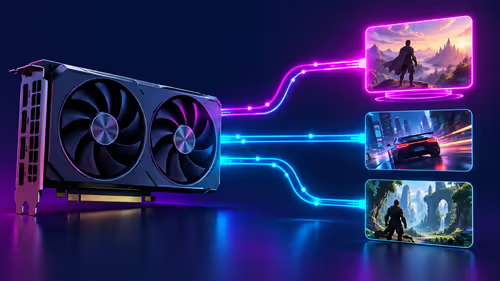
If you’ve just gotten your hands on the AMD RX 7900 XTX or are thinking about upgrading, you’re in for a treat. This beast is designed to handle the latest AAA titles with ease, but knowing which game settings work best on the RX 7900 XTX can make all the difference between silky smooth gameplay and frustrating frame drops. Let’s optimise your experience so you can max out graphics without sacrificing performance. 🎮⚡
Understanding the RX 7900 XTX's Power and Potential
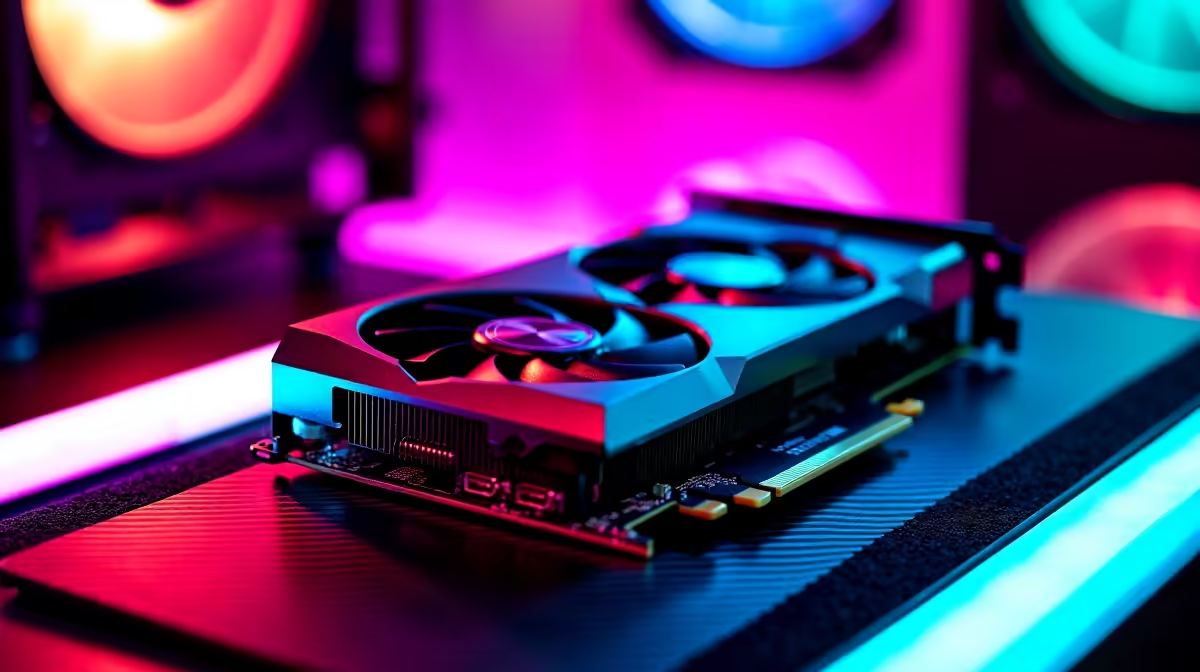
The RX 7900 XTX is AMD’s flagship GPU for high-end gamers. It boasts advanced RDNA 3 architecture and offers exceptional rasterisation and ray tracing capabilities. However, to avoid overheating while maintaining frame rates above 60 FPS at 4K, tweaking settings is key.
For South African gamers and tech buyers, pairing this GPU with the right gaming rig is crucial. You might want to explore some best gaming PC deals available now on Evetech to fully utilise the RX 7900 XTX’s potential without bottlenecks.
Recommended Game Settings for RX 7900 XTX Performance
Resolution and Refresh Rate
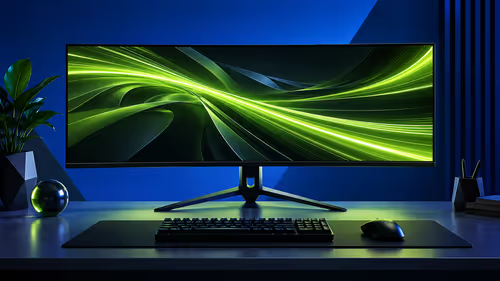
The RX 7900 XTX thrives at 1440p and 4K resolutions, especially when paired with high-refresh-rate monitors. For competitive play, stick to 1440p at 144Hz for ultra-smooth responsiveness. For immersive single-player gaming, max out 4K settings but optimise shadows and textures.
Graphics Quality: Balancing Detail and FPS
Set textures to ultra to enjoy detailed worlds, but consider dialling shadows and reflections down a notch—these are GPU-intensive and can drag performance. AMD’s FidelityFX Super Resolution (FSR) is a handy tool here, letting you boost frame rates without killing image quality. Many titles now support FSR, so keep it enabled.
Ray Tracing Considerations
Ray tracing adds gorgeous lighting effects but is demanding. On the RX 7900 XTX, medium ray tracing settings usually hit the sweet spot, preserving visuals and speed. Use Radeon software to tune ray tracing on-the-fly, especially in titles like Cyberpunk 2077 or Metro Exodus.
Pro Tip for Smooth Sessions
Keep your RX 7900 XTX’s drivers updated and manage fan curves with Radeon software for optimal temperatures. Lower your fan curve by 5% to shave off 2°C… quieter rig, same FPS.
Pairing the RX 7900 XTX with the Right PC and Laptop Options
Your GPU shines brightest when not held back by other components. Evetech offers great pre-built PC deals designed for high-performance gaming, all carefully configured to complement GPUs like the RX 7900 XTX.
If portability is a must, explore Evetech’s range of notebooks for sale in South Africa that feature gaming-capable hardware ready to tackle your favourite titles on the go.
Keep an Eye on Specials to Maximise Your Budget
Prices on PC components and rigs can shift fast. Bookmark Evetech’s specials page for frequent ZAR deals on graphics cards, gaming PCs, and peripherals. This helps you upgrade your setup or snag the RX 7900 XTX at competitive prices.
And if you only need the GPU for a custom build—check out Evetech’s dedicated graphics cards page to see current RX 7900 XTX availability and pricing.
Ready for Next-Level Gaming?
Elevate your gameplay by picking the ideal RX 7900 XTX-ready PC or components. Shop now at Evetech for performance that leaves lag in the dust.