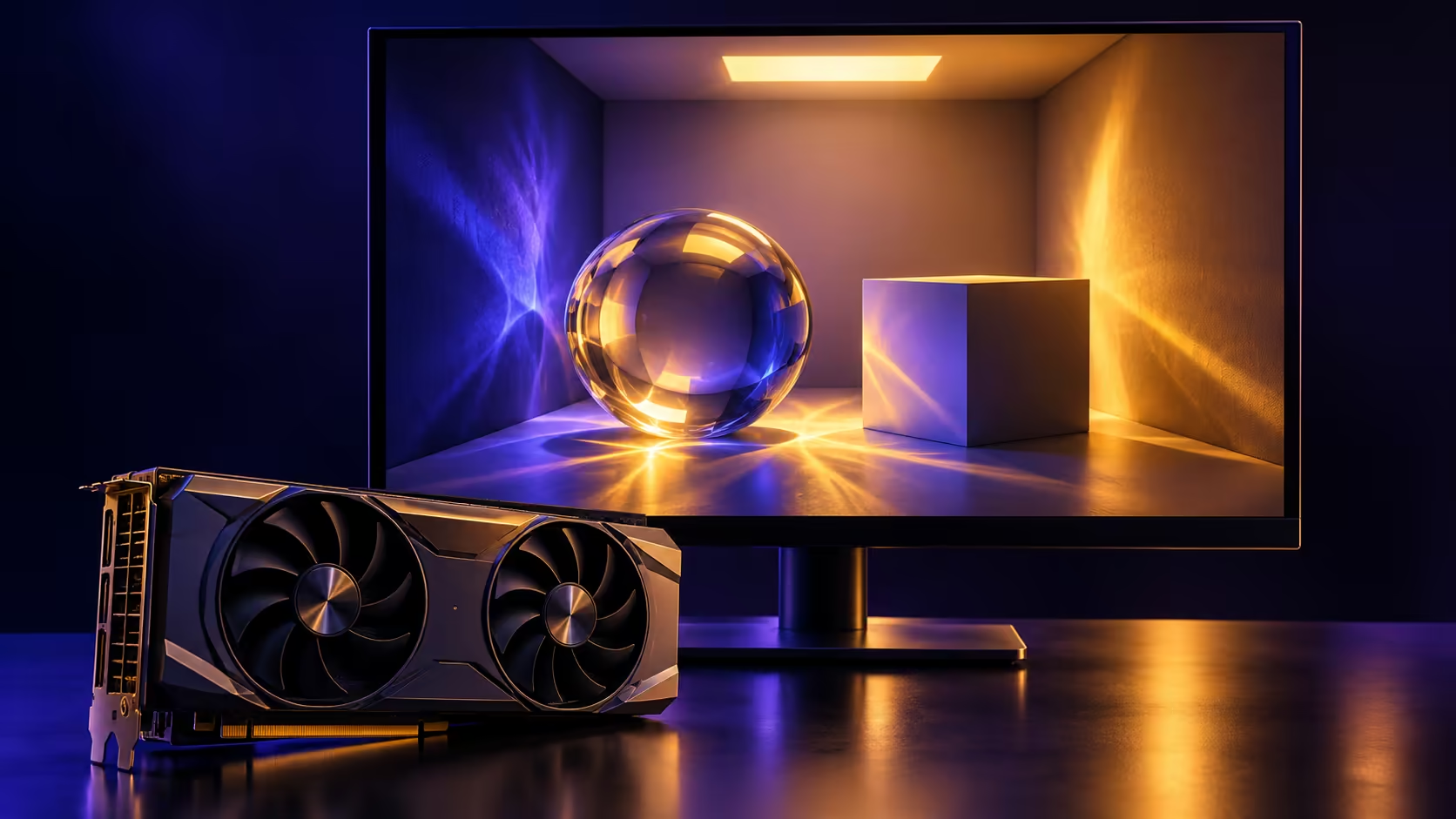
A faster graphics demonstration can look like an upgrade announcement for an entire PC. RTXPT 1.9 is narrower and more useful than that: NVIDIA has updated its reference path tracer, including performance work and a new Windows platform option. For a South African buyer, the immediate decision is whether the software you use benefits, rather than which card to order after seeing a percentage.
Quick Answer
The official release claims roughly 20% better performance than version 1.8.1 at comparable or better quality, and adds Windows ARM64 support. This is a developer sample result, not a measured uplift across commercial games. Evetech's dated catalogue showed a Palit RTX 3050 StormX 6GB at R4,399 on 26 October; that price is a local reference, not a recommendation that the card meets every new sample feature.
💡 Understand what was accelerated
The update combines several changes. Its notes describe optional tracing at fractions of a pixel per frame, overlap between reconstruction work and the next frame's path tracing on DirectX 12, and moving instance-generation work to the GPU. These are implementation choices inside the reference renderer.
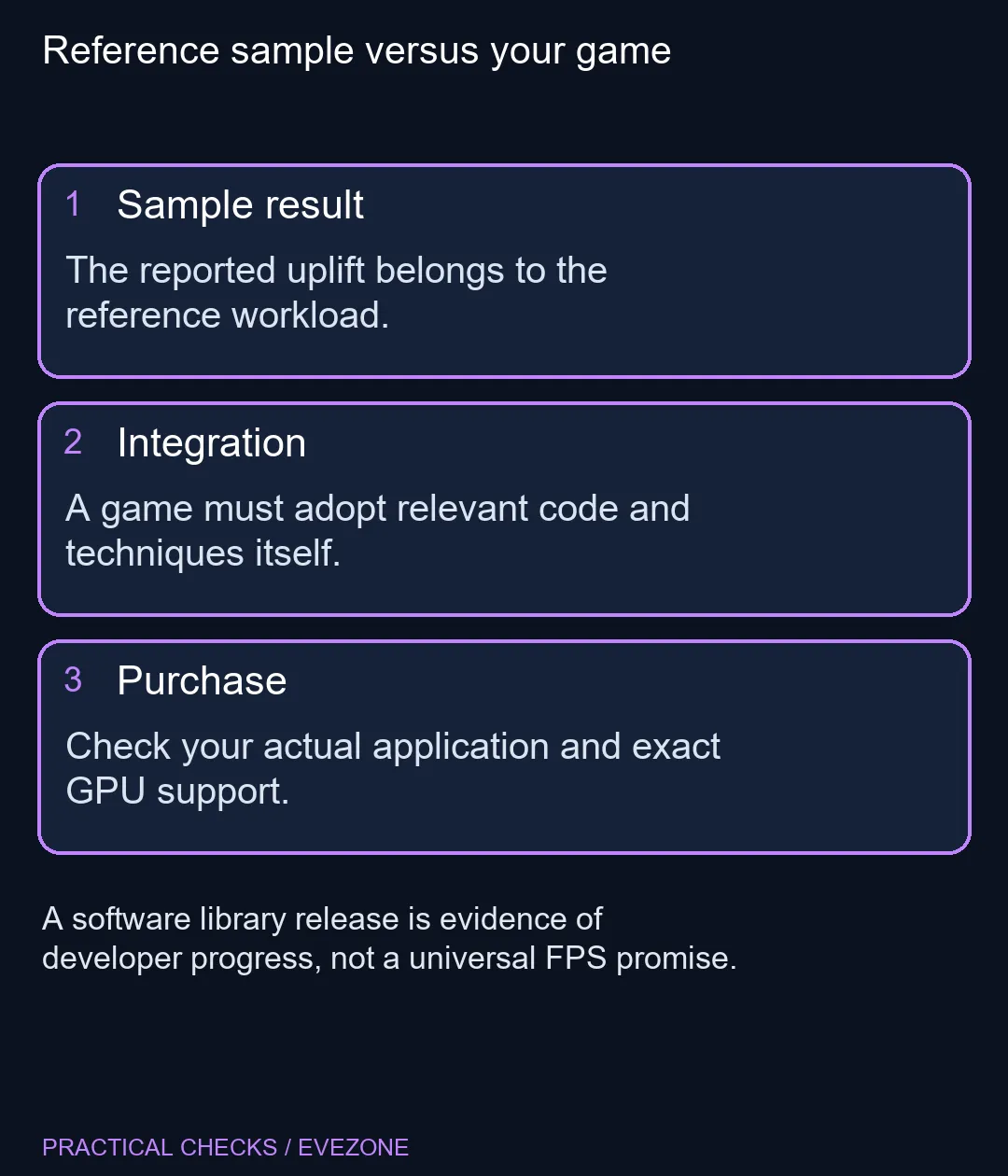
That makes the release interesting for developers and technically curious users, but it does not install those choices into an unrelated game. Before attaching the percentage to your own system, identify the exact application, scene, quality preset and earlier version being compared. A single number without those conditions can easily become an expectation the software never promised.
🪟 ARM64 support is one part of compatibility
Windows ARM64 appears in the new support list. That establishes a platform path for the project; it does not make every Arm computer a suitable ray-tracing machine. Graphics capabilities and the chosen backend remain relevant. Likewise, Windows support and support for a particular DirectX feature are different questions.
Read the repository's requirements before building or downloading a sample. Some capabilities depend on the documented shader model and driver path. If you are exploring rendering on an existing computer, begin with the supported configuration for that machine rather than changing build switches at random. Preserve a working setup before testing a new toolchain.
🧪 Compare a repeatable workload
Use the same scene, output resolution and quality settings when comparing versions. Note any changed presets, since a speed difference can otherwise include a changed rendering workload. Treat visual quality as part of the result, especially where reconstruction and sub-sampling are involved.
For a creator considering pre built pcs, list the applications that consume most of the working day. A machine chosen for a renderer also needs to suit project memory, storage and the rest of that workflow. A reference scene is helpful evidence about a technique, but your regular project remains the better purchase test. Do not replace a functioning GPU merely because an unfamiliar demonstration becomes more efficient.
🛠️ Build changes matter to integrators
The release requires CMake 4.1 and records breaking changes for projects integrating its code. It also warns that an existing build folder can keep an older Agility SDK value in its CMake cache. Updating source files is therefore not proof that every build dependency changed with them.
If you maintain an integration, record the version and review the migration notes before rebuilding. If you only play games, wait for your game developer to describe an actual update. When a hardware limit is established, compare all nvidia geforce graphics cards against that requirement and your budget. The useful outcome of this release may be better software on hardware you already own.
Frequently Asked Questions
Will every game become 20% faster?
No. The claim compares the RTXPT reference sample with its earlier version, not all games.
Is this a graphics driver?
No. It is a path-tracing library and sample for developers.
What Windows platform was added?
Version1.9 adds Windows ARM64 support. Individual GPU features still have their own requirements.
Does it support more complex lighting?
The release notes raise NEE-AT light handling to2million lights and enable SHaRC in real-time mode.
Should I buy a graphics card for the demo?
Check your own software requirements first. A sample result alone does not justify a hardware purchase.
Are old build folders automatically current?
Not necessarily. The release notes explain that an existing CMake cache may retain an older Agility SDK setting.
Buy for a verified rendering workload
Use your application requirements to compare graphics at Evetech, and keep sample claims attached to their test conditions.