


You’ve been there. Peeking a corner in Valorant on your 144Hz screen, only to get instantly deleted. It felt like you never had a chance. You wonder… was it skill, or did your opponent see you first? In the hyper-competitive world of esports, that split-second difference is everything. This is where the debate around 240Hz monitor benefits truly heats up. Is the upgrade from 144Hz really worth the investment for South African gamers? Let's find out.
What Are the Real 240Hz Monitor Benefits?
At its core, refresh rate (measured in Hertz, or Hz) is how many times your monitor updates the image on screen per second. A 240Hz monitor refreshes 240 times per second—a massive leap from the standard 60Hz and a significant jump from the 144Hz gaming standard. This isn't just a bigger number on a spec sheet; it delivers tangible advantages.
The primary benefit of a 240Hz monitor is superior motion clarity. Fast-moving objects, like an enemy strafing across your screen, appear significantly less blurry. This makes tracking targets smoother and more intuitive, allowing for more precise aim adjustments. Think of it as going from a slightly choppy video to a buttery-smooth, lifelike view of the battlefield. It's a level of fluidity that all modern PC monitors aspire to deliver.
Our Real-World Tests: 240Hz vs. 144Hz in Action 🚀
Specs are one thing, but how does it feel? We put a 240Hz and a 144Hz monitor side-by-side on our test bench, running CS:GO and Apex Legends at unlocked frame rates.
The difference was immediate. On the 240Hz display, holding a tight angle felt less jittery. When an opponent ran past, their character model was a sharper, more defined shape, not a blurry streak. This clarity made micro-adjusting our crosshair for a headshot feel almost subconscious. Flick shots were cleaner, and tracking a jumping Octane in Apex became noticeably easier. The reduced input lag, while measured in milliseconds, creates a more connected feel between your mouse movement and the action on screen. For anyone serious about their rank, the benefits of a 240Hz monitor are undeniable.
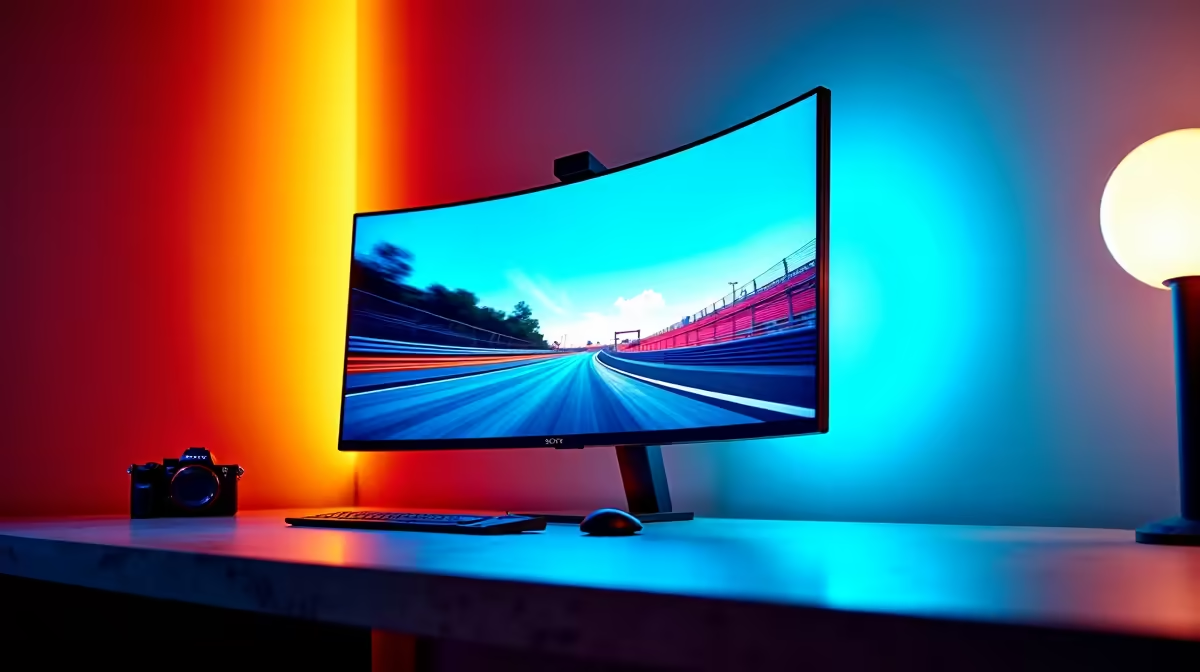
Whether you're looking for a flat panel for pure competitive focus or one of the immersive curved monitors to pull you into the game, the speed advantage remains.
Is a 240Hz Monitor Worth It For You?
This is the big question. A 240Hz monitor is a specialised tool, and its value depends entirely on you and the games you play. Let's break it down.
You should seriously consider a 240Hz monitor if:
- You're a Competitive FPS Player: You live in games like Valorant, CS:GO, Apex Legends, or Warzone. For you, every millisecond counts, and the motion clarity provides a genuine competitive edge.
- You're an Aspiring Pro: In the high-stakes world of esports, 240Hz is the standard. You can't afford to be at a hardware disadvantage.
- Your PC Can Handle It: You have a powerful GPU (like an RTX 3070/4060 or better) and a solid CPU that can consistently push 240+ frames per second (FPS).
You might be better off with another option if:
- You're a Casual or Story-Driven Gamer: If you mainly play stunning single-player titles like Cyberpunk 2077 or Baldur's Gate 3, visual fidelity is more important than raw speed. You'd likely get more enjoyment from one of the beautiful 5K & 4K monitors that prioritise resolution and colour accuracy over refresh rate.
- You're on a Tighter Budget: The performance is premium, and so is the price. Sometimes, finding the absolute best PC monitor deals means choosing a fantastic 144Hz or 165Hz panel that offers amazing value.
Ultimately, assessing if a 240Hz monitor is worth it comes down to matching your hardware to your gaming ambitions.
Pro Tip: Unlock Your Monitor's Full Potential ⚡
Make sure you've actually enabled the 240Hz refresh rate in Windows! Right-click your desktop > Display settings > Advanced display settings. Under "Choose a refresh rate," select the highest available option. So many gamers forget this and leave their powerful new screen running at 60Hz!
Getting Your Rig Ready for 240Hz Gaming
A fast monitor is only half the equation. To truly experience the 240Hz monitor benefits, your PC must be able to produce 240 frames per second. If your frame rate dips, you won't get the full smoothness. This means a powerful graphics card and CPU are non-negotiable.
Beyond the core components, ensure you're using the right cable—a DisplayPort 1.4 cable is typically required for high resolutions at 240Hz. Investing in quality monitor accessories like a good VESA mount can also help you perfect your ergonomic setup for those long gaming sessions. And for the dedicated LAN-party enthusiast, grabbing one of the latest portable monitors as a second screen for Discord or stream chats can complete the ultimate setup. ✨
Ready to See the Difference for Yourself? A 240Hz monitor can be the key to unlocking your true competitive potential. The motion clarity, reduced input lag, and ultra-smooth gameplay provide a real edge. Explore our huge range of gaming monitors and find the perfect display to dominate the server.










