


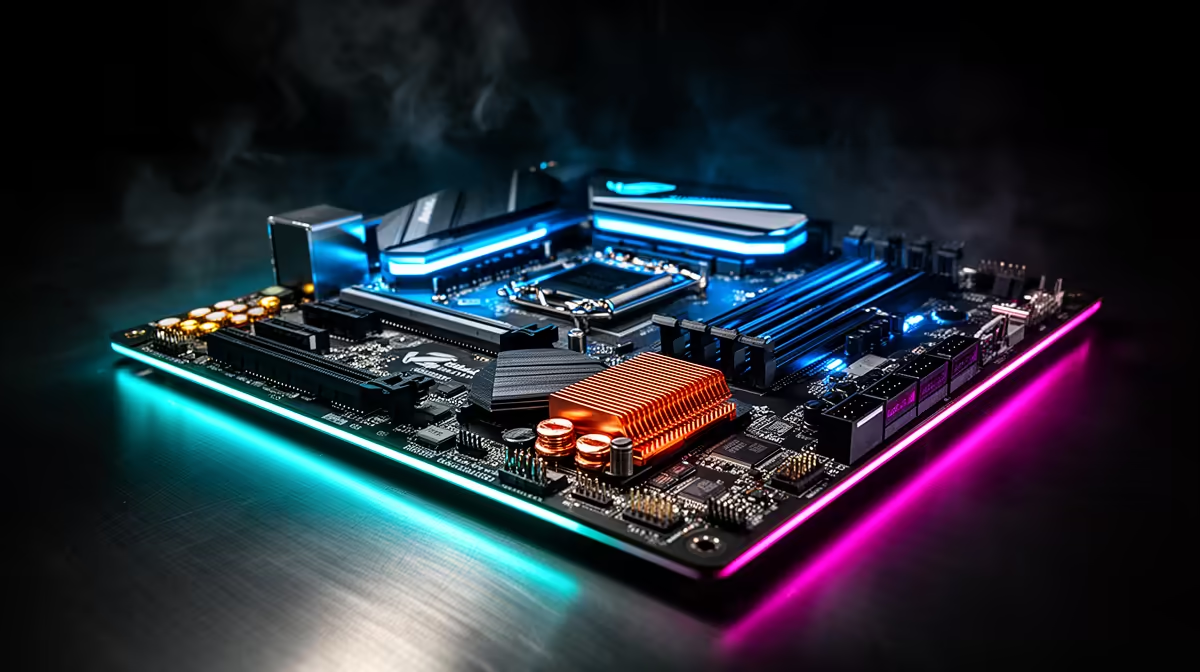
You've got a beast of a CPU, but are you leaving performance on the table? For many South African gamers, overclocking is the key to unlocking extra frames per second without spending another Rand. But here’s the secret… your processor is only half the story. The real hero of a stable, high-performance overclock is your motherboard. Choosing one of the best motherboards for overclocking is the foundation of a truly powerful gaming PC. 🚀
Why Your Motherboard is the Overclocking MVP 🏆
Before you even think about pushing your CPU's clock speeds, you need to understand what your motherboard is doing behind the scenes. It’s not just a circuit board to plug things into; it's your CPU's power delivery and support system.
The most critical component for this job is the Voltage Regulator Module, or VRM. Think of it as a highly sophisticated, dedicated power supply just for your processor. When you overclock, you demand more power, and you demand it to be perfectly stable. A weak VRM will overheat or supply "dirty" power, leading to crashes and instability. This is why a good motherboard for overclocking invests heavily in a robust VRM design and cooling.
Key Features of the Best Motherboards for Overclocking
So, what separates a basic board from an overclocker's dream? It comes down to a few key engineering choices. When you're browsing for your next upgrade, keep an eye out for these features.
Robust Power Delivery & VRMs
This is non-negotiable. Look for motherboards that advertise a higher number of "power phases" (e.g., 16+1+1). More phases generally mean the workload is spread out, keeping individual components cooler and providing cleaner power to the CPU. This stability is essential for hitting and maintaining high clock speeds.
Effective Heatsinks 🔧
A powerful VRM generates heat. The best motherboards for overclocking will have large, chunky metal heatsinks covering these crucial components. This isn't just for aesthetics; these heatsinks are vital for dissipating heat and preventing the VRMs from thermal throttling, which would kill your overclocking performance instantly.
A User-Friendly BIOS/UEFI
The BIOS is your command centre for overclocking. A well-designed BIOS from brands like ASUS, MSI, or Gigabyte makes it much easier to tweak voltages, set clock multipliers, and adjust fan curves. An intimidating or poorly organised BIOS can turn a fun project into a frustrating chore.
Check Your Temps! 🌡️
After any overclock, it's vital to monitor your VRM temperatures, not just your CPU core temps. Download a free tool like HWINFO64 and look for the "MOS" or "VRM" temperature sensor. Under heavy load (like a benchmark), these should ideally stay below 90°C to avoid performance throttling and ensure long-term stability.
The Right Chipset for the Job
Your chipset determines your capabilities. For Intel, you absolutely need a "Z" series chipset (like Z790) to unlock CPU overclocking. You can explore a wide variety of compatible Intel motherboards to find the perfect match for your K-series processor. For Team Red, while many chipsets allow it, the X-series and higher-end B-series boards are built tougher for the job. We have all the latest AMD motherboards ready for your Ryzen build. ✨
Overclocking on a Budget? Ja, It's Possible!
You don't need a R15,000 motherboard to achieve a fantastic overclock, especially with modern CPUs. The law of diminishing returns is strong here. Many mid-range boards offer excellent VRMs and features that are more than capable of pushing even high-end gaming CPUs to their limits. The key is to do your research and look for reviews that specifically test VRM performance and temperatures. You can often find some incredible great value motherboards that punch well above their price tag, giving you more cash for that GPU upgrade.
Ready to Unleash Your PC's True Potential? Choosing the right foundation is everything. The best motherboard for overclocking doesn't just enable higher speeds... it provides the stability and confidence to push your gaming rig to its absolute limit. Explore our massive range of motherboards and find the perfect board to power your next victory.









