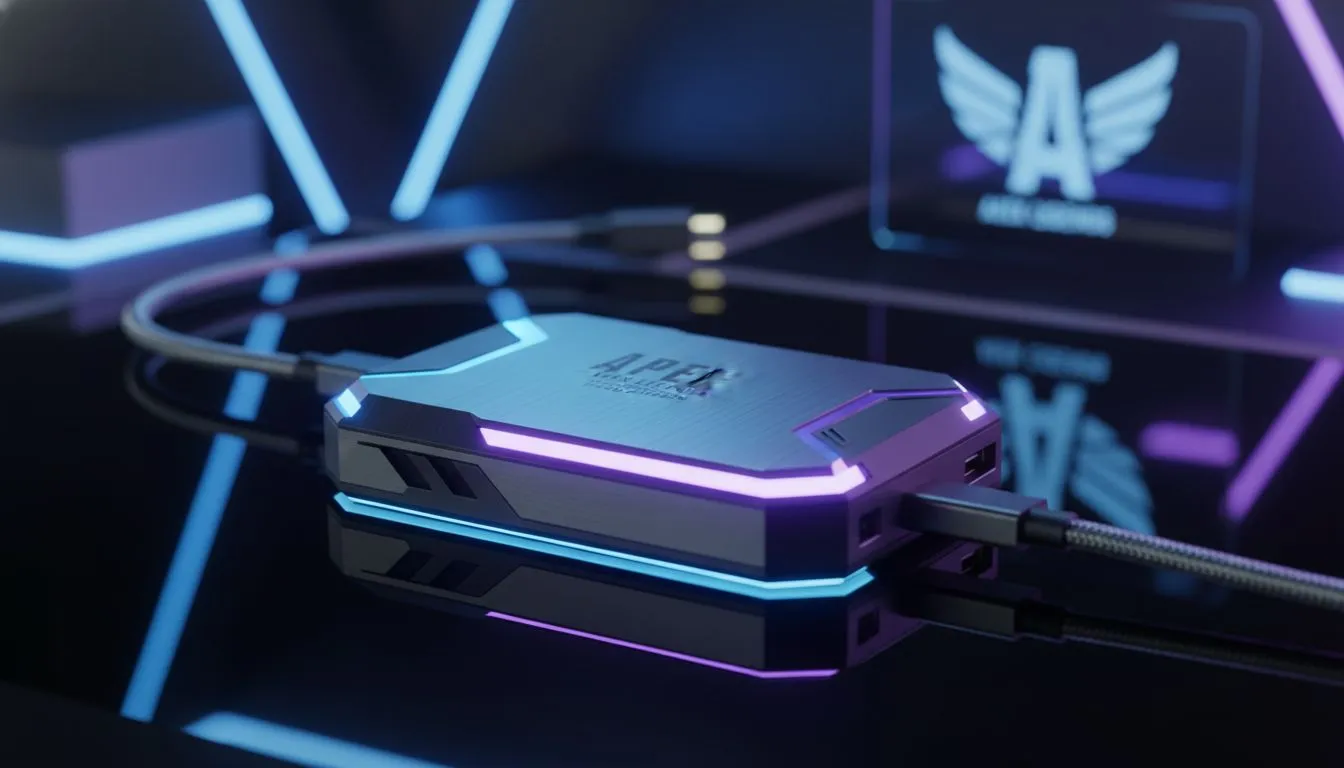
Dropping into World's Edge only to have your game stutter the moment you face an enemy squad… we’ve all been there. That split-second freeze is more than just annoying; it’s the difference between winning a fight and getting sent back to the lobby. If you're tired of lag and texture pop-in holding you back, the best SSD for Apex Legends isn't just a luxury upgrade—it's your ticket to a smoother, more responsive gaming experience. 🚀
Why Your Old Hard Drive Is Costing You Matches
In a fast-paced battle royale like Apex Legends, the game is constantly loading new assets—from weapon skins and legend abilities to entire sections of the map. A traditional hard disk drive (HDD) with its spinning platters simply can't keep up. This delay is what causes the frustrating stuttering and lag, especially during intense firefights or when dropping into a hot zone.
An SSD, or Solid-State Drive, has no moving parts. It accesses data almost instantly, which means faster loading times, quicker returns to the lobby, and most importantly, smoother in-game performance. The difference is night and day, making it a massive upgrade over traditional hard drives. You can browse our full range of solid state drives right here.
Choosing Your Weapon: NVMe vs. SATA SSDs
When looking for the best SSD for Apex Legends, you'll mainly see two types: SATA and NVMe.
- SATA SSDs: These are a huge leap from HDDs and connect to your motherboard via a SATA cable. They are a great budget-friendly option that will still deliver a significant performance boost.
- NVMe SSDs: These drives are the new standard. They plug directly into an M.2 slot on your motherboard, allowing for mind-blowingly fast data transfer speeds—often 5 to 10 times faster than SATA.
For a game like Apex that relies on streaming assets quickly, that extra speed from an NVMe drive directly translates to less stutter. For the absolute best performance, a modern NVMe SSD is the top choice for any serious Apex player.
Key Specs to Look For in an Apex Legends SSD
You don't need to be a tech guru to pick the right drive. Just focus on these two things:
Read Speeds
This number (measured in MB/s) tells you how quickly the drive can load game files. For NVMe drives, look for speeds of 3,500 MB/s or higher for a great experience. Faster is always better, as it helps textures and map details load instantly.
Capacity
With Apex Legends and its updates taking up over 70 GB, and other games demanding even more, a 500 GB drive can fill up fast. We recommend at least a 1 TB SSD to comfortably store Apex, your operating system, and a few other favourite games. Keep an eye on our regularly updated best SSD deals to find a high-capacity drive in ZAR without breaking the bank. ✨
Easy Game Transfer Tip ⚡
No need to re-download your entire game! Both the EA App and Steam have built-in functions to move game installation files. Simply create a new library folder on your new SSD, then use the app's settings to move Apex Legends over. It's much faster and saves your data.
What About External SSDs? 🔧
While an internal drive is the ultimate solution for fixing stutter, what if you're playing on a laptop with limited upgrade options or just need more space? An external SSD is a fantastic, flexible option for expanding your storage and can still offer much faster loading times than an external HDD. It's a great way to keep your massive game library portable.
The Bottom Line: Your Best Drive for Victory
Eliminating stutter and lag in Apex Legends is one of the most satisfying upgrades you can make. By switching to an SSD—preferably a speedy NVMe drive—you're not just loading into the game faster; you're ensuring your PC can keep up when the action gets intense. Upgrading is one of the most impactful changes you can make, and you can explore our complete collection of SSDs for every budget and need.
Ready to Drop In Without the Lag?
Don't let a slow drive be the reason you lose your next ranked match. The perfect SSD upgrade is waiting to unleash your PC's true potential. Explore our massive range of SSD specials and find the perfect drive to conquer the arena.