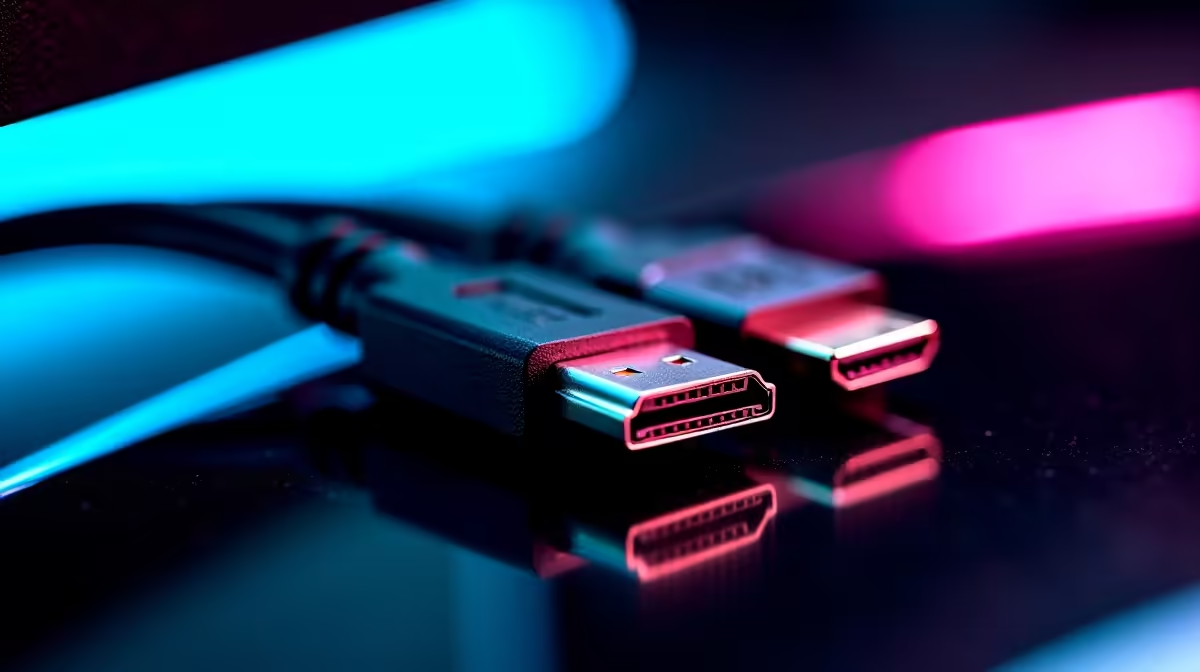
You've just unboxed that shiny new gaming monitor. The glorious 144Hz panel is ready, but then you see it: two cables. One says HDMI, the other DisplayPort. Which one do you plug in? For many South African gamers, this small choice has a surprisingly big impact on performance. Let's settle the DisplayPort vs HDMI for gaming monitors debate once and for all, and make sure you're getting every single frame you paid for. 🚀
Understanding the Core Difference: It's All About Bandwidth
Think of your display cable as a highway for data. The more lanes it has, the more data (pixels, colour information, and refresh cycles) can travel from your graphics card to your screen at once. This data-carrying capacity is called bandwidth.
HDMI (High-Definition Multimedia Interface) was designed as a universal standard for home entertainment. It's the king of TVs, consoles, and projectors, bundling video and audio into one simple connector.
DisplayPort (DP), on the other hand, was built from the ground up for computers. It generally offers higher bandwidth in its common versions, making it the preferred choice for PC enthusiasts chasing peak performance. The choice between HDMI and DisplayPort for gaming often depends on unlocking your hardware's full potential.
DisplayPort vs HDMI for High-Refresh-Rate Gaming
This is where the real battle begins for PC gamers. If you're running a monitor above 60Hz, the cable you choose is critical.
A few years ago, DisplayPort 1.4 was the undisputed champion for high-refresh-rate gaming, easily handling 144Hz or even 240Hz at 1440p resolution. Most high-performance graphics cards and monitors support it. It's also the only way to get the full range of features from NVIDIA's G-Sync technology on many displays. If you want silky-smooth, tear-free gaming, DisplayPort is often your most reliable bet.
However, HDMI 2.1 has now entered the chat, offering massive bandwidth that rivals and sometimes exceeds DisplayPort 1.4. It's fantastic for next-gen console gaming on a 4K 120Hz TV and is becoming more common on new PC monitors. The key is ensuring both your graphics card and your monitor support the same standard. Powering one of Evetech's high-refresh-rate gaming monitors with the wrong cable is like putting retreads on a sports car... you're just leaving performance on the table.
Check Your Specs! 🔧
Always check your monitor's and GPU's specifications. A monitor might advertise 165Hz, but the HDMI port could be limited to 120Hz, while the DisplayPort can hit the full 165Hz. Don't guess... know for sure!
Features Beyond Frames: Daisy-Chaining and Audio
While the DisplayPort vs HDMI for gaming discussion usually focuses on framerates, there are other features to consider.
HDMI's Secret Weapon: ARC/eARC
HDMI offers Audio Return Channel (ARC and the newer eARC), which lets you send audio from your TV back to a soundbar or AV receiver with the same HDMI cable. It’s incredibly convenient for home theatre setups but less relevant for a dedicated desktop gaming rig.
DisplayPort's Pro Move: Daisy-Chaining
DisplayPort supports Multi-Stream Transport (MST), which allows you to connect multiple monitors to a single DisplayPort output on your graphics card. You connect the first monitor to the PC and the second monitor to the first one. It’s a clean, minimalist way to run a multi-monitor setup, provided your monitors support it. This feature highlights DisplayPort's PC-centric design, and you can find the right high-quality cables to build a tidy and powerful workstation. ✨
The Verdict: Which Cable Should a Gamer in SA Use?
Let’s cut through the noise. Here’s a simple guide to choosing between DisplayPort and HDMI for your gaming monitor.
- For most PC gamers with a 144Hz+ monitor: Use DisplayPort. It offers the most reliable compatibility with high refresh rates and adaptive sync technologies like G-Sync and FreeSync.
- If you're connecting a gaming PC to a 4K TV: Use HDMI 2.1 (if both your TV and GPU support it) to get that glorious 4K 120Hz experience.
- For a standard 1080p 60Hz office or budget gaming monitor: Either cable will work perfectly fine. Don't stress it!
- On a tight budget? Getting the right performance doesn't have to break the bank. You can grab excellent, certified affordable cables under R400 that deliver every bit of performance you need.
Ultimately, the best cable is the one that unlocks the features you paid for. The debate over DisplayPort vs HDMI for gaming monitors is less about one being "better" and more about which is right for your specific hardware. ⚡
Ready to Optimise Your Rig?
The right cable is just one part of the performance puzzle. From graphics cards to cooling solutions, ensure every piece of your setup is working in perfect harmony. Browse all PC components at Evetech for an upgrade that leaves lag in the dust.