


Dreaming of buttery-smooth 4K gaming but your wallet (and the power grid) keeps pulling you back to reality? You're not alone. For many, the leap to ultra-high definition feels just out of reach. But what if there was a way to get those glorious 4K visuals and high frame rates without selling a kidney? Enter NVIDIA's secret weapon. This guide breaks down how DLSS 4K gaming in South Africa is not just a dream… it's your new reality.
What is DLSS and Why Should You Care?
Let's cut through the jargon. DLSS stands for Deep Learning Super Sampling. In simple terms, it's an AI-powered technology exclusive to NVIDIA's RTX graphics cards that cleverly boosts your performance. 🚀
Here’s the magic: your GPU renders a game at a lower resolution (like 1080p), which is much easier and faster. Then, the AI Tensor Cores on your RTX card step in. They use a neural network, trained on ultra-high-quality game images, to intelligently upscale the image to a crisp 4K resolution in real-time.
The result? You get a massive frame rate boost—often 50% or more—with visual quality that is often indistinguishable from, and sometimes even sharper than, native 4K. For anyone serious about 4K gaming with DLSS, this means you can max out those graphics settings and still enjoy a fluid, responsive experience.
Getting Started with DLSS 4K Gaming in South Africa
Ready to make the jump? It’s simpler than you think, but you need the right gear. Think of it as a three-part recipe for visual bliss.
### The Engine: An NVIDIA RTX GPU
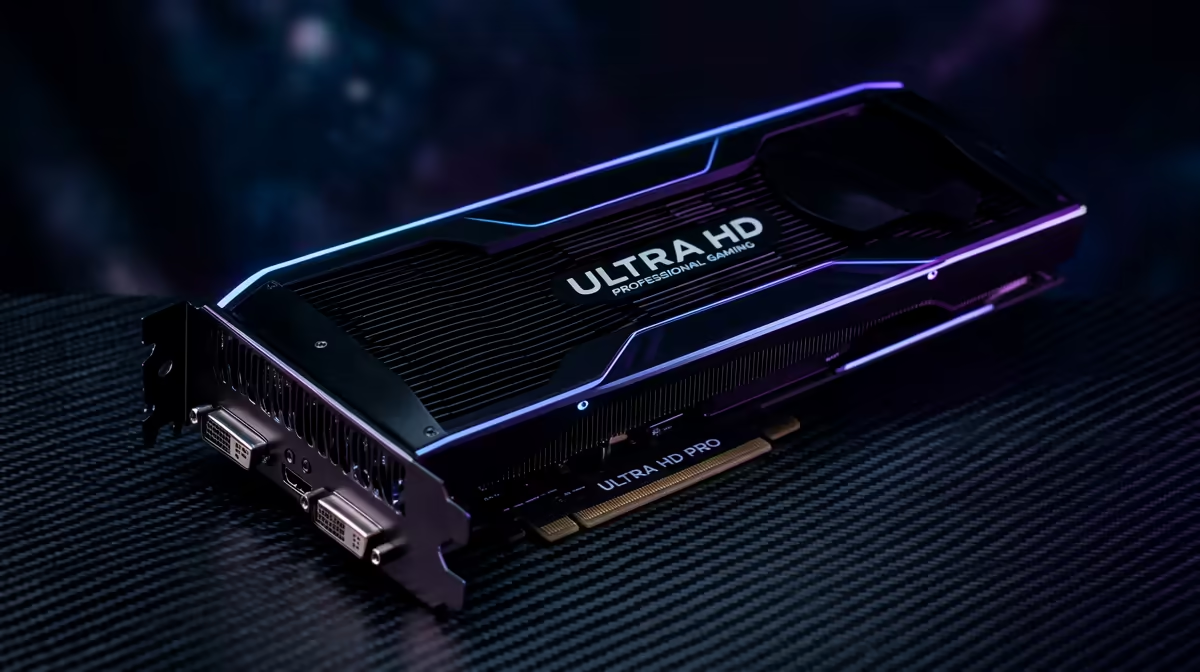
This is the non-negotiable part. DLSS is an NVIDIA technology, so you'll need a GeForce RTX graphics card to use it. This includes any card from the 20-series (like the RTX 2060), 30-series (RTX 3070), or the latest 40-series (RTX 4080). The more powerful the card, the better your results, but even entry-level RTX cards can deliver a fantastic 4K experience with DLSS enabled.
### The Canvas: A Stunning 4K Monitor
You can't experience 4K without a 4K screen. It's the centrepiece of your setup where the magic actually happens. Investing in a quality display ensures you see every pixel that DLSS works so hard to create. Whether you're after a high-refresh-rate speed demon or a panel with incredible colour accuracy, you can find the perfect screen among Evetech's range of 5K and 4K monitors. Don't let your GPU's power go to waste on a 1080p screen!
### The Software: A DLSS-Supported Game
Finally, the game itself must support the technology. Luckily, the list of DLSS-compatible titles is huge and growing every month. Big names like Cyberpunk 2077, Alan Wake 2, Call of Duty: Modern Warfare III, and Hogwarts Legacy all feature robust DLSS support. A quick search online will tell you if your favourite title is on the list.
Optimising Your Setup for Peak Performance
Once you have the hardware, a little tweaking can push your experience from great to absolutely breathtaking. It’s all about finding the right balance for your specific rig. ✨
Start by ensuring you have the latest NVIDIA Game Ready Drivers installed. These updates often include performance optimisations and new profiles for the latest games, which is crucial for achieving the best DLSS performance in SA. Within the game's graphics settings, you'll find the DLSS options. You can typically choose between several modes.
Finding Your DLSS Sweet Spot 🔧
The DLSS settings—Quality, Balanced, Performance, and Ultra Performance—aren't one-size-fits-all. Quality mode offers the best image fidelity with a solid performance boost. Performance mode gives you the highest frame rates, with a slight trade-off in visual clarity. Start with 'Quality' and see how it runs. If you need more frames, switch to 'Balanced'. It's the perfect way to tailor your 4K gaming experience.
A truly immersive setup goes beyond just the screen itself. Consider how a curved gaming monitor can wrap the action around you, pulling you deeper into the game world. And don't forget the little things; the right monitor accessories like a high-quality stand or VESA mount can perfect your viewing angle and desk ergonomics. If you're browsing for an upgrade, it's always worth checking out the best PC monitor deals to snag a bargain.
The Future is AI-Powered and Crystal Clear
DLSS has fundamentally changed the conversation around PC performance. It allows gamers to get more value and longevity from their hardware, making high-end gaming more accessible. While competitors like AMD's FSR exist, NVIDIA's AI-driven approach with DLSS 3's Frame Generation continues to push the boundaries.
This technology ensures that even as game graphics become more demanding, you won't need to upgrade your GPU every single year. The landscape of PC monitors is constantly evolving, with higher resolutions and refresh rates becoming standard. Even portable monitors are now offering incredible specs, and technologies like DLSS make gaming on them viable. For South African gamers, this means smoother, better-looking, and more future-proof gaming is here to stay.
When looking at the full spectrum of all gaming monitors, it's clear that 4K is the new standard for premium experiences. Thanks to DLSS, it's a standard that's finally within everyone's reach.
Ready to See Every Pixel? DLSS makes high-frame-rate 4K gaming a reality. Stop compromising between performance and visuals. It’s time to pair your RTX rig with a screen that can truly show off its power. Explore our massive range of 4K monitors and find the perfect display to conquer your world.










