


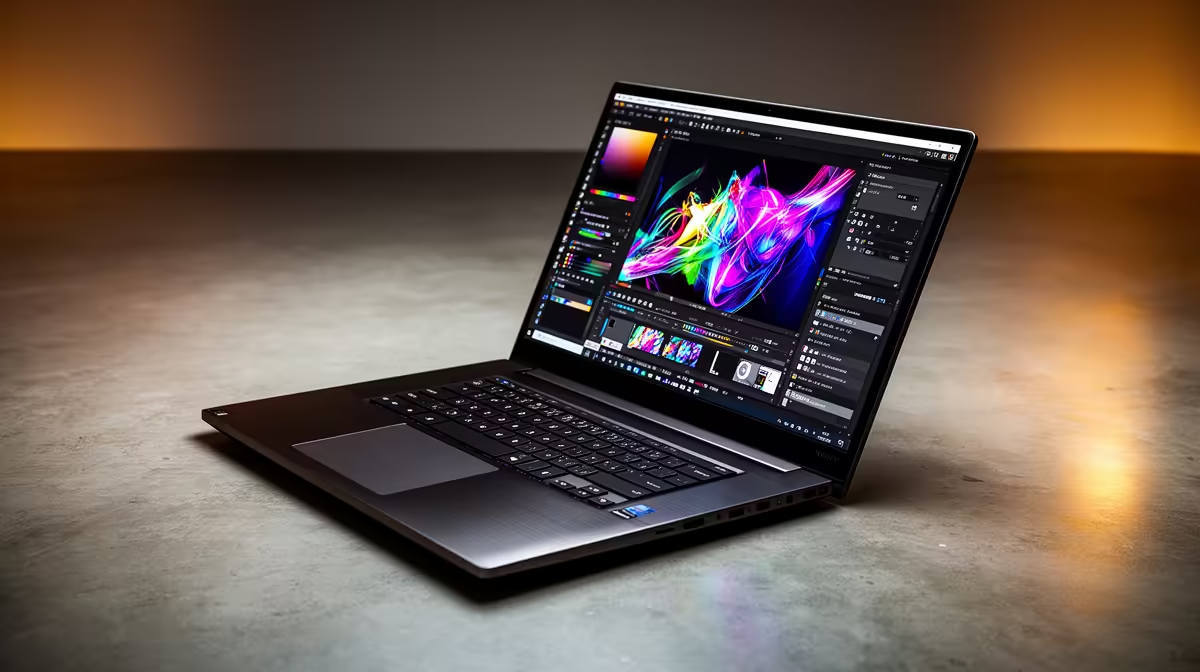
Staring at that dreaded "Scratch Disks Are Full" error in Photoshop again? We've all been there. Your creative flow is pumping, but your laptop is grinding to a halt, turning a simple brush stroke into a coffee break. For South African designers, choosing the right machine isn't just about specs... it's about investing in frustration-free creativity. The secret weapon? Understanding exactly how much RAM your graphic design laptop truly needs. Let's dive in.
Why RAM is Your Creative Engine 🚀
Think of RAM (Random Access Memory) as your digital workspace. It's the super-fast, temporary memory your laptop uses to handle all the apps and files you have open right now. The more complex your design—more layers in Photoshop, more artboards in Illustrator, more browser tabs with inspiration—the more "desk space" you need.
When you run out of RAM, your laptop starts using your slower storage drive (SSD or HDD) as a temporary workspace. This process, called "swapping," is what causes that frustrating lag. For graphic design, sufficient RAM is non-negotiable for a smooth workflow.
Breaking Down RAM Requirements for Design
So, how much RAM for a graphic design laptop is the magic number? It depends entirely on your workload. Let's break it down into practical tiers.
8GB RAM: The Starting Block
An 8GB laptop is the absolute minimum for graphic design. It's suitable for students, hobbyists, or professionals focusing on simpler tasks like web graphics, UI mockups, or basic vector illustrations. You'll be able to run one design application comfortably, but multitasking with other heavy programs will lead to slowdowns.
16GB RAM: The Industry Sweet Spot ✨
This is the gold standard for most professional designers in 2024. With 16GB, you can comfortably run multiple Adobe Creative Cloud apps simultaneously. Editing high-resolution photos in Photoshop while laying out a brochure in InDesign and referencing assets in Bridge becomes a breeze. For the best value and performance, pairing 16GB of RAM with a powerful processor is key. Many modern AMD laptops on special offer this perfect balance for creative professionals.
32GB RAM: The Power User's Paradise
Are you working with massive print files, complex 4K video timelines, or delving into 3D modelling with Blender? Then 32GB is your target. This amount of RAM ensures you can handle enormous files without a hiccup and multitask like a champion. High-performance machines, often found in our selection of the best gaming laptop deals, frequently come equipped with 32GB of RAM and dedicated graphics cards, making them incredible tools for demanding creative work.
64GB+ RAM: The Specialist's Domain
If you're a specialist in high-poly 3D rendering, complex architectural visualisation, or heavy VFX compositing, then 64GB or even more might be necessary. This is a niche requirement, and if you need it, you probably already know it!
Check Your RAM Usage 🔧
Wondering if you need an upgrade? On Windows, press Ctrl + Shift + Esc to open Task Manager. Click the "Performance" tab and then "Memory." While running your typical design software, if your memory usage is consistently hitting 90% or more, it's a clear sign that more RAM would significantly improve your workflow.
Beyond the Gigabytes: What Else Matters?
While the amount of RAM is crucial, it's just one part of the performance puzzle. For a truly responsive graphic design laptop, you also need:
- A Powerful CPU: The processor is the "brain" of your laptop. A modern multi-core CPU is essential for handling complex filters and effects. Check out our range of cutting-edge Intel laptops on special that deliver incredible processing power.
- A Fast SSD: A Solid-State Drive (SSD) dramatically speeds up loading times for your OS, applications, and large project files. An NVMe SSD is the current top standard.
- A Dedicated GPU: While not as critical as for gaming, a dedicated graphics card (GPU) from NVIDIA or AMD accelerates visual tasks in many design apps, especially those involving 3D or video.
Finding Your Perfect Design Laptop in SA
Choosing the right amount of RAM for a graphic design laptop doesn't have to be complicated. For most South African creatives, 16GB is the perfect sweet spot, offering a fantastic blend of performance and value. If your budget allows and your work is demanding, jumping to 32GB will provide a noticeable boost and future-proof your investment.
Ultimately, a well-balanced machine is your best bet. By matching the right amount of RAM with a capable processor and a speedy SSD, you create a powerful tool that lets you focus on what you do best: creating. You can find a huge variety of configurations in our complete list of laptop specials for sale in South Africa.
Ready to Find Your Perfect Match? Choosing the right specs is key to unlocking your creative potential. For the best performance, choice, and value in South Africa, a well-configured laptop is unbeatable. Explore our massive range of laptop specials and find the perfect machine to bring your visions to life.










