


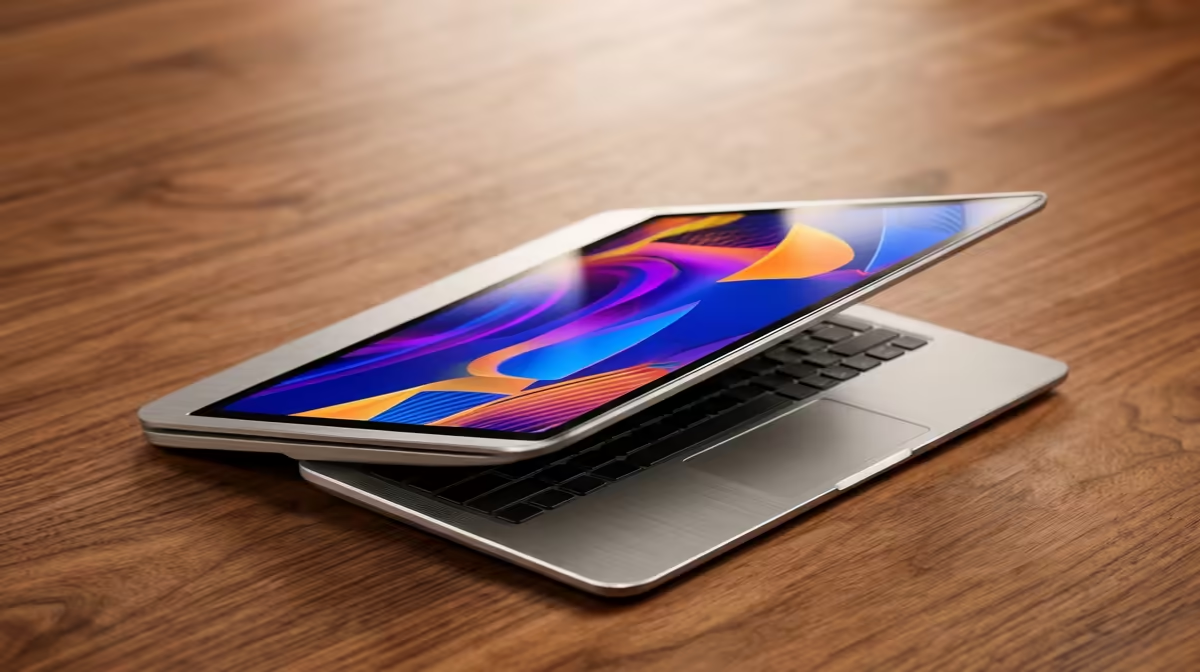
Is your once-zippy lightweight laptop now taking its sweet time? You're not alone. In South Africa, we rely on these portable powerhouses for everything from varsity assignments to late-night gaming sessions. But when boot times stretch and apps start to crawl, it’s frustrating. Before you think about a costly replacement, here’s our guide on how to make your lightweight laptop faster, packed with simple fixes you can try today. Let's get that speed back! 🚀
First, Tidy Up Your Digital Workspace
Before diving into hardware, the quickest wins for making your laptop faster are often software-based. Think of it as a digital declutter. A clean system is a fast system, and these steps don't cost a Rand.
Cull Unnecessary Startup Programs
Many applications love to launch themselves the moment you turn on your laptop, quietly eating up memory and CPU cycles.
- Press
Ctrl + Shift + Escto open the Task Manager. - Click on the "Startup" tab.
- Look at the "Startup impact" column.
- Right-click and "Disable" any non-essential apps you don't need running immediately (like Spotify, Discord, or game launchers). You can always open them manually later.
Declutter Your Storage Drive
A nearly full Solid State Drive (SSD) or Hard Disk Drive (HDD) can seriously slow your system down. Windows needs a bit of free space to breathe and perform tasks efficiently. Start by uninstalling programs you no longer use, then run the built-in Disk Cleanup tool to get rid of temporary files and other digital junk.
Storage Pro Tip ⚡
Use a tool like WinDirStat or TreeSize Free to get a visual map of what's taking up space on your drive. You might be surprised to find old game installations or massive video files you completely forgot about. Clearing just a few of these can make a huge difference to your laptop's performance.
Optimise Your Power and Performance Settings
Windows often tries to balance performance with battery life, sometimes leaning too heavily on the side of conservation. A few tweaks here can unlock your laptop’s true potential, giving you a noticeable speed boost.
Make sure your graphics drivers are up to date, especially if you enjoy a bit of gaming. Both NVIDIA and AMD release regular updates that optimise performance for the latest titles. Also, check your Windows Power Plan. Go to Control Panel > Power Options and select "High performance". This tells your laptop to prioritise speed over saving battery... just remember to plug it in! This simple change can make a huge difference, whether you're using one of the latest AMD laptops on special or a slightly older model.
Consider Smart Hardware Upgrades
If software tweaks aren't enough, a hardware upgrade might be the answer. While many modern ultra-thin laptops have soldered components, some still allow for key upgrades that offer the best bang-for-your-buck performance increase. 🔧
The two most effective upgrades are RAM and storage. Bumping your RAM from 8GB to 16GB can make multitasking feel incredibly smooth. But the single best way to speed up an older lightweight laptop is switching from a mechanical hard drive (HDD) to a Solid State Drive (SSD). The difference in boot times and application loading is night and day. These upgrades are effective across the board, from budget-friendly devices to high-end Intel laptops on special.
When Is It Time for a New Machine?
You’ve optimised, cleaned, and tweaked, but your laptop still feels like it’s stuck in molasses. Sometimes, a machine has simply reached the end of its useful life. If your laptop can't run the latest OS updates, the battery dies in under an hour, or a necessary repair costs more than half the price of a new device, it’s probably time to upgrade. Modern laptops offer huge leaps in efficiency, battery life, and raw power that no tune-up can match.
For many South Africans, investing in a new machine is a big decision, but it can save you hours of frustration and boost your productivity. When you're ready, it's worth checking out the latest laptop specials for sale in South Africa to see just how much performance you can get for your money today. ✨
Ready for a Real Speed Boost? While these tips can breathe new life into your machine, sometimes the best upgrade is a fresh start. If you're tired of lag, explore our massive range of laptop specials and find a modern, lightweight powerhouse built to keep up with you.









