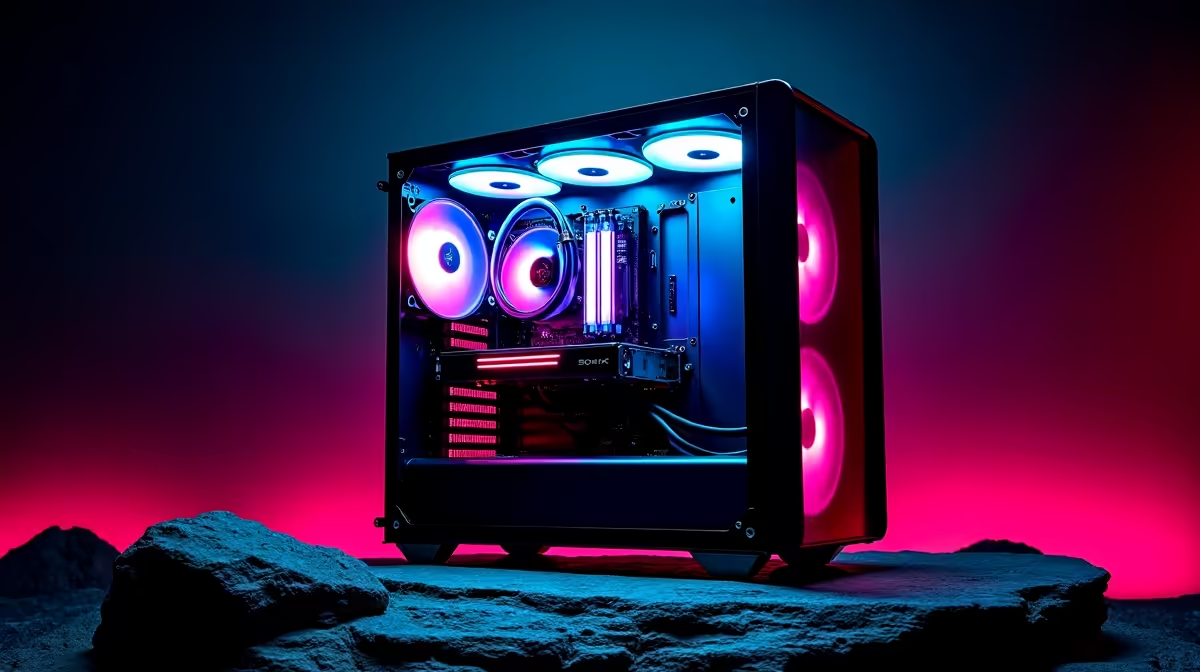
So, you've got your gaming rig, maybe around the R10,000 mark, and it’s running sweet. But that little voice in your head is whispering… “more power.” Before you start pricing new components, what if you could squeeze extra performance out of the hardware you already own? Welcome to the world of overclocking. For South African gamers, this is the ultimate guide to unlocking free performance without melting your machine. Let's get into it. 🚀
What is Overclocking, Really?
At its core, overclocking is the process of manually increasing the clock speed of your components—primarily your CPU and GPU—beyond their factory-set limits. Think of it as tuning a car engine. The manufacturer sets a safe, reliable speed, but with careful adjustments, you can push it to perform faster. The reward? Higher frame rates and a smoother, more responsive gaming experience. This process is the heart of overclocking a gaming PC in South Africa for enthusiasts on a budget.
The R10,000 Overclocking Reality Check
Pushing your hardware sounds great, but it’s not a magic bullet, especially on a budget. To successfully overclock, you need three key things: an unlocked CPU (like Intel’s ‘K’ series or most AMD Ryzen chips), a motherboard with a capable chipset (e.g., Z-series for Intel, B- or X-series for AMD), and most importantly… excellent cooling. 🔧
Your standard cooler might not handle the extra heat. This is a crucial factor to consider with many budget gaming PCs, which are perfectly optimised for stock performance but may need a cooling upgrade for serious overclocking.
Keep a Cool Head ❄️
Always monitor your temperatures. Free tools like HWMonitor or MSI Afterburner are essential. Your CPU shouldn't consistently run above 85-90°C during a stress test. If it gets too hot, your PC will throttle (slow down) to protect itself, defeating the whole purpose of overclocking. Good airflow is non-negotiable!
A Safe Approach to Overclocking Your Gaming PC
Forget jumping into your BIOS and cranking every setting to max. A smart overclock is a gradual and stable one. Here’s the safe way to approach it.
Step 1: Establish a Baseline
Before you change anything, run a benchmark test like Cinebench (for CPU) or 3DMark (for GPU) to see how your PC performs at stock speeds. This gives you a clear measure of your success later on.
Step 2: Small, Incremental Changes
Enter your motherboard’s BIOS/UEFI. Find the CPU multiplier or core ratio and increase it by a tiny amount (e.g., from 40x to 41x for a 4.1GHz clock speed). Don’t touch the voltage yet. Save, reboot, and see if your system is stable.
Step 3: Stress Test Everything
Once back in Windows, run a stability test for at least 30 minutes. If your system is stable and temperatures are safe, you can repeat the process. If it crashes, you may need to slightly increase the voltage or go back to the last stable setting. The goal is finding the perfect balance. For many, grabbing one of the best gaming PC deals is a simpler path to guaranteed performance.
When to Upgrade Instead of Overclock
Overclocking is fantastic for getting a 5-15% performance boost. However, it won't turn a budget processor into a high-end monster. If you're hitting the limits of your hardware and an overclock isn't giving you the frames you need, it might be time to look at an upgrade.
The stability and warranty that come with a new machine are often worth the investment. Instead of risking instability, exploring expertly built pre-built PC deals offers a hassle-free solution. For a noticeable leap in power, a PC under R20k can provide a massive jump in gaming potential, while the performance from rigs above R20k is in another league entirely. ✨
Ready to Unleash Maximum Performance?
Tweaking your PC is a rewarding journey, but sometimes the best upgrade is a new machine built for modern gaming. For guaranteed power, stability, and a full warranty, nothing beats a professionally assembled rig. Explore our massive range of gaming PC deals and find the perfect build to dominate your favourite games.