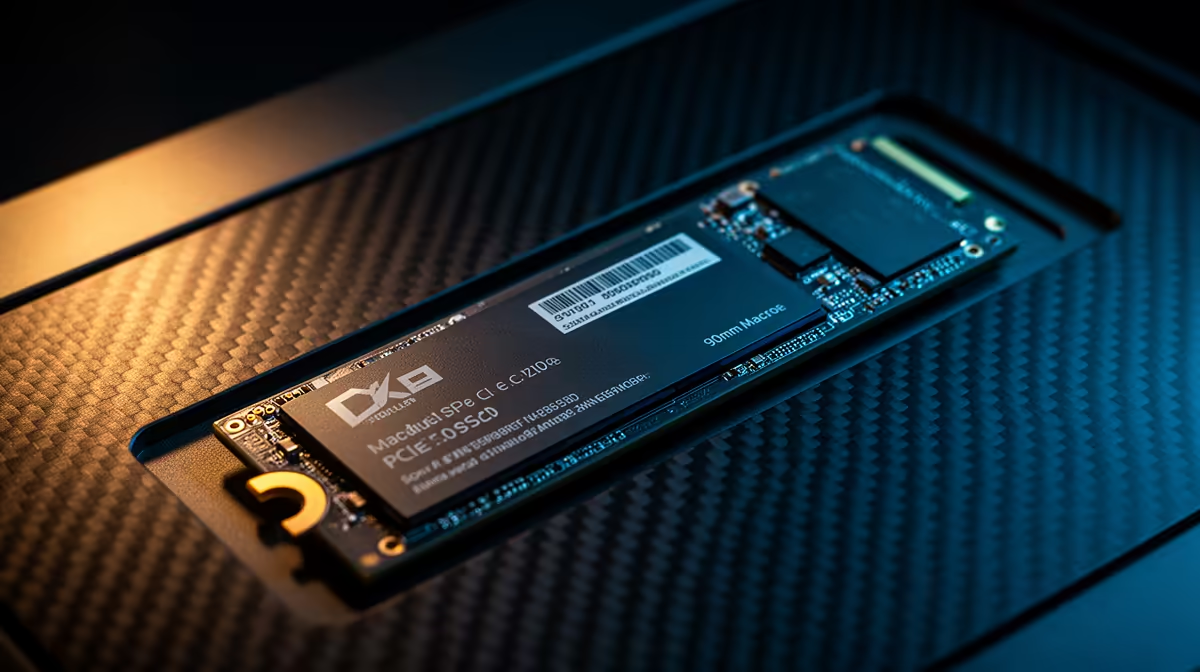
Tired of staring at loading screens while your mates are already dropping into the action? We've all been there. While Gen 4 SSDs made us feel like kings, the next evolution is here. A PCIe 5.0 SSD for gaming isn't just an incremental step; it's a quantum leap in speed that promises to eliminate load times entirely. But is this ultimate performance upgrade right for your South African rig right now? Let's find out. 🚀
What Makes a PCIe 5.0 SSD for Gaming So Fast?
Think of PCIe lanes as lanes on a highway. PCIe 3.0 was a decent road. PCIe 4.0 doubled the lanes, allowing for much faster traffic. Now, PCIe 5.0 has doubled them again. This massive bandwidth increase allows data to move at breathtaking speeds, often exceeding 10,000 MB/s.
For gamers, this means more than just faster Windows startup. It means game levels loading in the blink of an eye, textures streaming in seamlessly without pop-in, and a system that feels incredibly responsive. While the world of modern NVMe SSDs can be confusing, the key takeaway is simple: Gen 5 is the new speed king.
Is a Gen 5 SSD Worth It for Your Rig Right Now?
This is the big question for most gamers in South Africa. The answer depends on your budget and your desire to be on the bleeding edge of technology.
The Case for Upgrading
A PCIe 5.0 SSD for gaming is the definition of future-proofing. As games become more complex, technologies like Microsoft's DirectStorage will leverage these incredible speeds to change how games are designed, allowing for vast, detailed worlds with zero loading screens. Getting a Gen 5 drive now means your PC will be ready for the next generation of PC gaming. If you're building a top-tier machine and want zero compromises, this is the ultimate performance upgrade. For those who demand the absolute pinnacle of performance, you can explore the latest Gen 5 NVMe SSDs right here.
The Reality Check ✨
Let's be honest... the price jump to Gen 5 is significant. For many, a top-tier Gen 4 NVMe SSD still offers phenomenal performance for its price, delivering a fantastic gaming experience that's already miles ahead of older SATA SSDs. DirectStorage adoption is still in its early days, so you might not see the full benefit of a Gen 5 drive in most current titles.
Getting Your PC Ready for the Ultimate Performance Upgrade
You can't just plug a Gen 5 SSD into any old motherboard and expect maximum speed. To unleash its full potential, you need a compatible ecosystem. 🔧
This means you'll need:
- A Modern Motherboard: Look for Intel Z790 / B760 or AMD X670 / B650 series motherboards that explicitly state support for PCIe 5.0 M.2 slots.
- A Compatible CPU: You'll need a recent CPU like an Intel 13th/14th Gen or an AMD Ryzen 7000 series processor to provide the necessary PCIe 5.0 lanes.
- Proper Cooling: These drives run hot! Many come with their own beefy heatsinks, and some motherboards have built-in M.2 cooling solutions. Good airflow in your case is essential to prevent thermal throttling.
Keep an eye on Evetech's best SSD deals to snag a great price, whether you're going for Gen 4 value or Gen 5 supremacy.
Check Your M.2 Slot! ⚡
Before you buy, check your motherboard's manual or product page. Not all M.2 slots are created equal! Your board might have multiple slots, but only the one connected directly to the CPU will likely be PCIe 5.0 compatible. Using the wrong slot could cap your brand-new Gen 5 drive at Gen 4 speeds.
Ready to Find Your Perfect Match?
Whether you're future-proofing with the fastest drive on the market or grabbing a high-performance deal, the right SSD makes all the difference. Explore our massive range of SSDs and find the perfect drive to slash your load times.