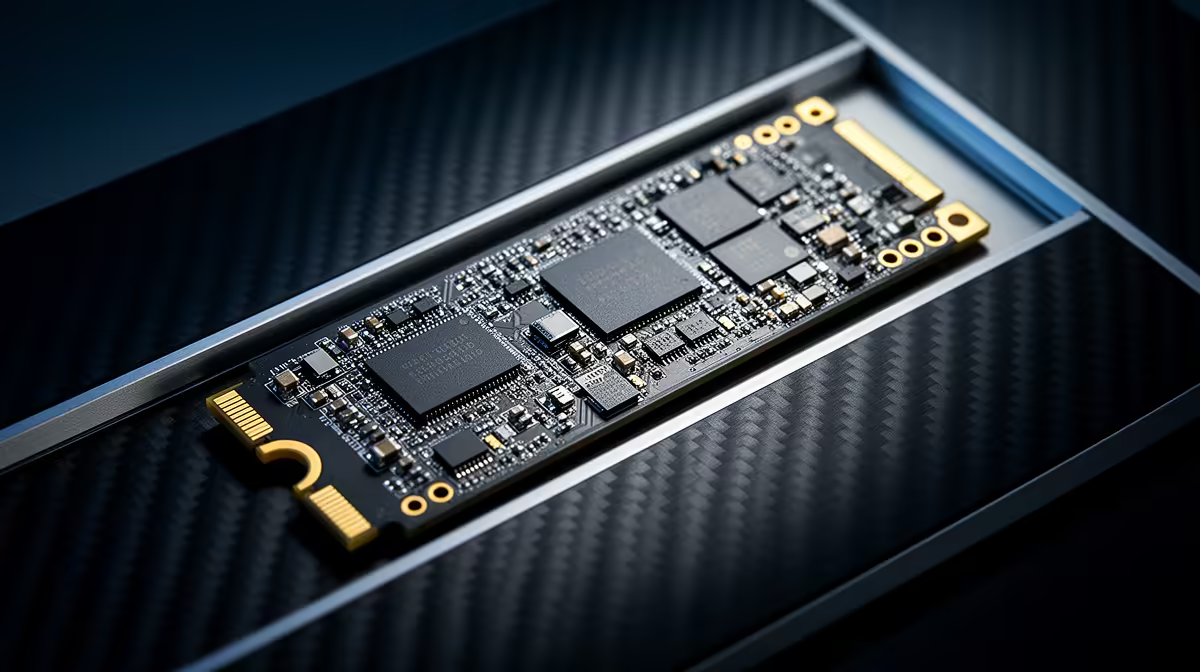
You’ve just dropped some serious ZAR on a blazing-fast PCIe 5.0 SSD. You’re dreaming of instant game loads and file transfers that finish before you can blink. But after plugging it in… the magic isn’t quite there. What gives? Simply installing these next-gen drives isn't enough. To unlock their true, face-melting potential, you need to perform some critical PCIe 5.0 SSD optimization. Let's tune up your rig and get the speed you paid for. 🚀
Why Your New Gen 5 Drive Isn't Hitting Max Speed
It's a common story: you install a drive rated for 12,000MB/s, but benchmarks show you're getting a fraction of that. The culprit is usually a bottleneck somewhere else in your system. Unlike older hardware, these new drives are so fast they can easily be held back by your motherboard, CPU, or even simple software settings. Think of it like putting a V8 engine in a city car… you have the power, but the chassis can't handle it.
To get what you paid for, every part of the chain has to be ready for Gen 5 speeds. This applies to all modern NVMe SSDs, but it's especially true for the latest generation.
Your Step-by-Step PCIe 5.0 SSD Optimization Guide
Ready to get your hands dirty? Follow this checklist to systematically eliminate bottlenecks and unleash your drive's full power. It's easier than you think.
1. The Foundation: Motherboard & CPU Check 🔧
This is non-negotiable. For PCIe 5.0 speeds, you need a compatible platform.
- Motherboard: You'll need a modern motherboard with a dedicated PCIe 5.0 M.2 slot. For Intel, this means a Z790 or newer chipset. For AMD, you're looking at an X670E or B650E board.
- CPU: The CPU provides the PCIe lanes that connect directly to your components. You'll need an Intel 12th Gen or newer, or an AMD Ryzen 7000 series or newer CPU.
Always install your primary Gen 5 SSD in the M.2 slot that connects directly to the CPU, not the one that goes through the chipset. Check your motherboard manual to find the right one!
2. Get Your Software in Order: BIOS & Drivers
Outdated software is a classic performance killer. Before you do anything else, head to your motherboard manufacturer’s website and grab the latest updates.
- Update your BIOS/UEFI: These updates often include crucial stability and performance improvements for new hardware.
- Install the latest chipset drivers: These drivers from Intel or AMD are vital for managing data flow across your motherboard.
Benchmark Before & After ⚡
Download a free tool like CrystalDiskMark. Run a benchmark before you start tweaking to get a baseline speed. After you've followed these optimization steps, run it again. Seeing that sequential read speed jump from 8,000MB s to over 12,000MB s is the ultimate reward for your efforts and confirms everything is working perfectly.
3. Don't Get Throttled: Heatsinks are Essential
PCIe 5.0 SSDs generate a serious amount of heat. Without proper cooling, they will "thermal throttle"—drastically slowing down to protect themselves from damage. Your motherboard likely came with a chunky M.2 heatsink for a reason. Use it! If your drive came with its own, use the one that looks more substantial. A well-cooled drive is a fast drive. This is a key consideration when browsing the latest Gen 5 NVMe SSDs, as many include impressive cooling solutions out of the box.
4. Tweak the BIOS for Peak Performance
Finally, dive into your PC's BIOS (usually by pressing DEL or F2 during startup). Look for settings related to "PCIe Configuration" or "Onboard Devices". You need to ensure the M.2 slot your SSD is in is manually set to "Gen 5" mode. Sometimes, the "Auto" setting doesn't correctly detect the drive's full capability. Forcing it to Gen 5 ensures the motherboard allocates the maximum possible bandwidth.
Gen 5 vs. Gen 4: Is the Extra Speed Worth It Right Now? ✨
So, after all this tuning, is a Gen 5 drive the right choice for every South African gamer? Honestly, not yet for everyone. While the raw speed is incredible for content creators and professionals moving massive files, the real-world difference in game loading times over a high-end Gen 4 drive can be minimal.
For many builders, premium Gen 4 NVMe SSDs still represent the sweet spot of price and performance. They are incredibly fast, require less cooling, and are compatible with a wider range of systems. If you're looking for maximum bang for your buck, it's always worth checking out the best SSD deals to see where the value lies. But if you demand the absolute fastest hardware on the planet... Gen 5 is the only way to fly.
Ready to Unleash True Speed?
Whether you're chasing world-record load times with Gen 5 or seeking the unbeatable value of Gen 4, the right drive is waiting. Explore our massive range of Solid State Drives and find the perfect upgrade for your rig today.